Mention the online apps available as part of Google Workspace, and most people will immediately think of Google Drive, Gmail, Google Docs, Google Sheets, and Google Slides—those speedy, lightweight office apps that let you get work done from any browser tab.
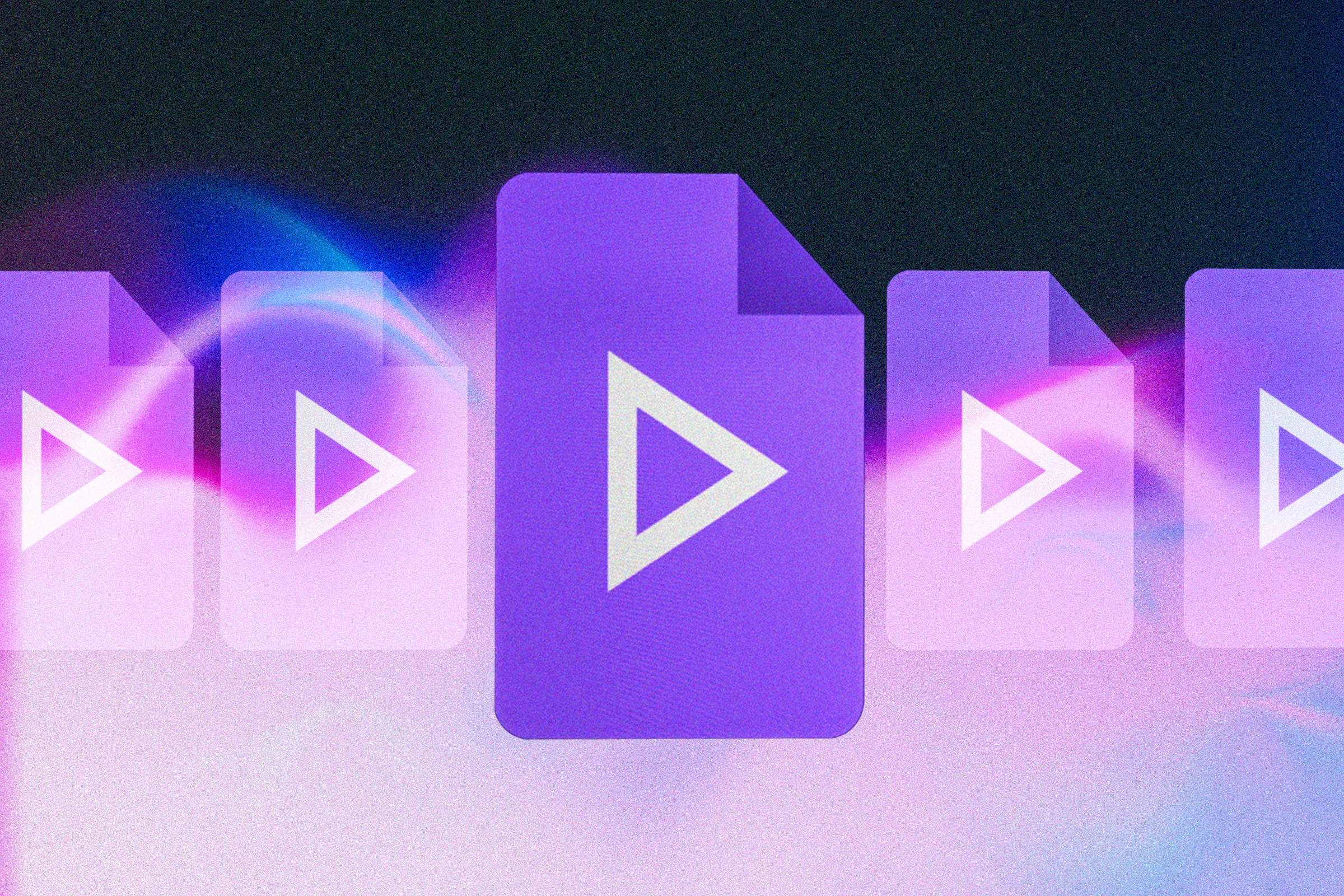
There's more to the suite of Google Workspace tools than you might have realized though, including an online video editing package called Google Vids. Originally launched in 2024 for business and enterprise users, the app was made available to individuals in 2026 and continues to get regular updates from Google.
Since it's both free to use and designed to run in a web browser, it's not capable of pro-level, high-resolution, multitrack video editing. But for personal and hobbyist use, it works well, and it won't take you long to learn the basics.
Finding Google Vids isn't difficult: You can either open Google Drive on the web, then click New and Google Vids, or head straight to the Google Vids app page and click the + (plus) button under Start a new video. (Any videos you've previously made are shown here, too.)
1 model, turn a slideshow into a video, work from a template, upload an existing video as a starting point, create an AI music track, record a video using your camera, produce a video with an AI avatar, or create a storyboard outline. Note you can also pick the video orientation at the top.
Source link