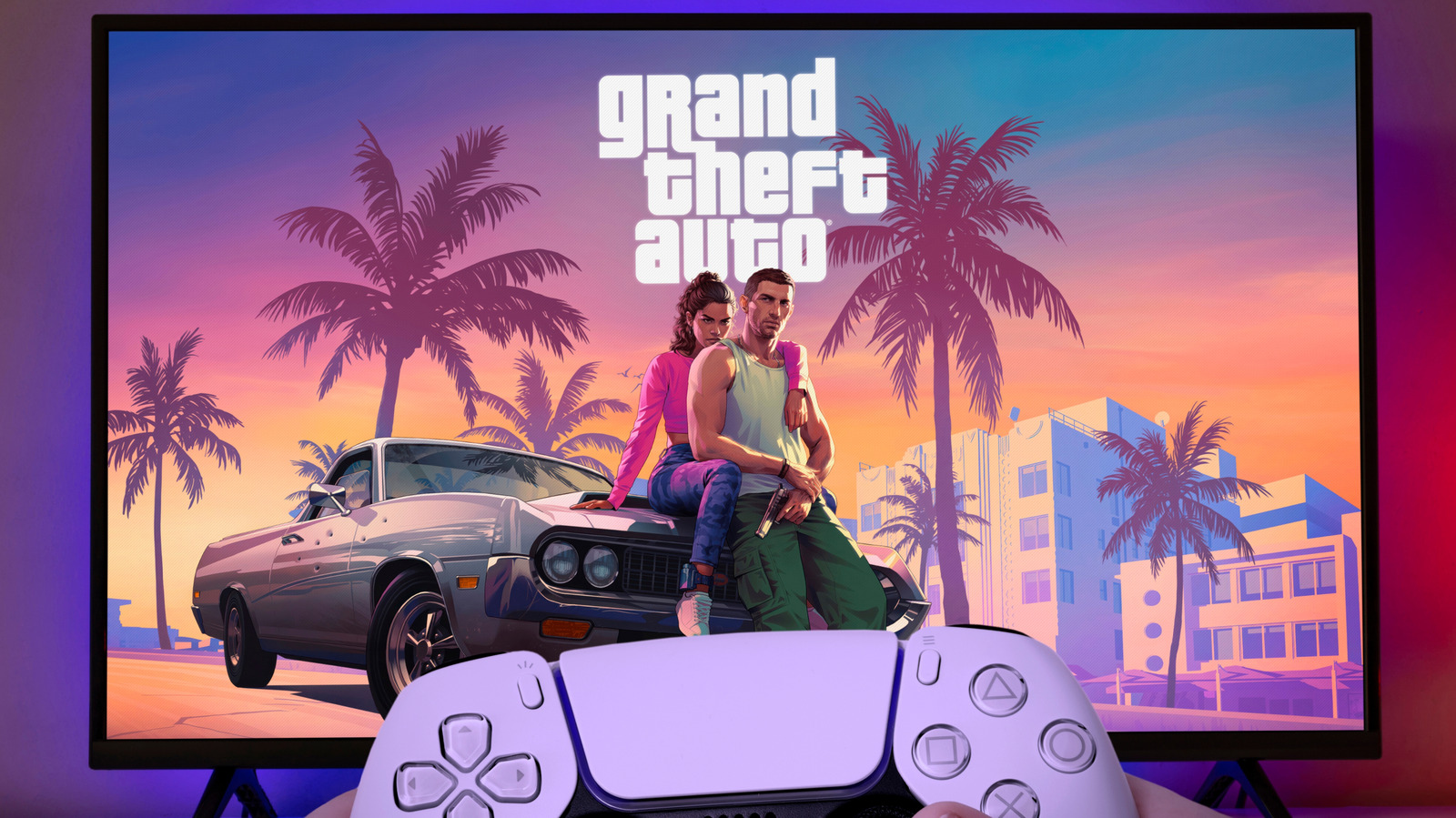
After more than 13 long years, the wait is nearly over: Grand Theft Auto VI is almost here. Judging by the trailers, photos and Rockstar's past catalog, this game is set to be one of the most demanding and best-looking GTA iterations ever made. Much like the previous game in the series, which came out at the tail end of the PlayStation 3's lifecycle, GTA 6 is expected to demand every bit of juice your console can provide, even if you own a PlayStation 5 Pro.
If you're planning to jump into the world of Leonida and start a second life as a criminal, now is a good time to head into the PlayStation 5's menus and change a few settings that will enable the game to look as good as it possibly can.
VRR, or variable refresh rate, lets your TV change its refresh rate on the fly to match the frames your PlayStation 5 is actually producing. In a game as big as GTA 6, that matters because frame rates rarely stay flat. When the game dips during a busy chase or on a crowded street, a fixed-rate display shows torn frames or stutter; with VRR, the screen follows the console and motion looks smoother. 1. To switch it on, go to Settings > Screen and Video > Video Output > VRR . In the same menu, turn on Apply to Unsupported Games , which Sony says can stabilize the frame rate in games that don't support VRR natively.
Source link