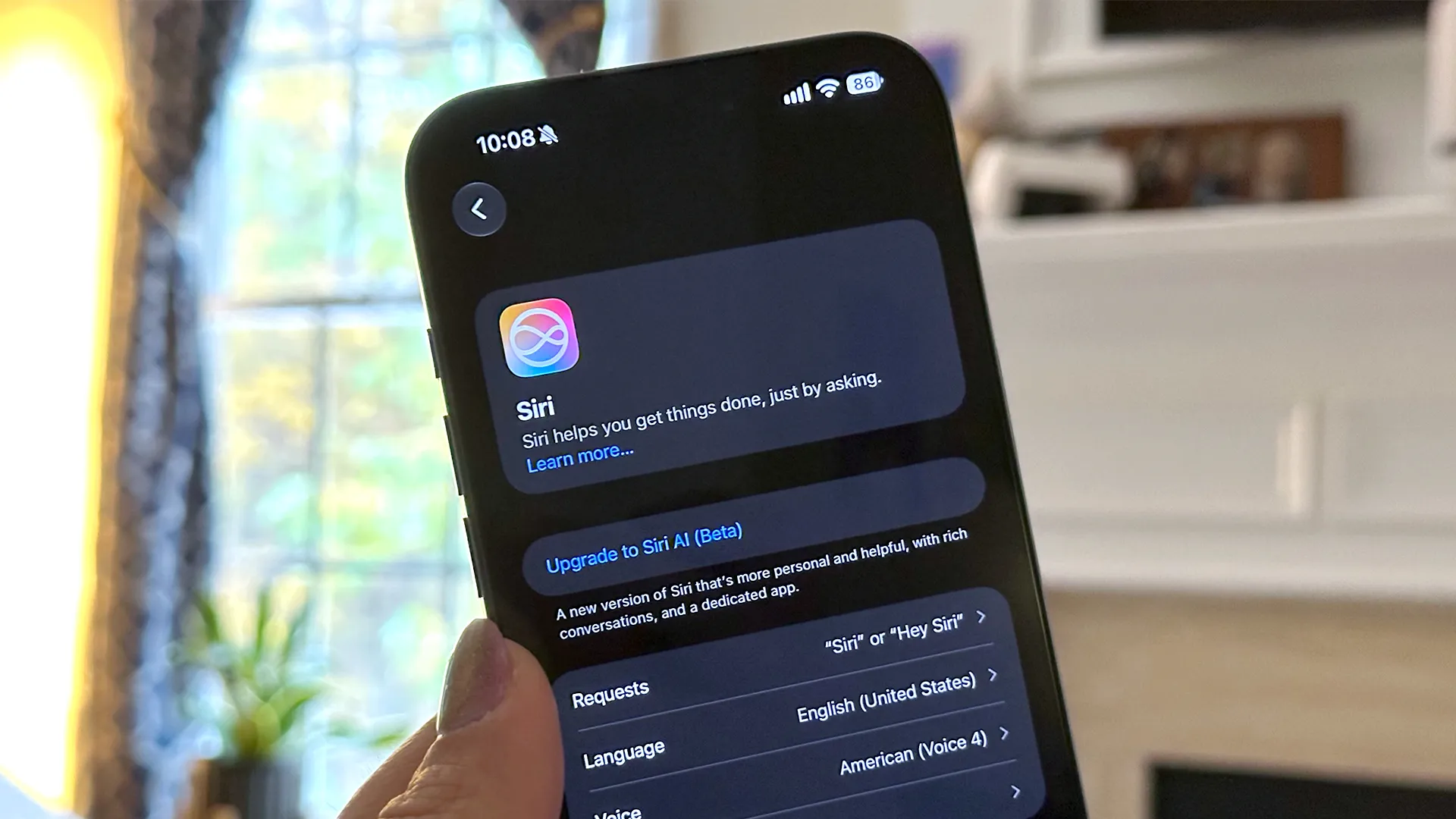
The wait is over for trying Siri AI on iOS 27. Here's what you need to know to get started.
Enabling Siri AI, Apple’s new generative AI-powered virtual assistant, on a compatible Apple device running iOS 27 used to prompt a message informing the user that the device would be added to a waitlist with varying wait times. Now, you can download Siri AI automatically as soon as you enable it on your compatible iPhone, Mac, or iPad. The one exception is that, if there is unusually high demand, Apple could temporarily reinstate its waitlist.
You’ll need a compatible device that runs Apple Intelligence, like an iPhone (15 Pro or newer), iPad (Mini A17 Pro or newer or an M-series chip), Mac (MacBook Neo or M-series chip), Apple Watch (Series 9 and Ultra 2 or newer), or Apple Vision Pro.
Instead of adding you to a waitlist, Siri AI will begin downloading right away.
Siri AI is Apple’s upgraded virtual assistant, now powered by generative AI. Instead of giving you canned responses to your questions, Siri AI will be able to answer complex questions, understand more natural-sounding phrases, and maintain context throughout conversations and across your Apple ecosystem.
ZDNET’s Lance Whitney recommends using Siri AI’s onscreen awareness feature to ask it for directions, explain something you see on your phone’s screen, or to add items from your screen to a list. He also uses Siri AI to edit his photos simply by asking for the changes he wants. But that’s just skimming the surface.
Source link