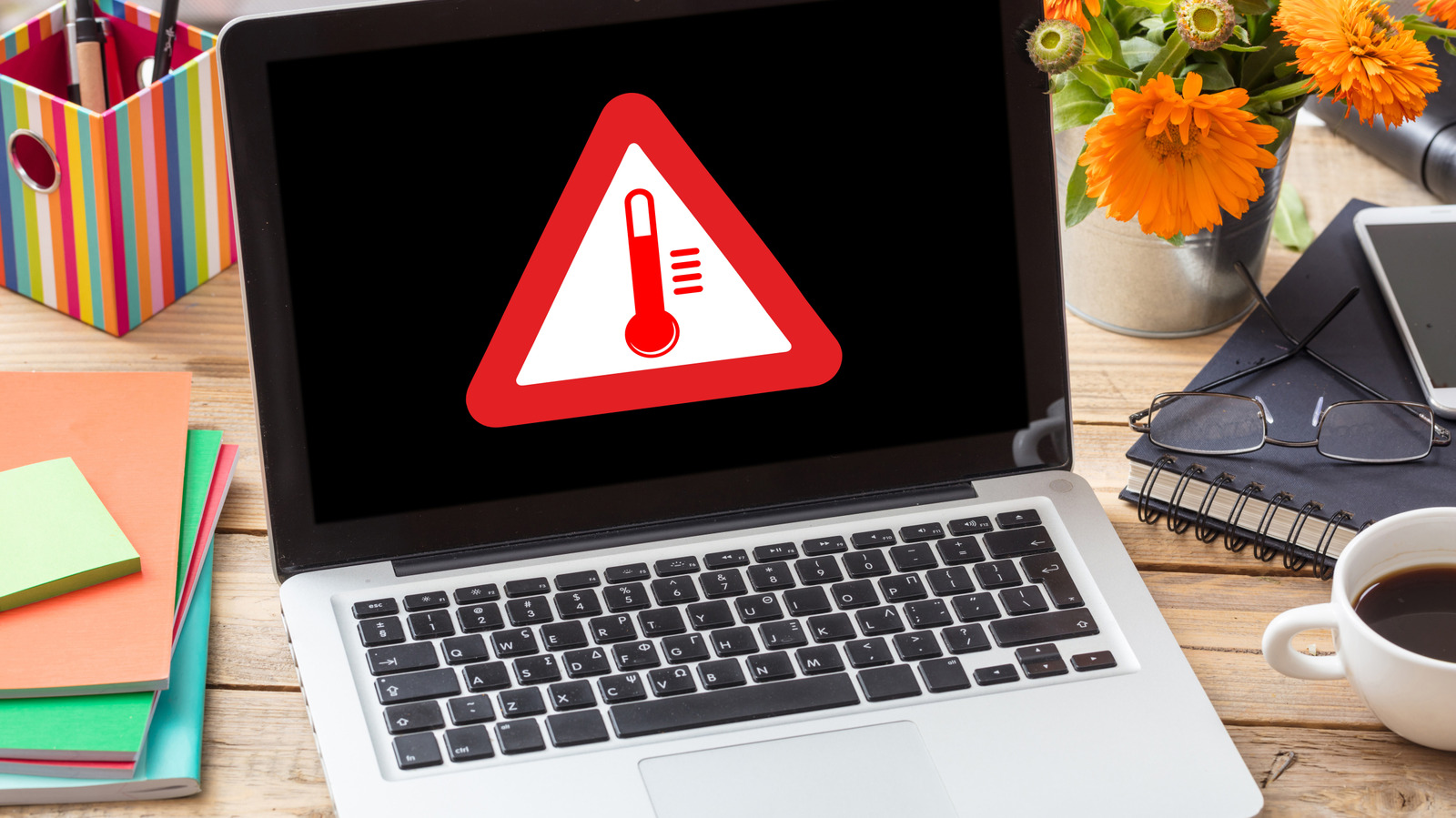
Laptops can sometimes run hot, but there are ways to keep them cool.
It's not uncommon to notice your laptop suddenly getting hot, especially after long periods of use. The reason? There are many components inside — such as the processor and battery — packed into a relatively thin chassis, and all that heat has to go somewhere. This heat is often completely normal and caused by things like demanding tasks or background tabs. In these cases, the laptop usually returns to its normal state after a while.
However, if the temperatures get considerably hot and cause your laptop to freeze and restart, there may be something wrong. Luckily, there are ways to figure out the main causes and prevent your laptop from getting too hot.
Every component inside your laptop generates heat, and when you're running more demanding workflows, that heat tends to build up quickly. Playing 3D games or editing videos are just a couple examples of workflows that place greater demands on the hardware. But sometimes, even background processes and startup programs can quietly keep the CPU and memory busy, too. Not only that, but ordinary tasks like installing Windows or macOS updates also increase the load on the hardware, leading to high temperatures and causing the fans to spin faster.
The thing is, these are all completely normal situations. When you close these resource-intensive programs, the laptop tends to cool down within a few minutes. Internal sensors monitor the temperature of the laptop's components to determine when to make the fans spin faster or when to turn them off.
Source link