As with most USB colors, it indicates the port’s capabilities. At least it should.
In most cases (not all), a black USB port denotes a USB 2.0 connection, also known as Hi-Speed USB, which supports data transfer rates up to 480 Mbps. However, as our previous articles on orange and purple USB ports noted, this is not an industry standard. It's a common convention, sure, but a black USB 2.0 port on one PC doesn't mean another PC's black USB port is also USB 2.0.
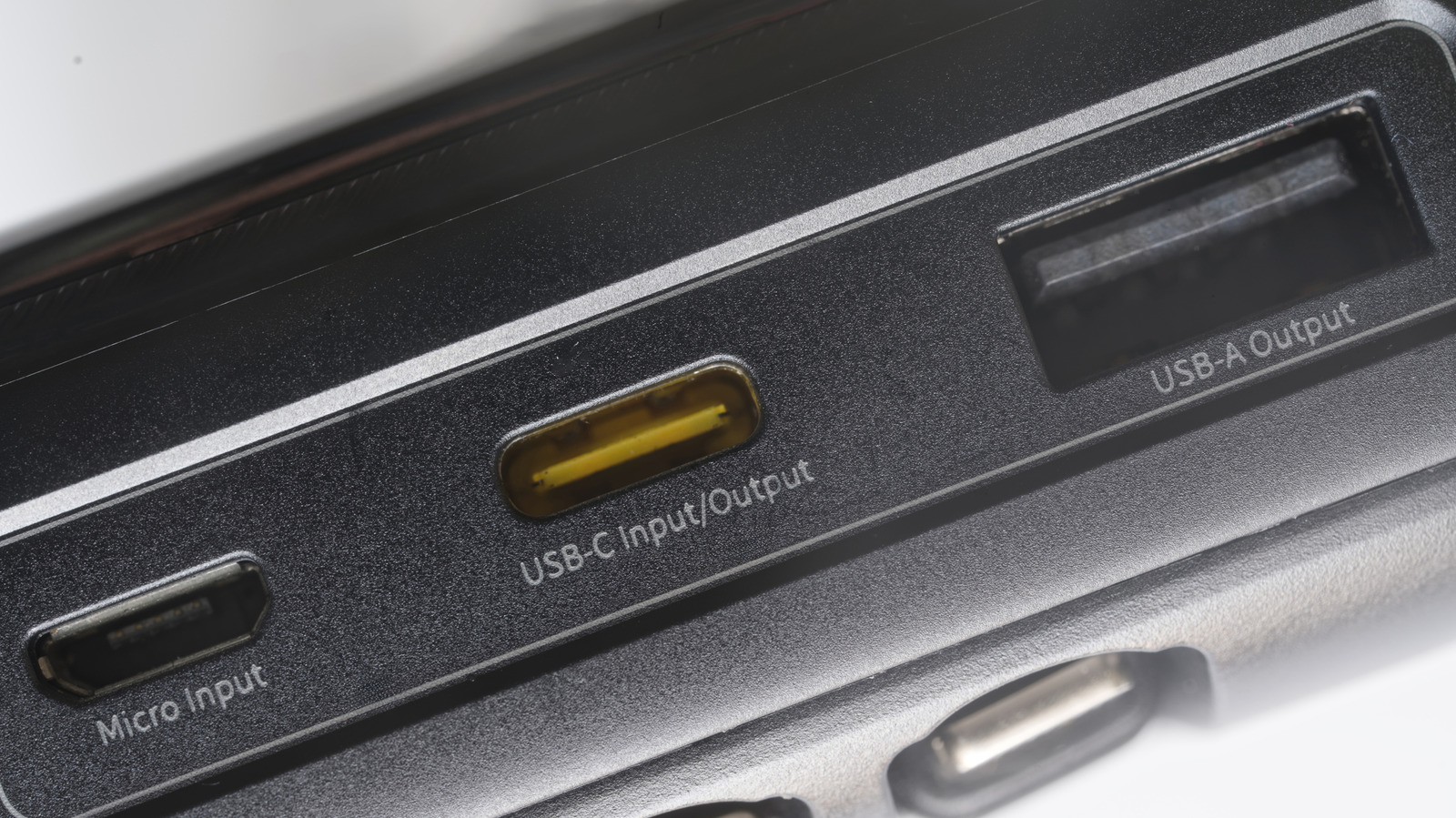
The best way to know for certain is to check the markings beside the port and the manufacturer's documentation. Oftentimes, digging through the manual is the only way, because symbols, icons or letters may not be enough to positively identify a port. Some may not even have any labels at all.
Note that USB-A port colors and their meanings do not transfer over to USB-C. In fact, most USB-C ports don't have any colors at all. If one does, it's likely cosmetic. USB-C ports have a much wider range of capabilities, and color-coding them would likely get confusing.
If you've confirmed that a particular USB-A port is USB 2.0, you're good to use it for everyday accessories. Think basic flash drives, keyboards and mice, wired game controllers, mics, headsets and other similar devices. You generally don't want to waste a much faster port on these accessories.
0 ports fall short is with more demanding peripherals. An external HDD or SSD is a prime example. 0 due to limited transfer rates; don't let the "Hi-Speed" label fool you.
Source link