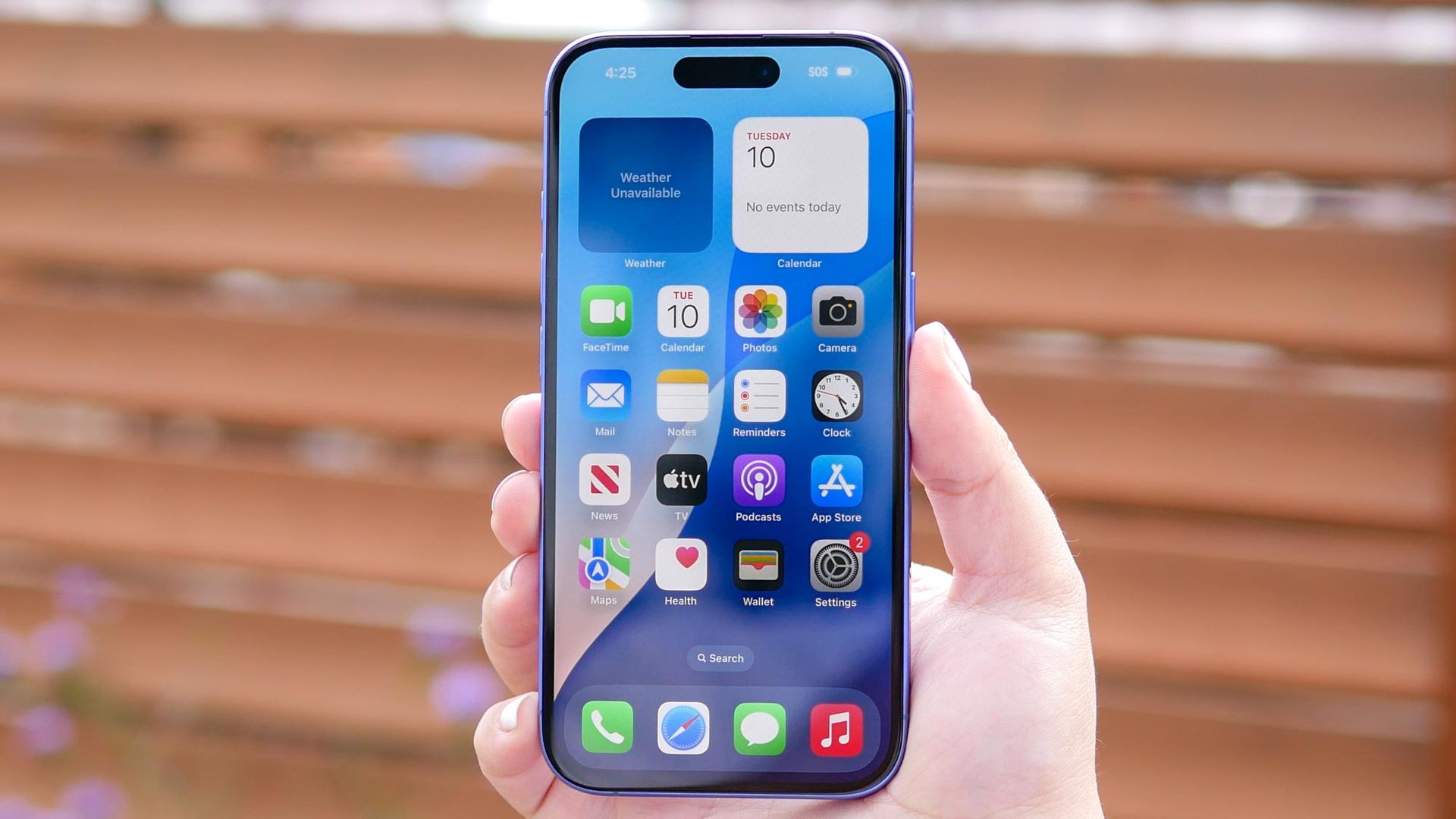
You do it without thinking: swipe up, then flick, flick, flick until every app card is gone. It feels productive, like wiping down a counter, and you’re sure your battery will thank you.
It won’t. Force-closing your apps doesn’t save power. Done constantly, it makes your iPhone work harder and can drain your battery faster. I’ll admit I did this for years. But the habit millions of us swear by is based on a misunderstanding of how iOS actually works.
Here’s what’s really happening when you swipe an app away, and what to do instead if you want your battery to last.
It’s easy to picture your open apps like programs on a laptop: all running at once, all eating power. That’s not how an iPhone works.
When you go home or switch to another app, iOS gives the app a few seconds to finish what it was doing, then suspends it. The app stays in memory, paused where you left it, but it isn’t using the processor. That’s why it reopens instantly.
You don’t need to clear any of this yourself. When your phone needs more memory, iOS closes suspended apps on its own. The App Switcher is really just a list of apps you’ve used recently.
There are exceptions. Apps playing music, giving directions, handling a call or finishing an upload can keep running in the background. Some apps can also wake briefly to refresh their content, which you can switch off — more on that below.
When you swipe an app away, you remove it from memory entirely.
Source link