When power goes out suddenly, your smartphone becomes a vital lifeline for news, weather updates, and reaching loved ones. However, standard background tasks and continuous radio searches rapidly drain limited battery reserves. By executing a few targeted setting changes as soon as the lights go out, you can dramatically extend your device's operational life.
"Many people panic when the power fails, but a few simple changes to your phone settings can make a huge difference," says Marcus Clarke, founder of The Prepared Household. "These aren't just about saving battery; they're about ensuring you can reach emergency services or loved ones when it truly matters."
The single most effective step to extend battery life during a power outage is forcing your device into a low-energy operational state. Standard smartphone operation runs continuous background synchronization, email polling, and visual effects that waste power when idle.
"This is your first port of call," Clarke explains. "It's designed specifically for this purpose, cutting out many of the power-hungry processes you won't need in an emergency."
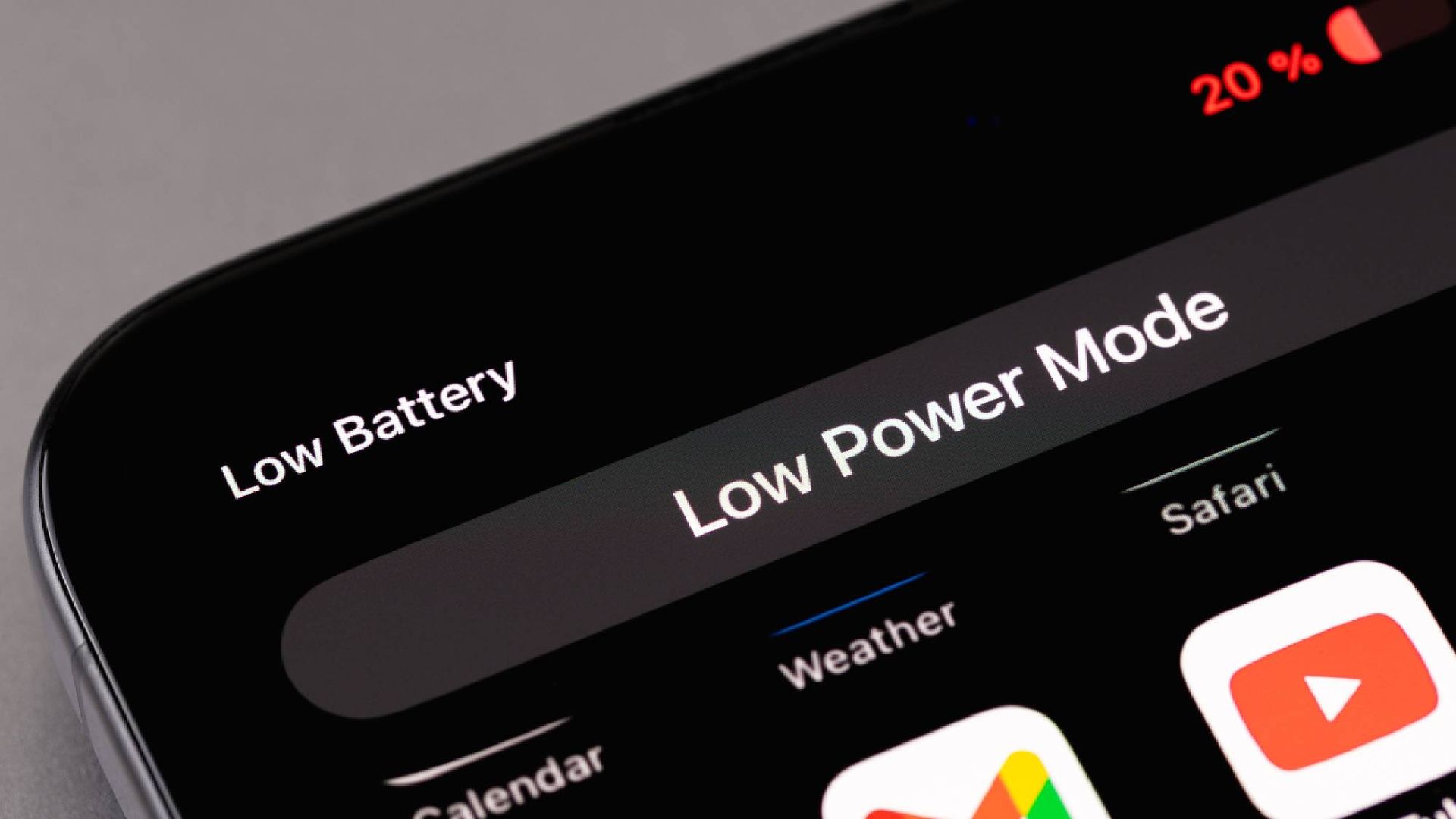
To turn this on on an iPhone: open Settings, select Battery, Power Mode, and toggle on Low Power Mode. On Android devices: swipe down from the top of your screen to open Quick Settings and tap Battery Saver (or Power Saving Mode).
This immediately throttles CPU performance, pauses background app refresh, and stops cloud backups.
During a grid failure, local cell towers and Wi-Fi networks often lose power or become severely congested, forcing your phone's internal antennas to boost transmission power to maintain a link.
Source link