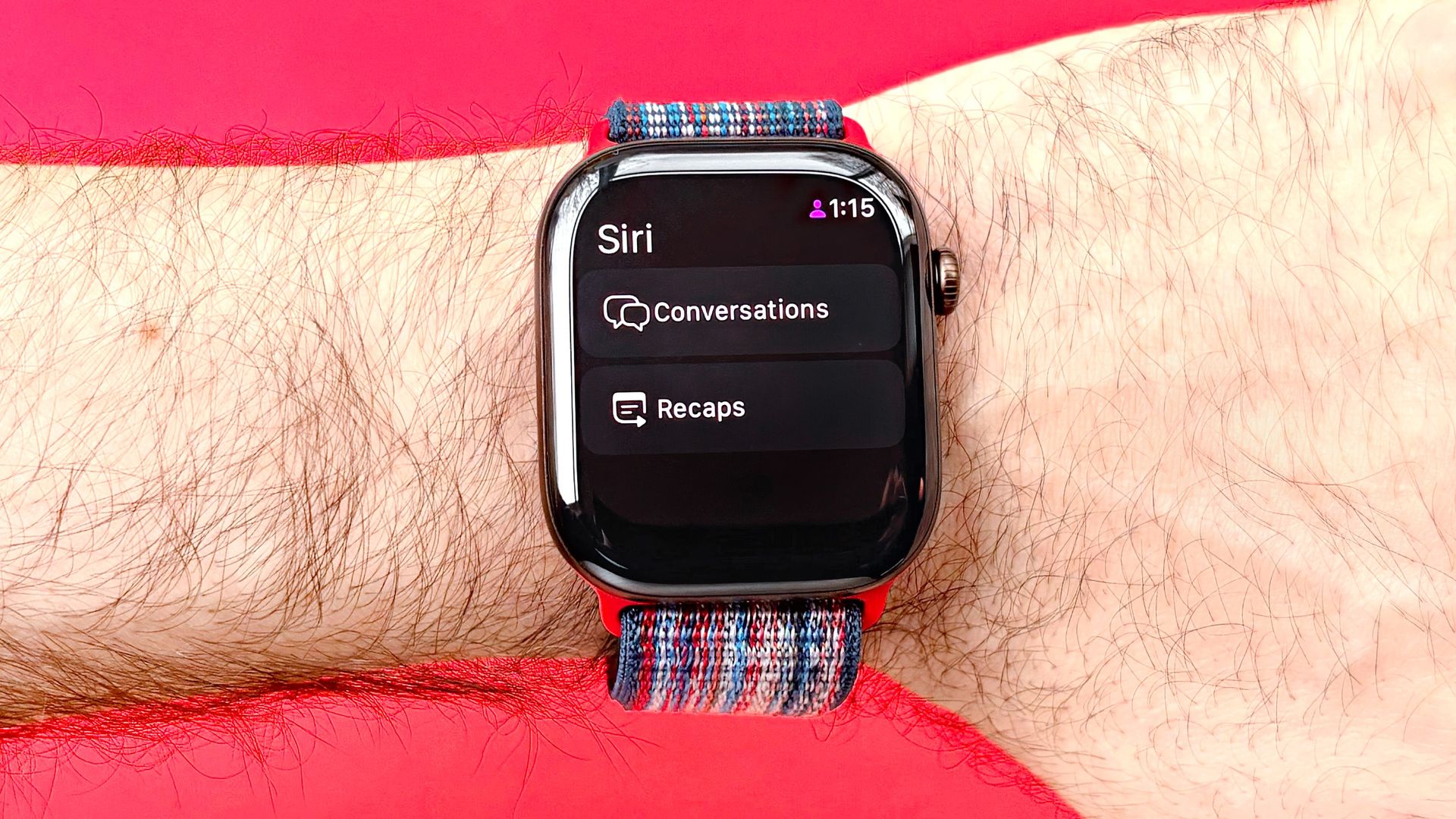
Apple's somewhat controversial new Audio Intelligence feature, Siri Recap, is now live in public beta for Apple Watch users. Best of all, you can try it yourself by following the five steps listed below.
As a refresher, Siri Recap ambiently listens to all of your conversations and uses AI to summarize major themes, important details, and key points. For privacy, users can set and control when the feature is active or not.
Siri Recap also never identifies individual speakers or saves any actual audio recordings. Better yet, all your data associated with Siri Recap is encrypted end-to-end.
With that said, here's how to enable Siri Recap on your Apple Watch and generate your own Apple Intelligence daily conversation summaries.
To enable Siri Recap on your Apple Watch, first download and install iOS 27.3 beta on your iPhone. Then install watchOS 27.3 beta on your Apple Watch. Note: Only the latest Apple Watch models support this Apple Audio Intelligence feature, including the Ultra 4 and Series 12.
Next, open the Apple Watch app on your iPhone, scroll down and tap on Siri. Then scroll down and tap on “Set up Siri Recap.”
You'll then be prompted to created a passcode if you don't already have one. Unfortunately, a passcode is mandatory to use Siri Recap. If you need to create one, tap "Turn on" and then enter your passcode of choice twice to confirm it.
After that, toggle the Siri Recap switch to on by tapping on it (it should turn green); then tap on the “Enable Siri Recap” button on the following screen.
Source link