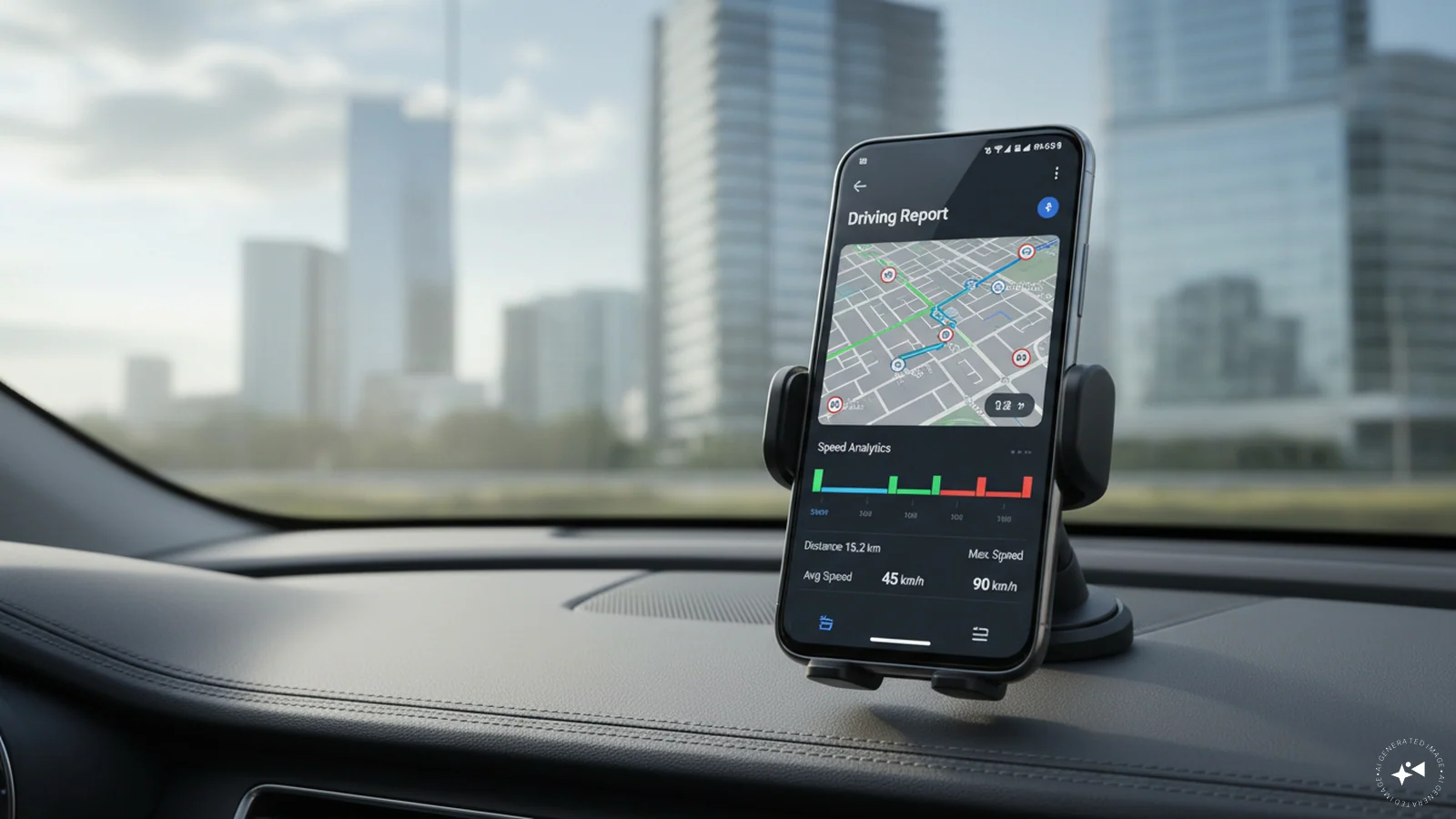
Samsung's One UI 9 introduces a Driving Report feature that helps Galaxy users review their driving habits and trip details. The feature uses a phone's sensors to record information such as travel distance, average speed, routes and driving behaviour.
The feature is designed to work when a Galaxy phone connects to a car through Bluetooth. Availability may vary depending on the device model, region and software version.
Once enabled, Driving Report can record trip details, including the route, timestamps, total distance, journey duration and average speed. It can also identify driving patterns such as rapid acceleration, sudden braking and sharp turns.
Users receive a notification after a trip, allowing them to review their driving report. They can also access previous trips and weekly summaries to compare their driving habits over time.
The report includes a map highlighting different driving events along the route, as well as a chart showing speed changes during the journey. Users can also delete individual trips from their history.
Step 4: Open the feature's settings and enable the relevant vehicle. If the car is not listed, add it by pairing the phone through Bluetooth.
Users can also add frequently visited places, such as home and work, to access location-related insights.
The Driving Report may be useful for daily commuters and people who want to understand their driving patterns. Reviewing acceleration, braking and speed data can help users identify habits they may want to improve.
The feature is not enabled by default, so users need to activate it before their trips can be recorded.
Source link