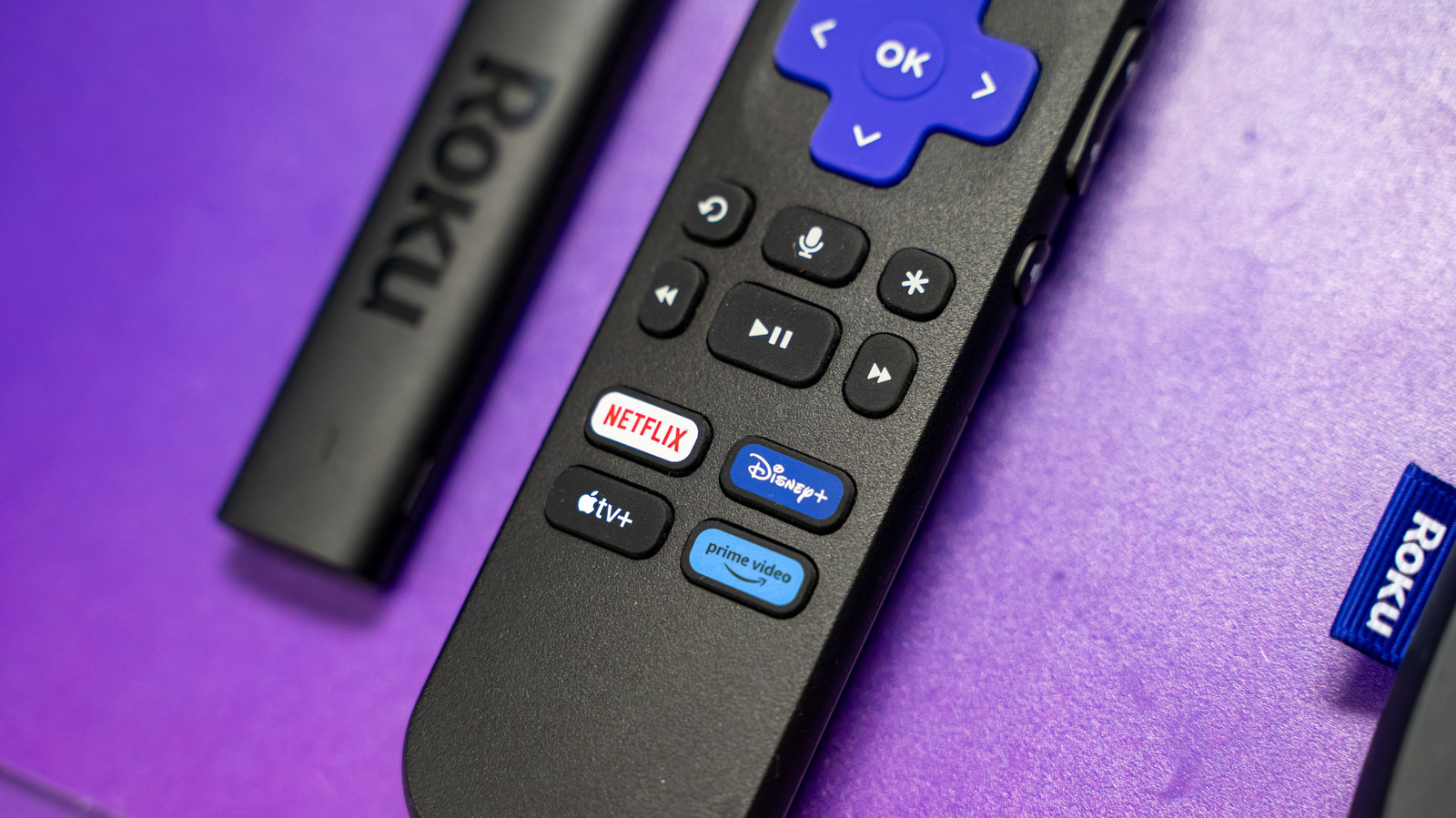
Say what you will about Roku in light of its impending takeover by Fox, but its products are a model of simplicity. There's nothing cryptic about its hardware or software controls, and for the most part, Roku has resisted the temptation to jam its OS full of unnecessary visual flair or recommendations. You can be in your favorite streaming app in a matter of seconds.
The platform isn't bulletproof, however. Apps or Roku OS itself can still crash, which might almost be more irritating on a smart TV or media streamer than it is on a computer. Conflicts make sense on complex machines but a Roku device exists almost exclusively to stream video, perhaps with a little music thrown in for good measure. It might not feel far from your microwave refusing to make popcorn.
There are several potential reasons for Roku app crashes, most of which can be solved with one of three actions. There are scenarios, however, where more radical tactics might be needed, including even hardware upgrades. We'll try to steer you away from those.
One possibility is that an app or the OS is buggy in some form. Although all parties try to squash as many bugs as possible, testing is never perfect, especially with so many potential hardware and software combinations out there. Normally, Roku devices update automatically whenever you do a cold boot, or leave your device on for at least 24 to 36 hours. If you want to speed things up, use your remote to navigate to Settings > System > Software update > Check Now .
Source link