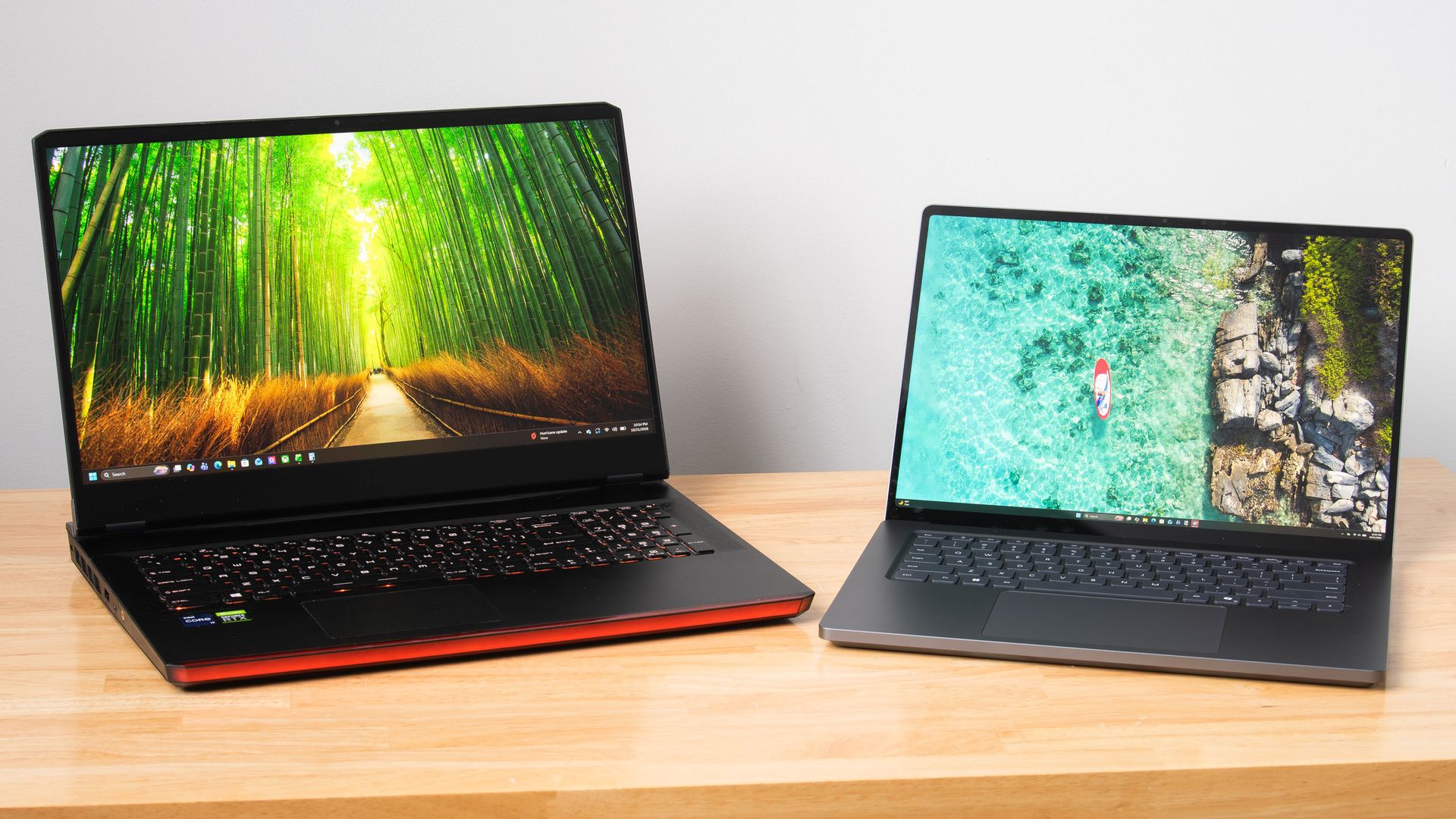
Nvidia's RTX Spark platform puts local AI inference and content creation first, but Microsoft's Surface Laptop Ultra really wants to game, too. The vented keyboard keeps the critical WASD keys cool under load by design, the smooth 120Hz screen can get as bright as 2000 nits with HDR games, and the built-in speakers may be the best I've ever heard on a laptop, period.
There's just one problem: that 3270x2180 screen asks a lot of DLSS upscaling. The computation that DLSS performs doesn't come for free, and the load increases with higher output resolutions. This is especially relevant with the Surface Laptop Ultra's high-density panel, which has just 14% fewer pixels than a 16:9 4K display.
The Surface's unusual 3:2 aspect ratio (at least compared to the average gaming laptop) also means that scaling content up to fill the screen isn't straightforward in many games. 16:9 and 16:10 content gets stretched vertically, causing obvious distortion of character models and objects like tires. And if you use windowed mode instead, playing in a 16:9 or 16:10 window on a relatively small screen like this quickly tires the eyes.
The thing is, all this is easy to solve—easy enough, in fact, that I'm surprised I had to do it myself at all.
Microsoft seems aware that lower 3:2 resolutions are useful for this system, as it put a 1600x1024 custom resolution in the list of display modes that's slightly less than half of native on both axes. 6 megapixels in total, that image offers less resolution than even a 1920x1080 display does.
Source link