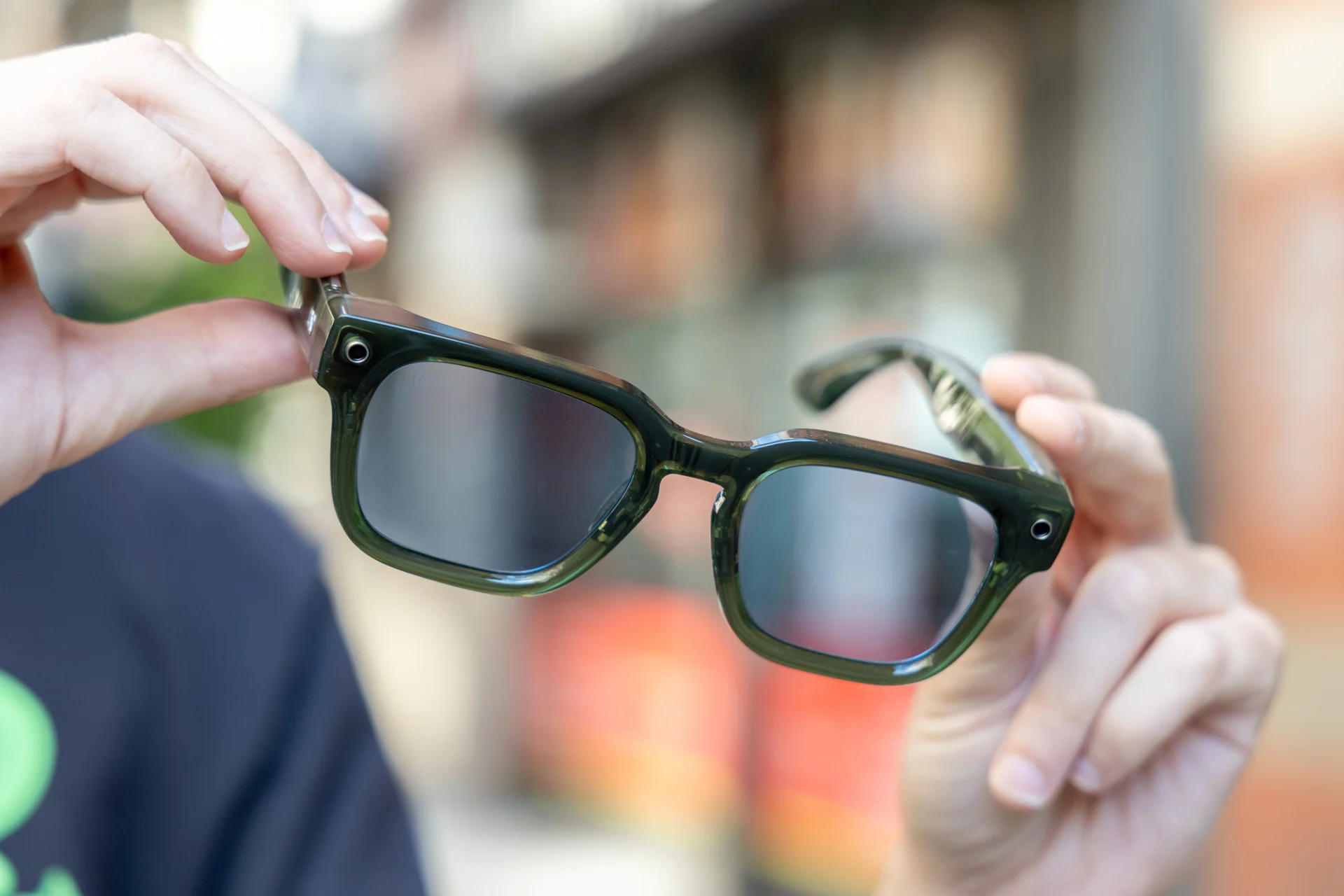
If you own a pair of Meta AI glasses, you'll want to update them right now. The company just released an update meant to fix a flaw in some of the Meta-built glasses.
The flaw involves some glasses that overheat when excessive moisture or sweat enters the glasses. Meta claims this is a "rare issue."
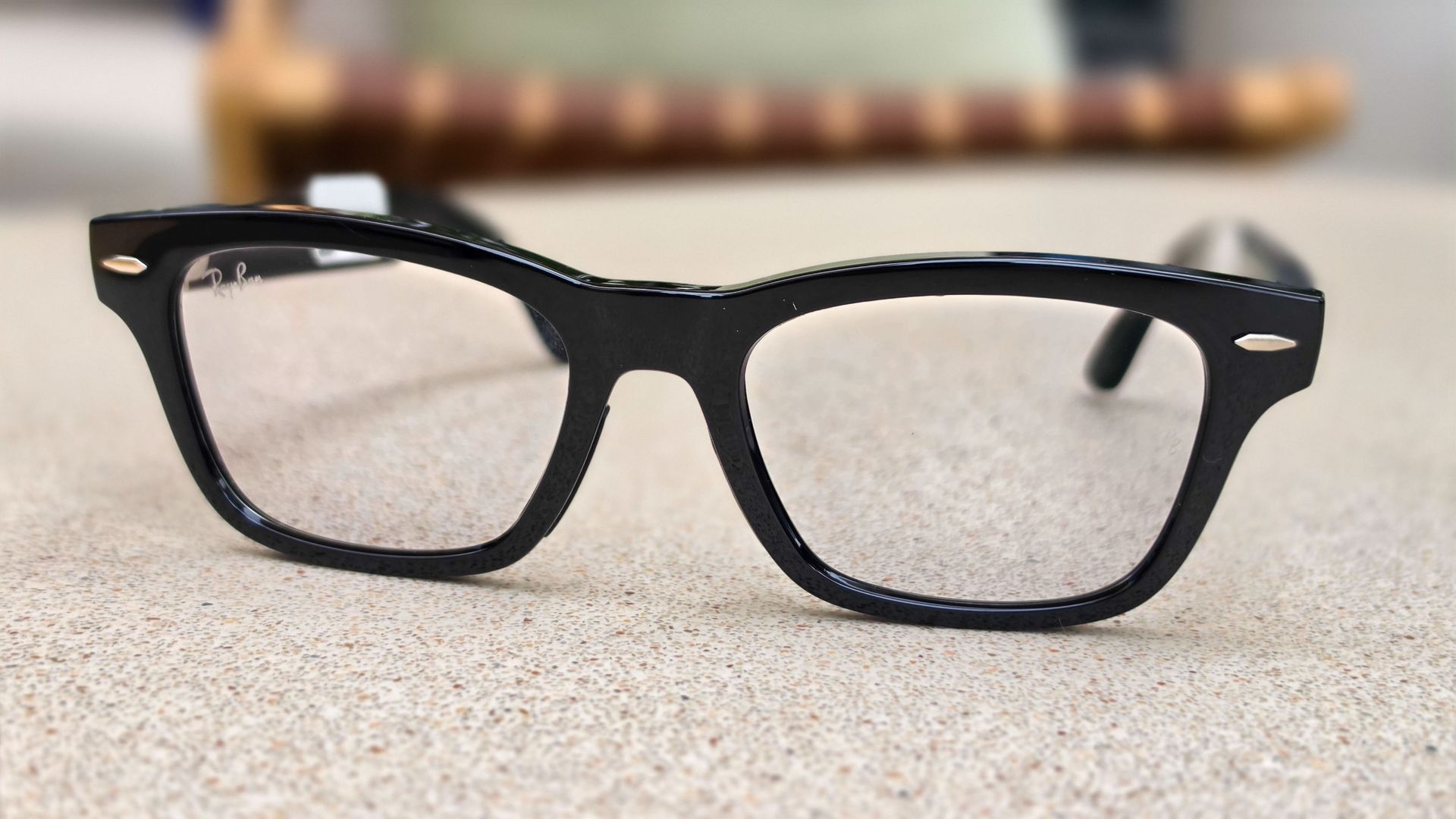
Specifically, the flaw affects the Adventurer, Fury, Starfire, Nova, and Capri styles of the Meta Glasses. Meta says that the software update and overheating flaw does not affect the Ray-Ban or Oakley Meta glasses.
The update is labeled version 130 in Meta AI. Make sure your glasses are charged and connected while you install the update.
In the Meta AI mobile app go to Glasses or Devices. Then tap the glasses you want to update and select Device settings. If you have multiple pairs connected, swipe to find the ones you're specifically updating.
Tap the glasses to update to version 130 or later. Otherwise, you can turn on Automatic updates to ensure that you get the latest software updates for your Meta Glasses.
We've seen scattered reports on social media that Ray-Ban glasses overheat with too much exposure to water, but none specifically for the Meta Glasses. Have you experienced overheating issues with the Meta Glasses?
Source link