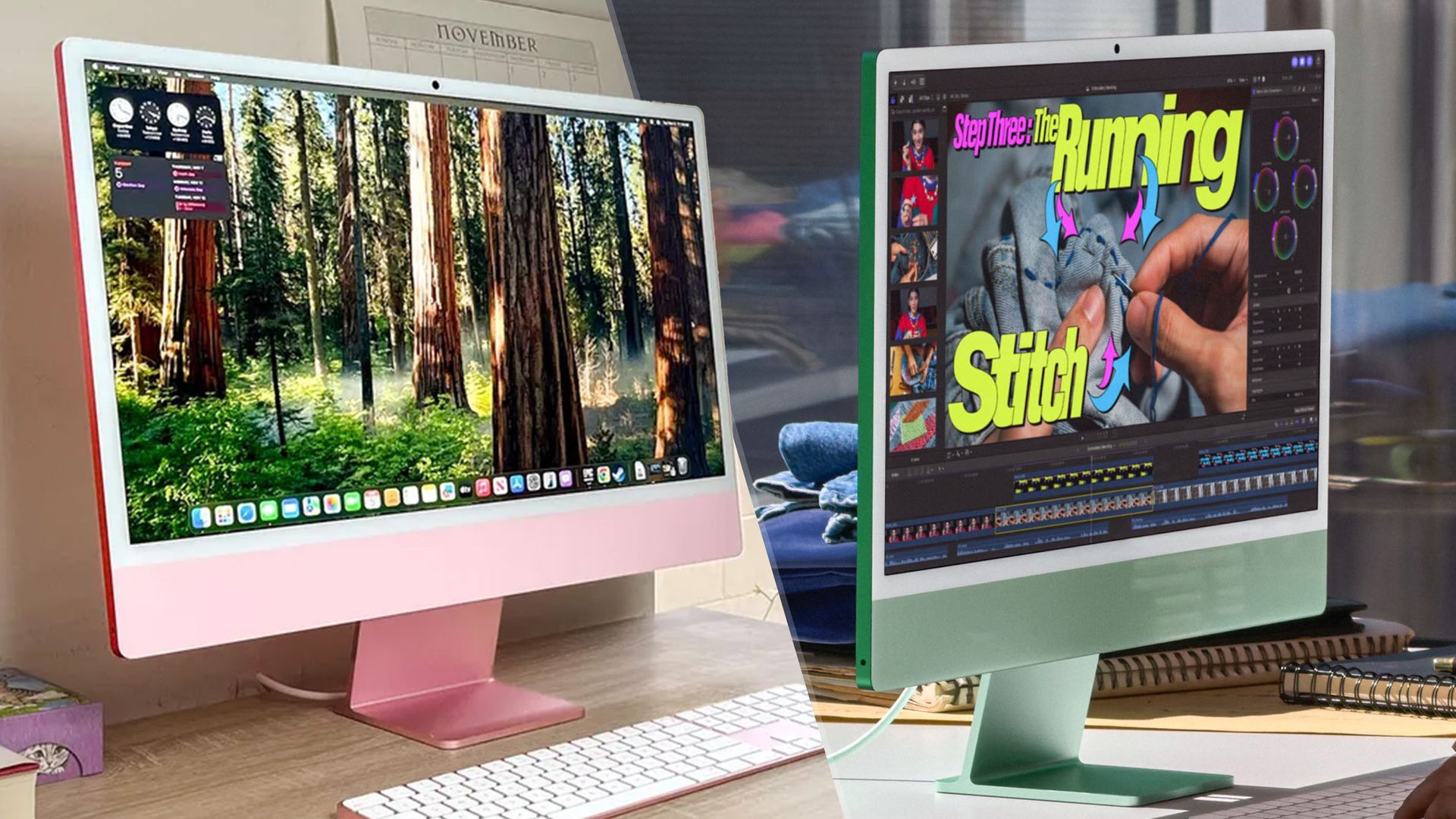
The ultimate all-in-one just got an upgrade: the M6 iMac is here. But if you already have the M4 model, is this worth the upgrade?
Because if you’re looking at the press photos, you’ll be hard-pressed to spot the difference. Don’t strain your eyes. On the outside, these two machines are identical twins. But it’s what’s inside that counts.
Apple’s done some serious surgery under the hood — significantly beefing up the internals to handle the massive local compute requirements of Siri AI, as well as the increasing workflow demands.
So if you are sitting on an M4 iMac, or still clinging to an older model, here is the brutal face-off to help you decide if the M6 is actually worth your money.
M6 (up to 2 super cores, 4 performance cores and 6 efficiency cores) + 12-core GPU
M4 (up to 4 performance cores and 6 efficiency cores) + 10-core GPU
If you were hoping for a larger display or the introduction of an OLED screen to match the iPad mini 8 and incoming touchscreen MacBook Pro, you are going to be disappointed.
The M6 iMac retains the exact same 24-inch 4.5k Retina display. You get the same 500 nits of brightness, the same True Tone technology, and the same option to upgrade to Nano-texture glass. It’s a fine display, don’t get me wrong, but I was hoping for something — would 120Hz really be so difficult to add?
Source link