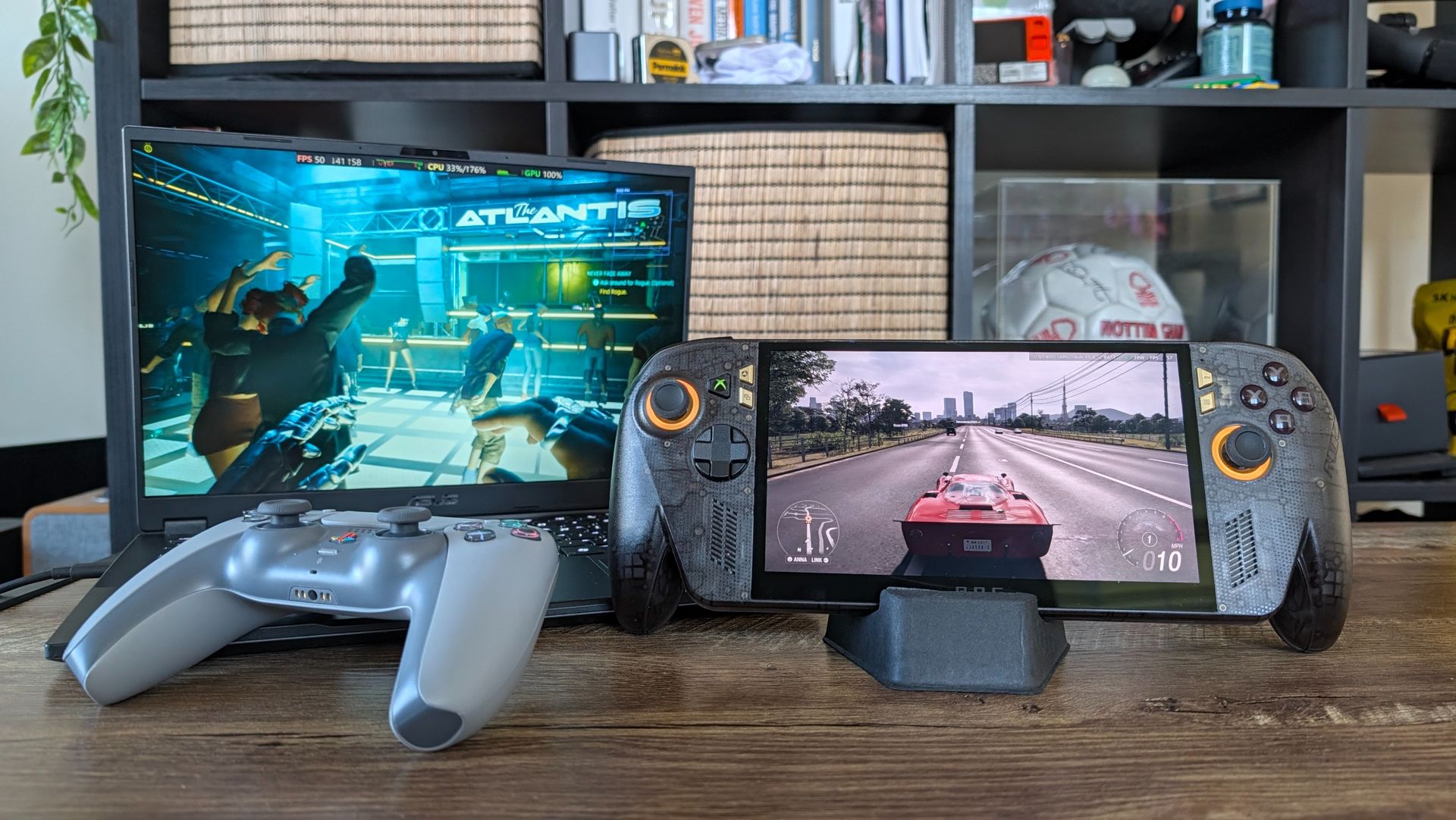
AMD finally dropped FSR 4 for integrated silicon — officially bringing next-generation upscaling to the Z Extreme handhelds and Strix Halo laptops. It’s built to be AMD’s silver bullet against Nvidia’s DLSS. A massive, free software upgrade that magically boosts picture quality and hands you more frames per second.
So over the past week, I’ve updated my ROG Xbox Ally X20 and TUF Gaming A14 with the new drivers and fired up the benchmarking tools to see what AMD has cooked.
And what I found completely breaks the current narrative. We’re all trained to think a new version of AI game scaling tech will send your frame rates skyrocketing. If you come in with that assumption, you’ll be left disappointed.
However, if you understand the optical illusion AMD has actually pulled off here (and how Performance mode is now the new Balanced), it completely changes how you will game on Team Red’s silicon.
If you have a compatible AMD handheld or APU, they have thankfully baked this early-access driver directly into their software. Here is how to activate it on the ROG Xbox Ally X20:
Open Armory Crate and navigate to the Update Center. Go to the Preview Updates tab and install the new AMD Radeon graphics driver (dated October 23 or newer).
Once restarted, press the Armory Crate button to open the side Command Center, hit the Edit icon, and add the new AMD FSR Upscaling tile. Activate it.
You cannot toggle this on the fly mid-game. You must turn the FSR upscaling tile on in the Command Center before you launch your game, and then select the FSR setting inside the game's display menus.
Source link