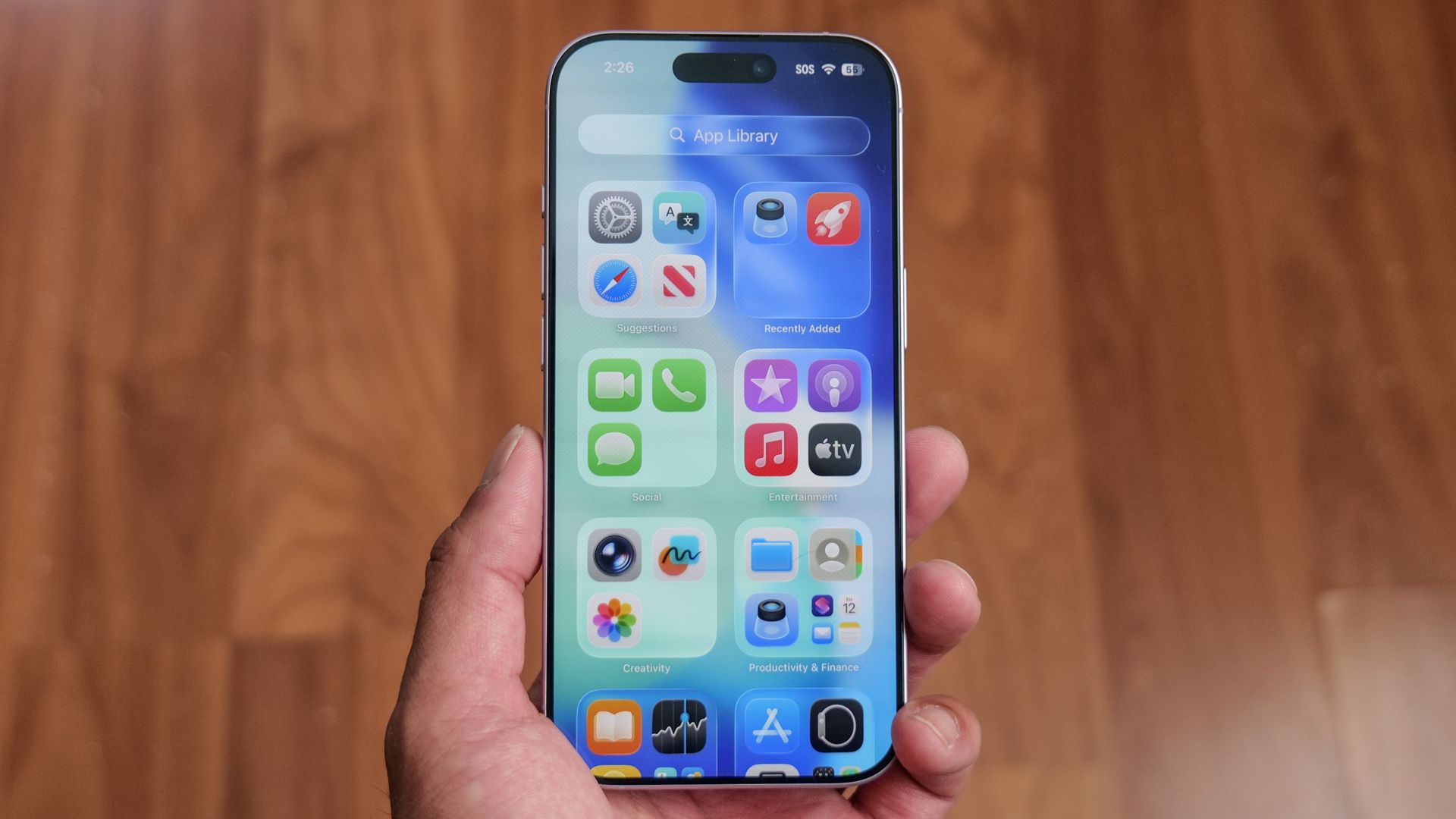
Ever since updating to iOS 27, my iPhone has been acting up in ways that drive me completely nuts. Beyond the general sluggishness, my screen randomly stops responding to touch, and I’ve been hit with weird, glitchy quirks — like my go-to laughing emoji suddenly sending as a giant image file instead of a normal inline symbol.
If your phone feels warm to the touch or has started glitching since the update, you don't have to wait around for Apple to push out a bug fix to get your device back to normal.
While a lot of post-update lag comes from background indexing, which usually settles down after a couple of days, taking control of a few heavy system features made an immediate difference for me.
One of the biggest design shifts in recent iPhone history is Liquid Glass — that fancy, translucent UI look Apple introduced in iOS 26 that reflects ambient light and your background wallpaper. It looks great, but rendering all that real-time transparency forces your graphics chip to work overtime.
Apple did add a way in iOS 27 to adjust the interface intensity by going to Settings, Appearance, Liquid Glass and using the slider to bump up the tint and opacity. But while that slider helps with text legibility by flattening out distracting reflections, it doesn't actually stop it churning away in the background.
To kill the lag completely, you need to turn off the glass effects at the system level. Go to Settings, Accessibility, Display & Text Size and toggle on Reduce Transparency .
Source link