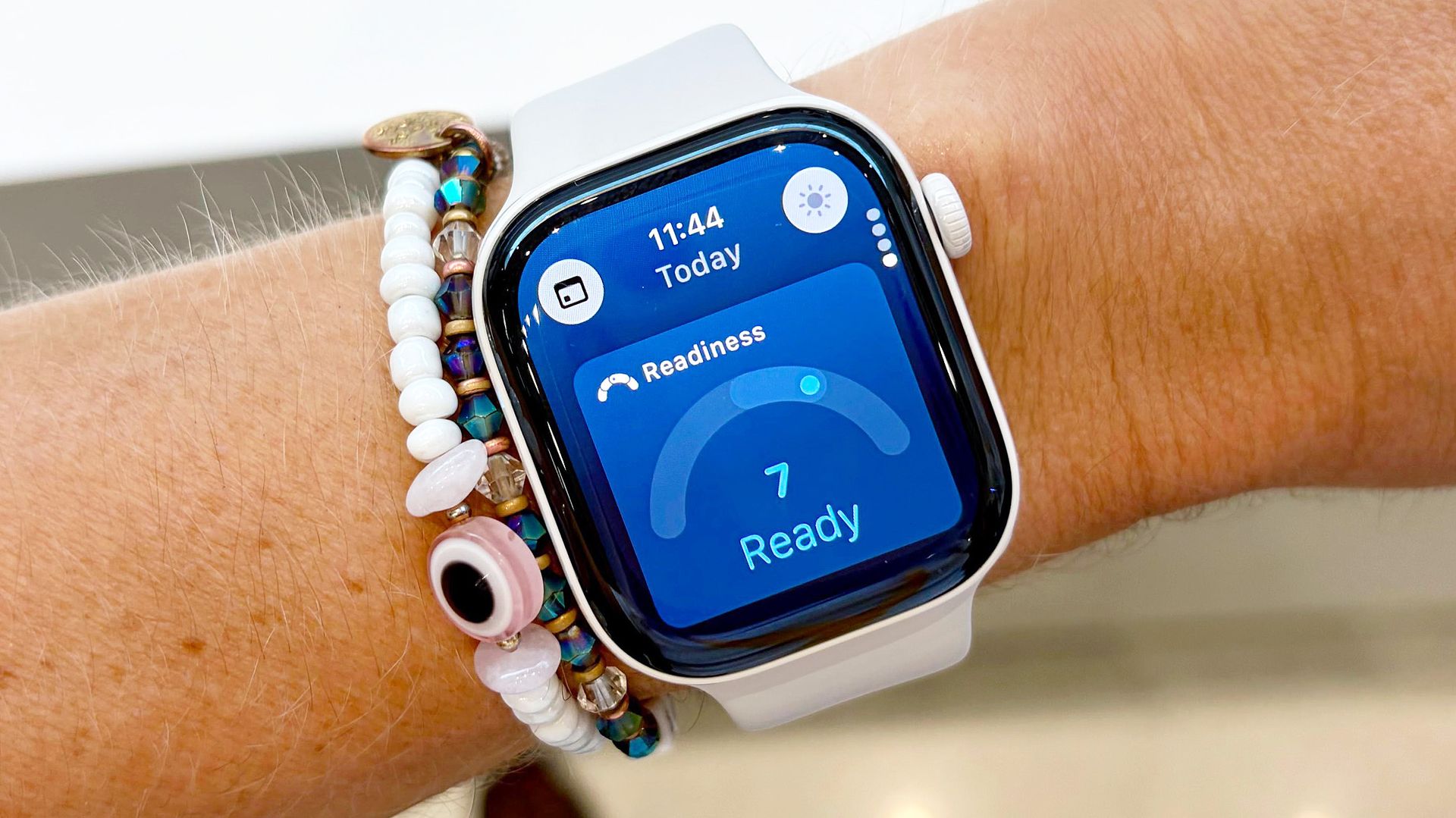
The Apple Watch finally has a dynamic Readiness Score. Based on a scale from zero to ten, the score takes into account your recent sleep quality, physical activity, and vital trends.
Unlocking your dynamic Readiness Score on Apple Watch is fairly straightforward, though you will need to wear the device for seven nights to see your first one.
Apple's Readiness Score is just one of the cool, new features found in the best Apple Watch models in 2026. Others include support for a vastly improved AI-powered Siri, real-time dynamic step count data, an impressively comprehensive at-home wellness assessment, and Live Rewind, an AI tool that transcribes live audio around you.
Of course, I've already covered all of the above at length; here's how to unlock Apple's new dynamic Readiness Score on your Apple Watch in four easy steps.
Before we dive into the Readiness Score setup process, first make sure you have a compatible Apple Watch model. Unfortunately, only those with Apple's latest S11 chip have access to the feature for now. That list includes only the Apple Watch Series 12 and Apple Watch Ultra 4, though other models may be added down the road.
Next, open the Fitness app on your companion iPhone, tap "Summary," and then tap the icon in the top-right corner of the screen; it should either be a small photo of you or your initials. Next, scroll down and tap "Health Details," and enter your age, weight, and height.
Source link