That "critical Microsoft alert" is a scam that tricks you into installing actual malware.
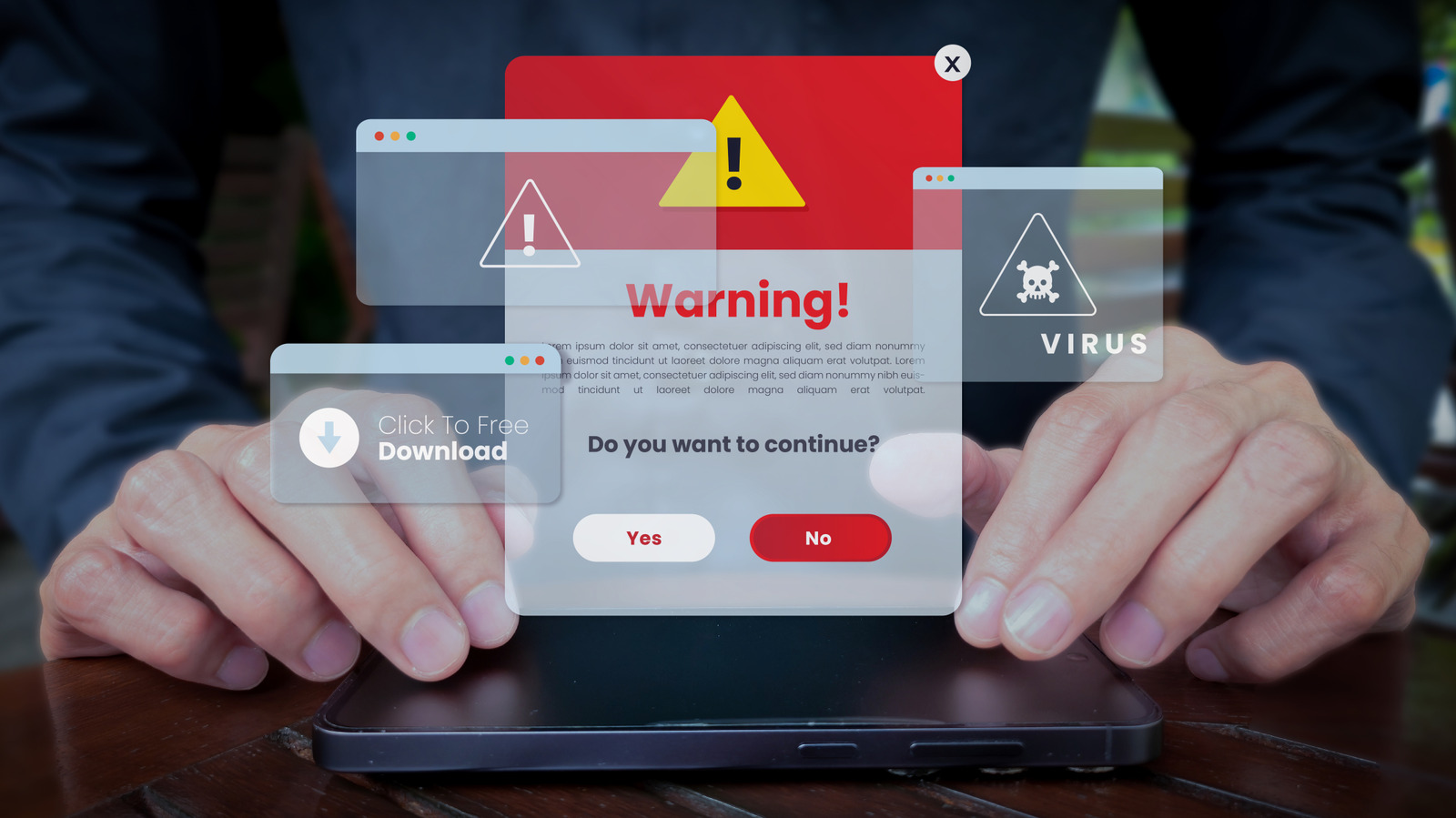
You're browsing as normal, when all of a sudden you see an urgent pop-up flashing an alarming warning that your computer has been infected with a virus. The good news is these alerts are almost always fake: they sometimes occur when websites have been compromised and send notifications to make you think your computer is infected. But if you fall for this, you may actually download malware.
Cybersecurity researchers call these tactics "scareware," because they induce a state of panic for those on the receiving end. They're not uncommon: one strain of browser-based scareware called CypherLoc has hit more than 2.8 million people since the start of 2026, according to a study from security firm Barracuda.
Like many attacks, the goal here is gaining access to your computer or stealing your money. They will usually direct you to call a bogus tech support phone number, convince you to download an anti-malware scanner that's itself malicious or have you hand over payment information. Some malicious pop-ups can even be cloaked as security features; one scam flagged by the FTC involves using fake CAPTCHA requests to install malware on devices.
While these screens are scary, they are thankfully not difficult to thwart once you know where they're coming from and how to close them.
" and often use flashing lights, bright colors and even alarm sounds to increase the "scare" factor. You might hear a robotic voice announcing a "critical Microsoft security alert," or the site could even show you your IP address.
Source link