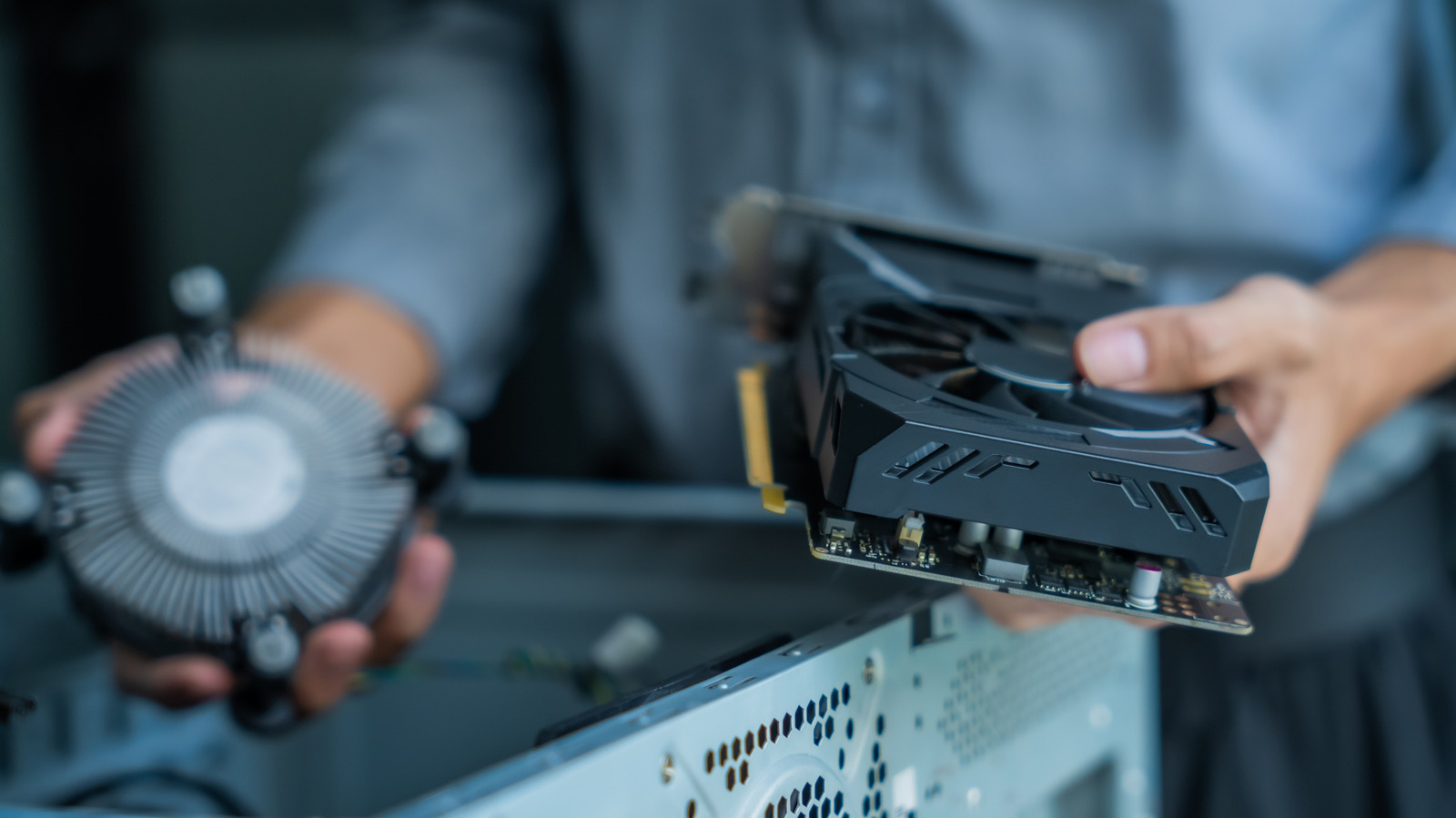
When you're building or upgrading a PC, chances are you're thinking more about how to improve your machine's performance than you are about where you're going to put the fans. Improving airflow might not be as exciting as adding a new graphics card, but it's essential to getting the most out of your rig. Fortunately, there are a few simple principles you can apply to any PC build to keep all your components running cool.
It's important to understand exactly what you're trying to accomplish when improving your PC's airflow. PC components generate heat as they run, which gets trapped in the case, degrading system performance if things get too hot. The point of fans is to draw cooler air from outside the case over those components and exhaust the hot air they generate outside. That means the first step should be placing your PC somewhere that already has decent airflow — not in a corner of the room, not shoved under your desk, and definitely not crowded in with other electronics.
Where you place your fans matters even more. Since hot air naturally rises and the hottest components in your case (the CPU and GPU) tend to be near the back, it's best to pull cool air from the front and bottom and exhaust hot air out the top and back. Not every system needs fans on the top and bottom, but adding them is a good first step if you're struggling to keep your PC cool with just the front and back fans.
Source link