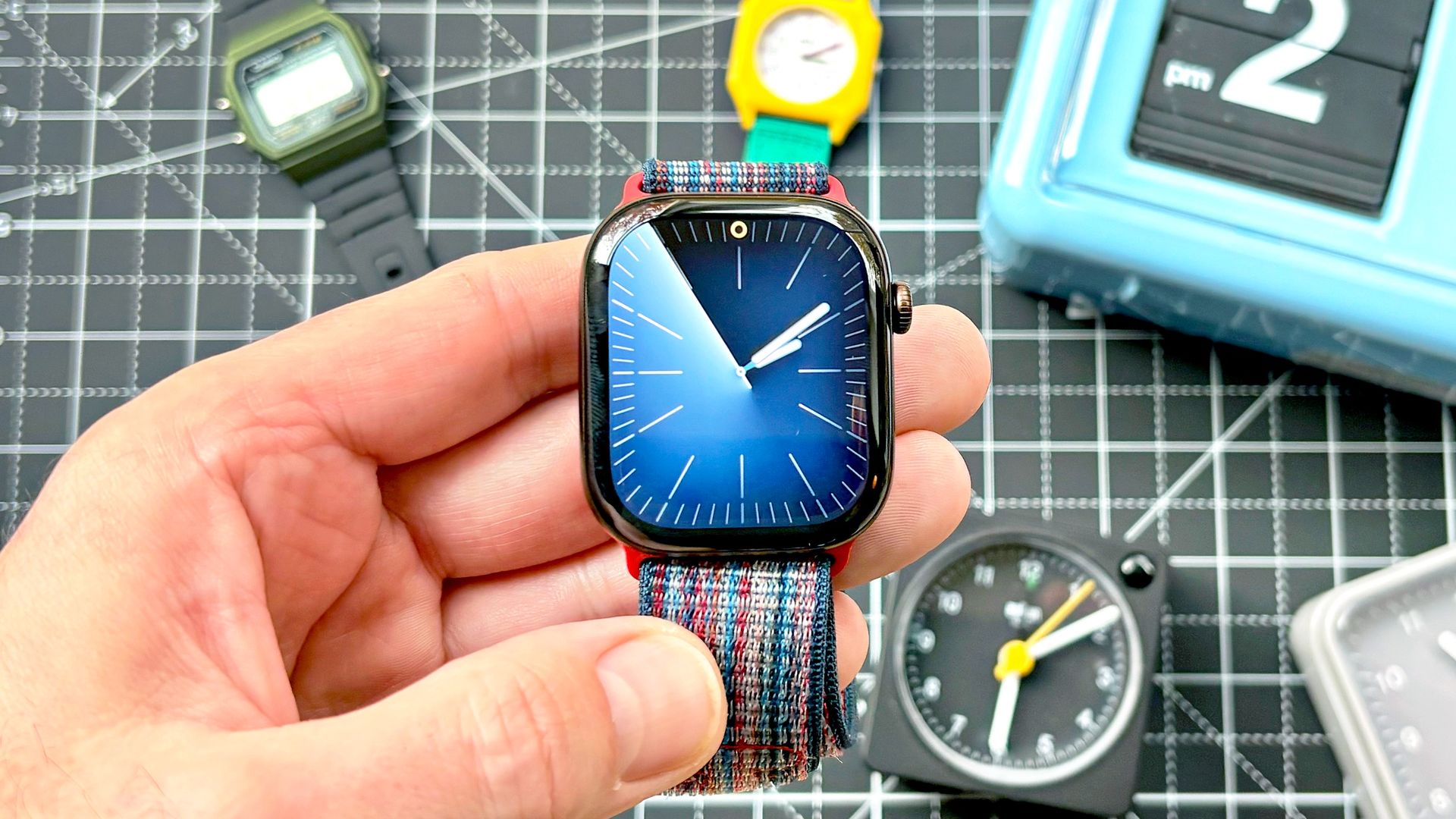
With this weekend’s fall-back time change, your Apple Watch should’ve automatically updated to the correct time without intervention. But what if that’s not the case?
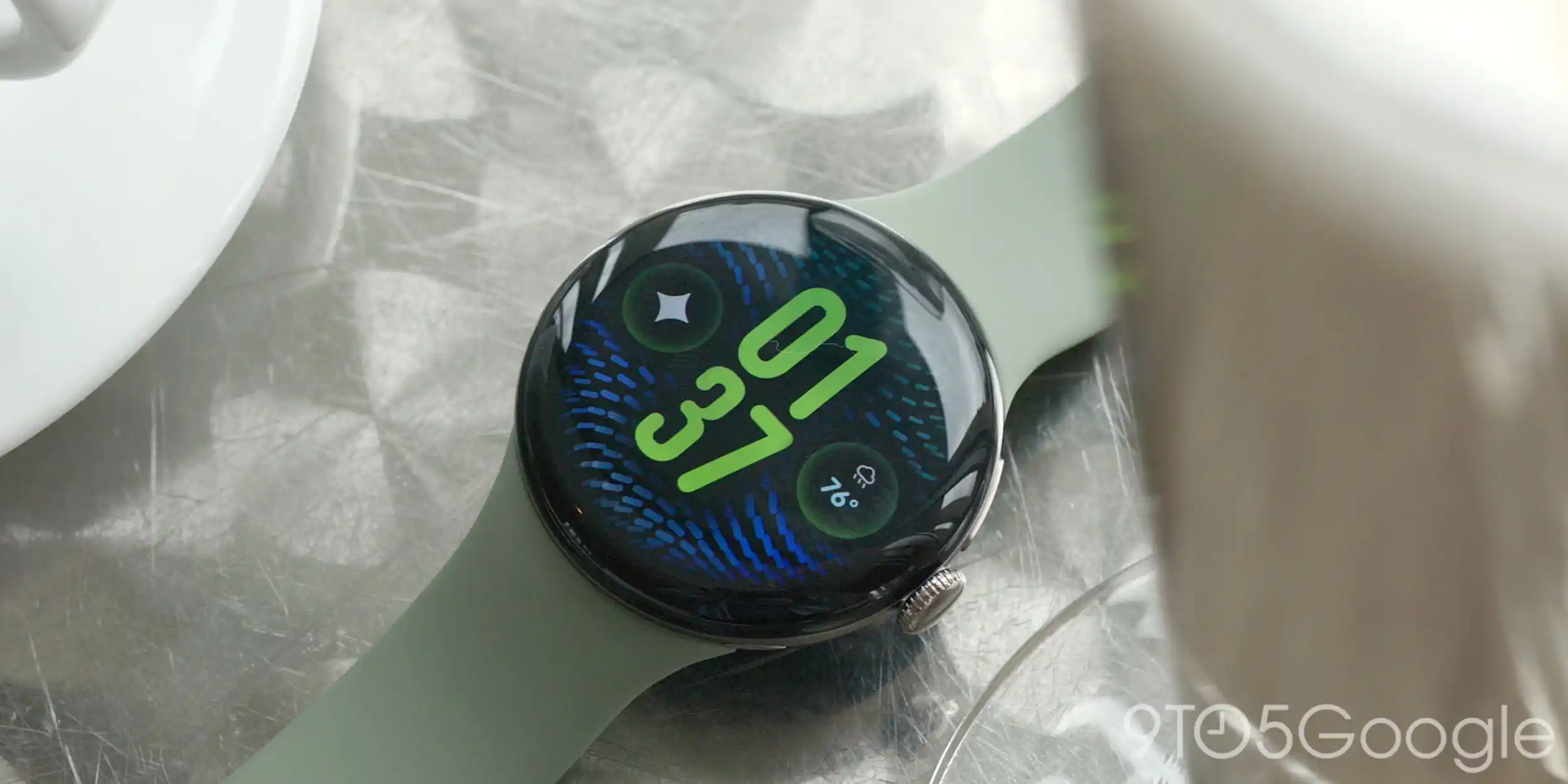
According to Apple, a bug is causing some Apple Watches to display the wrong time — off by an hour — on the home screen. While this hiccup doesn’t appear terribly widespread, it could not doubt lead to confusion, especially if you use your Apple Watch as an alarm clock.
Fortunately, there are two very easy ways to correct the issue if your Apple Watch is showing the wrong time. The first involves simply restarting your watch by holding down the side button until the slider appears, and then again until the Apple logo reappears.
However, if that doesn’t work, try the old watch face swaperoo trick — listed out in five easy steps below — for a surefire fix.
If your Apple Watch is showing the incorrect time by default, the first thing you'll want to do is open the Apple Watch app on your iPhone and tap on the "Face Gallery" at the bottom center of the screen.
Next, choose any of the watch faces by tapping "Get." We're only switching to this watch face temporarily, so it really doesn't matter which one you choose.
Once it's downloaded to your phone (this should take just a few seconds), tap on the preview of the new watch face, and then tap "Add to Watch" to temporarily install the face.
With the new watch face installed, your Apple Watch should now be showing the correct time, which means it is time to revert back to your original watch face.
Source link