A name from the past is emerging again to help you stay out of sight of surveillance cameras.
If you’re concerned about the rise in Flock license plate tracking cameras that are popping up everywhere, one of the oldest names in online navigation has a new way to help.
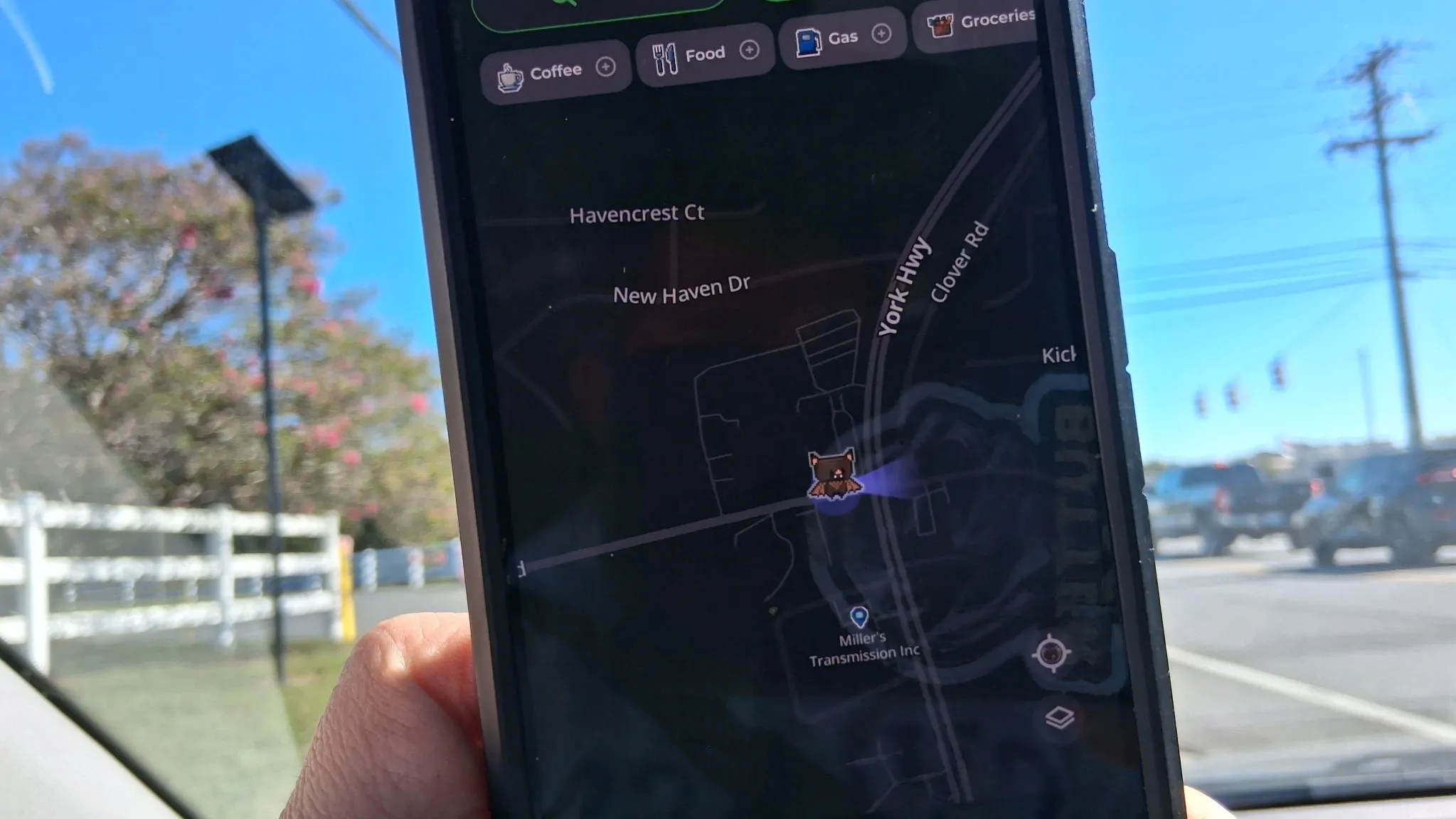
MapQuest — yes, the very same MapQuest you might have used to print out turn-by-turn directions decades ago –- announced on Bluesky that it’s added a surveillance layer to the map on its app.
Also: 90,000 Flock cameras have quietly gone up in the US: What they track and how to check your city
MapQuest’s app offers turn-by-turn navigation, just like Google Maps and Apple Maps. But neither of the latter offer information on Flock camera locations.
The surveillance layer, MapQuest explained in its post, shows known outdoor license plate readers from multiple brands, including Flock Safety, Motorola Solutions, Genetec, Axis Communications, Axon, Leonardo, Neology, Rekor, PlateSmart, Ubicquia, Verkada, and others.
When you turn the layer on (just tap the layer icon on the main navigation screen and you’ll see the toggle), the cameras appear on the map as a small red eye. A vision cone indicates what direction the camera is facing. There isn’t a setting to route you around license-plate reading cameras yet, but you can see where they are and avoid them on your own if you want.
MapQuest didn’t explain how it found the location of these cameras, but I’ve reached out to ask. There are several crowdsourced maps online (which Flock is actively fighting), though, including OpenStreetMap , which shows where Flock and similar license plate reading cameras are located.
Source link