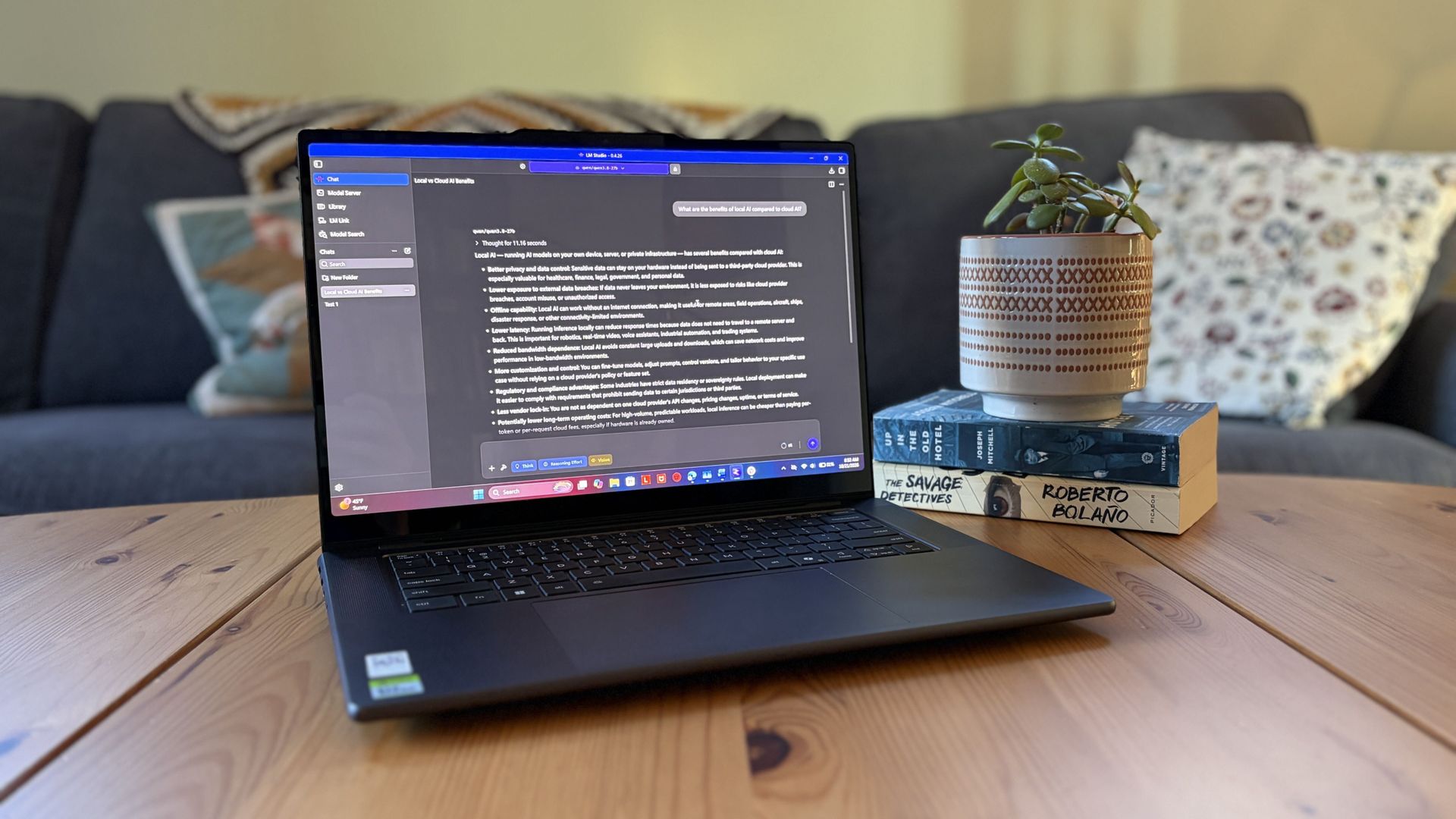
I got my hands on Lenovo's Pro 9n with an NVIDIA RTX Spark chip last week, and I've been using it as a daily driver ever since. Equipped with a powerful onboard GPU with unified memory — meaning it can 'borrow' from the system RAM when VRAM is needed, like in AI tasks — I figured it was time to finally set up a local agent on a laptop.
Why go with local instead of cloud? I lay out a few solid reasons after the short installation and setup tutorial below, but it mostly has to do with external token usage, privacy, and convenience.
Of course, you don't necessarily need a powerful RTX Spark chip inside your PC to do the same. If you're often using AI to chat, create images, study, summarize, and handle other light tasks, there aren't many reasons why you can’t make use of local AI on your PC.
As a relatively novice AI user, I found it shockingly easy to get everything up and running in about 5 minutes.
A powerful GPU matters a lot more than a powerful CPU when it comes to local AI. Fitting an entire AI model into your PC’s VRAM will ensure the best performance.
For smaller local models, say within the 3 billion (3B) to 8 billion (8B) parameter range, you should aim for having a GPU with at least 8GB of VRAM . For medium-size models, say 8B to 14B parameters, aim for 12GB of VRAM.
Source link