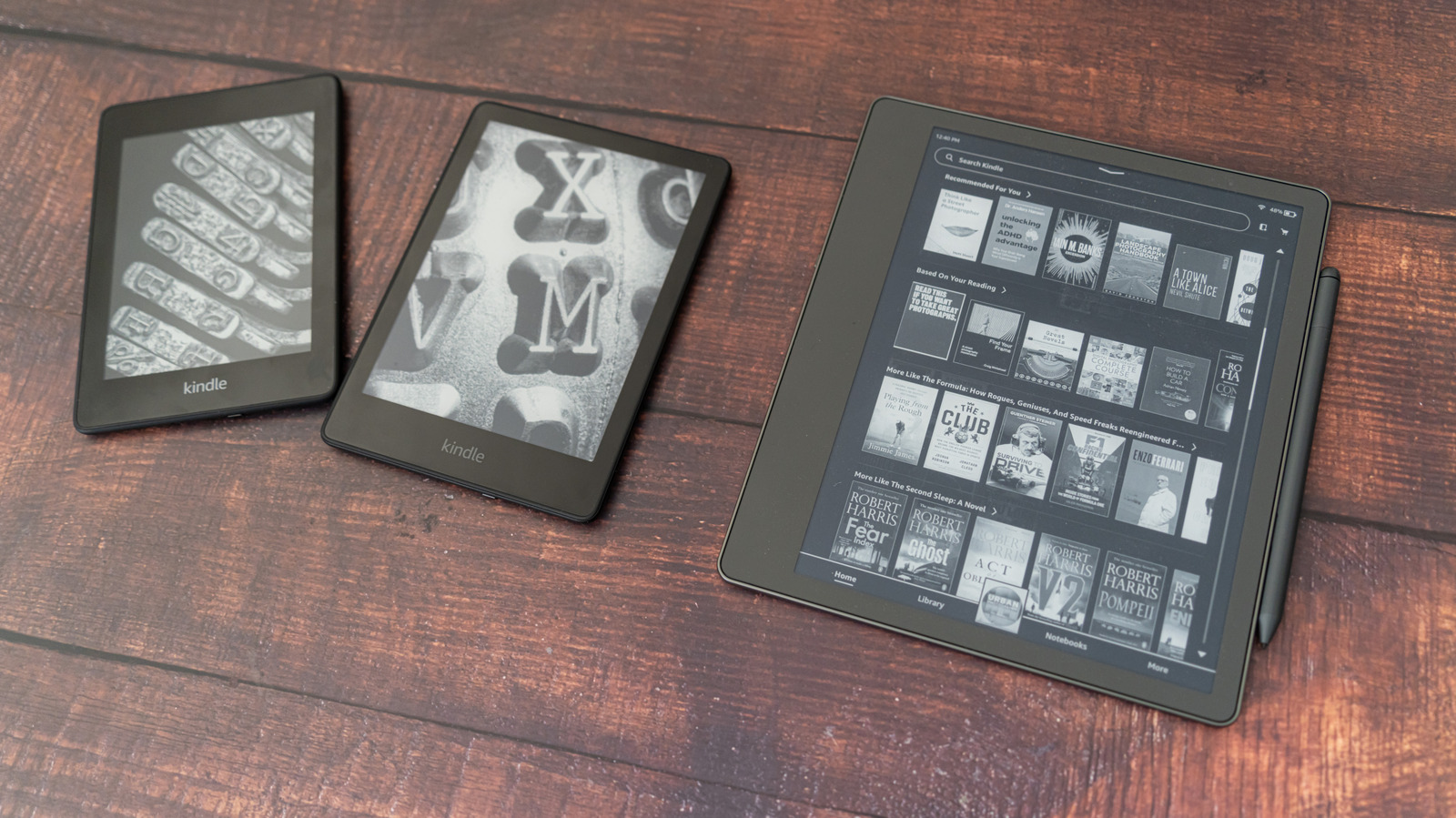
You can probably still read on it, and, with some finessing, you can turn it into a useful display.
Earlier this year, Amazon announced it would be ending software support for older models of Kindle products, much to the dismay of longtime users. Meanwhile, others criticized Amazon for contributing to the global e-waste problem by encouraging customers to upgrade from their functional devices to new models. But starting May 20, the company officially ended support for any Kindle device released before 2013 — meaning customers who had been holding on to their ereaders for more than a decade were now unable to buy, borrow, or download new books on them.
But this doesn't mean you necessarily need to get rid of your trusty ereader, even if it is one of the affected models. There are ways to maintain your existing library, load new ebooks through alternative methods or completely rework the device by hacking the display for novel uses. So what should you do with an old, outdated Kindle? Here are some options that do not involve throwing it away.
The Kindle first debuted in 2007, and Amazon has since released dozens of models of tablets with paper-like screens for reading books and other media. As of this year, devices that came out in 2012 or earlier are no longer supported by Amazon. Affected models include the very first Kindle, Kindle 2, Kindle DX, Kindle Keyboard, Kindle 4, Kindle Touch, Kindle 5 and the first version of the Kindle Paperwhite.
Source link