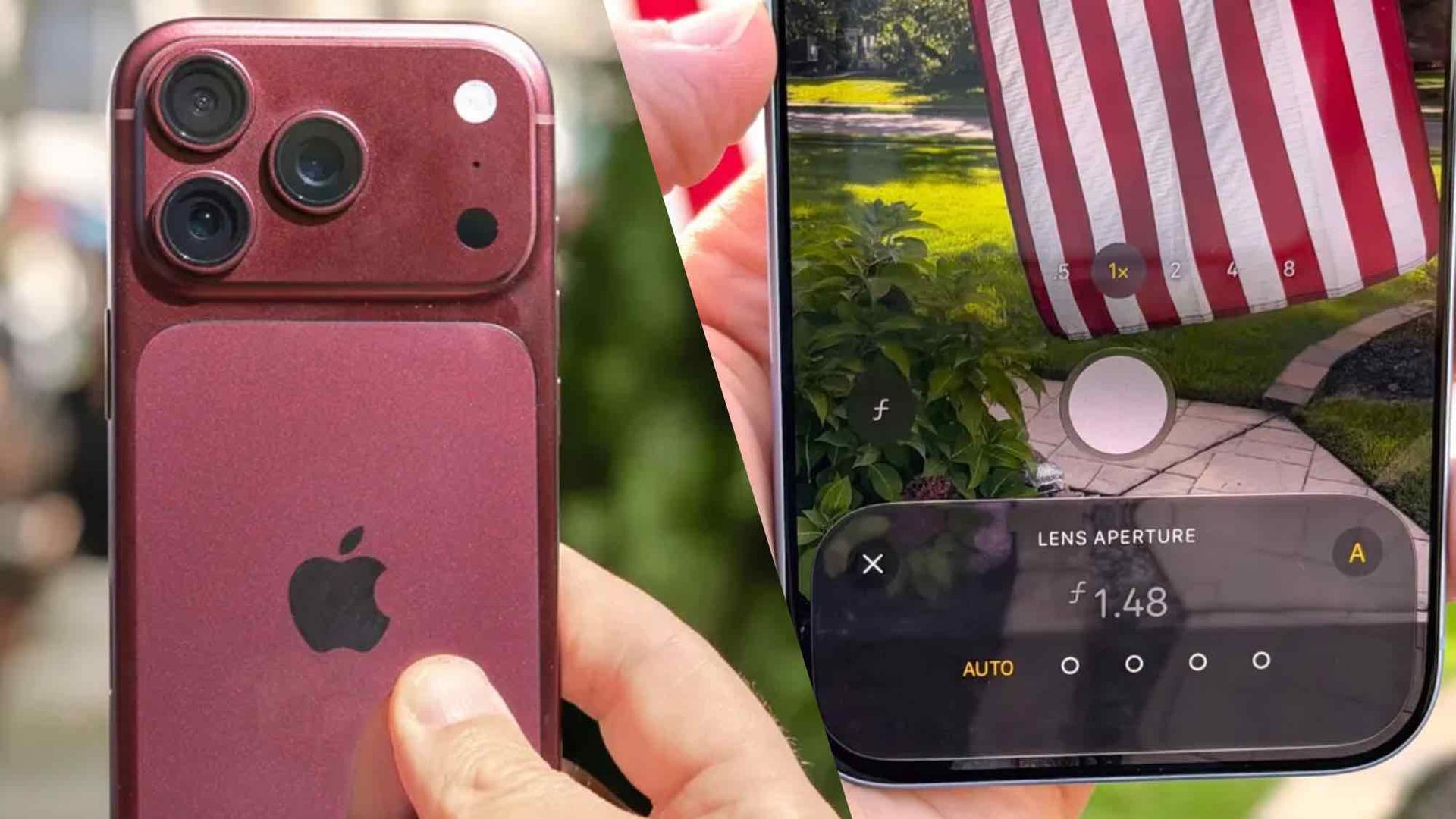
Variable aperture is easily the standout feature on the iPhone 18 Pro and iPhone 18 Pro Max. Powered by a mechanical iris of sorts and made up of six individual laser-cut blades, this system lets users control how much light actually enters the main camera lens. The idea being that taking that control lets you employ different effects and techniques to get your desired shot.
The problem is Apple doesn't make it very clear how to control the aperture. You're just handed a phone with a camera app, and left to try and figure it out for yourself. Which is hardly ideal when this is one of the major selling points of the latest flagship iPhones.
Here's how to use the iPhone 18 Pro and Pro Max's variable aperture camera system, as well as the kind of things you can actually do when you take control of the light hitting your lens.
The first thing you need to do is open up the main iPhone camera app. This can be done via the app icon on your home screen, the shortcut on your lock screen or using the iPhone 18 Pro's camera control app.
Next up, make sure your phone is set to capture photos from the main camera lens. This means ensuring the main setting is set to Photo and that magnification is set to 1x.
Once that has been done tap the Camera settings button in the bottom right side of the screen. You'll recognize it because it looks like two stacked levels of three dots.
Source link