
There’s a lot to love about iOS 27 and macOS 27, the new operating systems released for iPhone and Mac last month. The Liquid Glass design language now has a fluidity and polish that it lacked when introduced last year in iOS 26 and macOS 26.
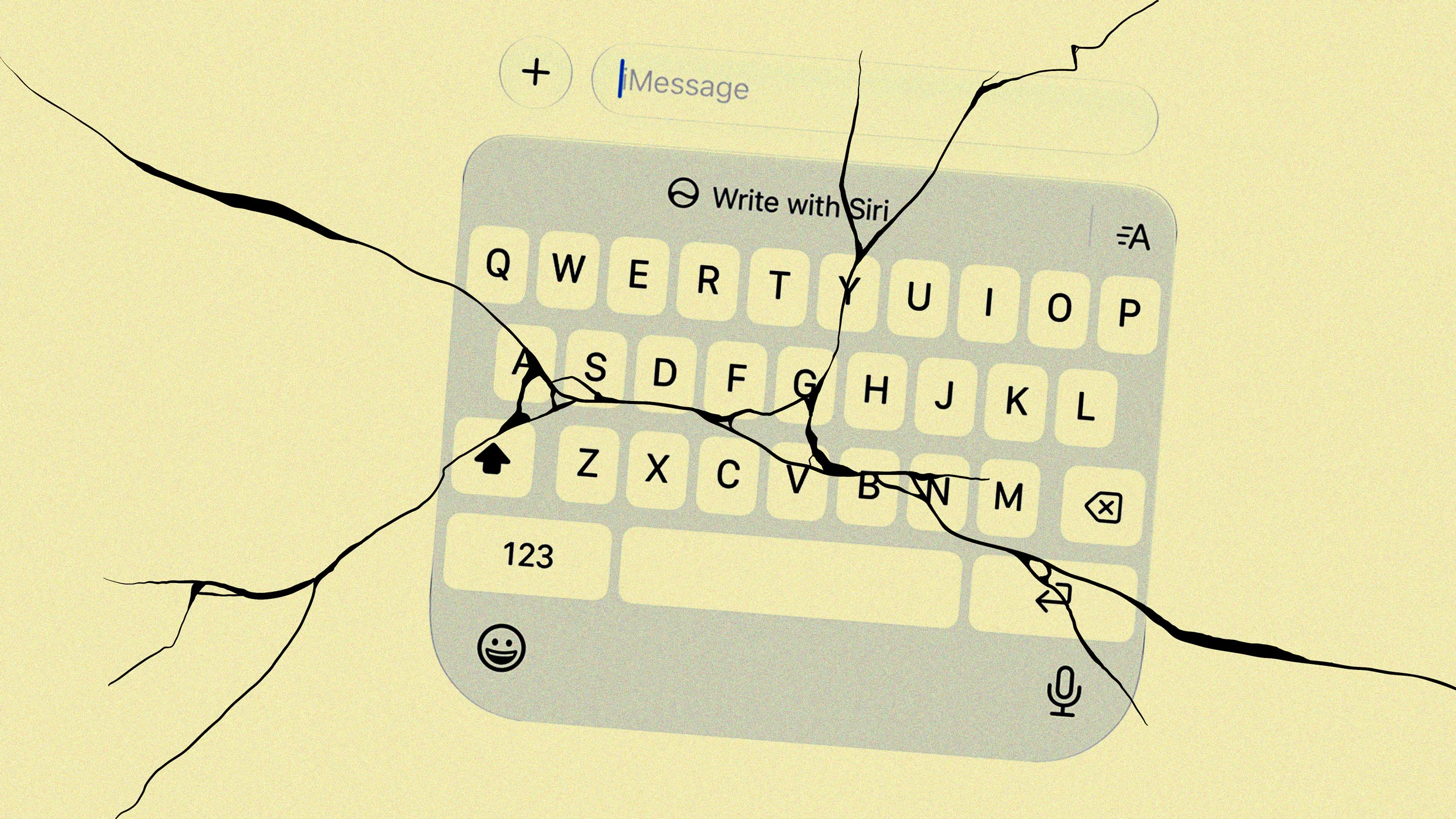
But as much as I love the new operating systems, there’s one thing that has driven me crazy ever since I updated my devices: the “Write with Siri” tool, which appears as a popover floating toolbar on the Mac and a big button above the keyboard on iPhone.
The tool, part of the new Siri AI, helps users generate text nearly anywhere—in a document, email, or messaging app. Unfortunately, it’s there even if you don’t want to use it. (And Apple, I never do. I don’t need help from generative AI in deciding how I should respond to my mom’s text inquiring when I’ll be over for dinner next).
Its presence is not only pointless for many who don’t need machine help with their writing, but it’s distracting, especially on the Mac, where a stray mouse click can easily expand the popover when you are trying to edit text. Thankfully, there is a way you can disable Write with Siri—though Apple doesn’t make it obvious.
On the iPhone, the Write with Siri tool primarily takes the form of a big glaring button above the keyboard on iOS 27. It’s there by default, whether you want it or not. And frustratingly, if you do want to disable it, you can’t do so where you would naturally assume you could: in the Siri section of the Settings app.
Source link