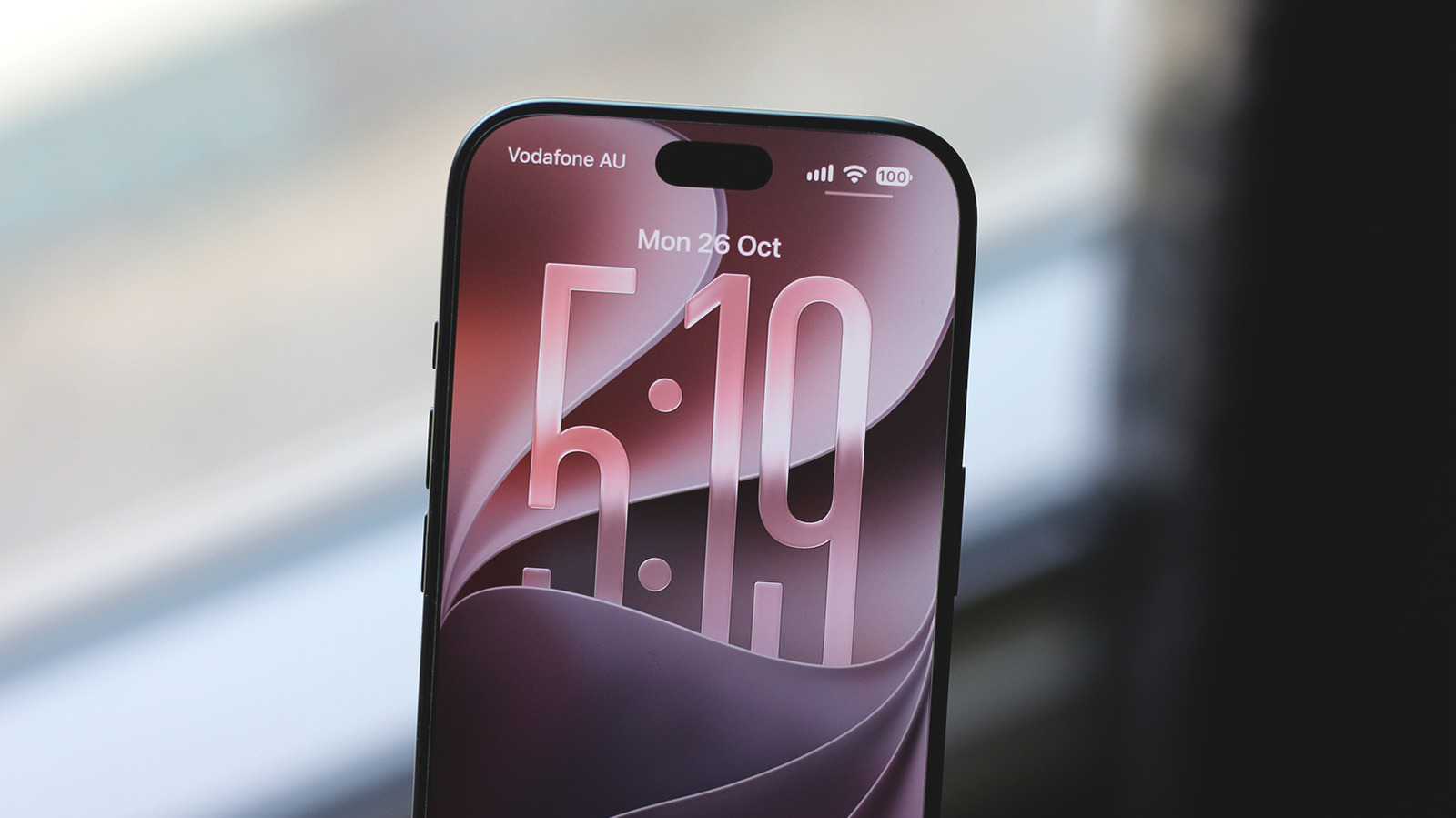
The iPhone is easy to recommend to anyone looking for great smartphone hardware and long-term software support. The previous few iOS releases, however, have been pretty janky. With iOS 27, Apple therefore shifted its focus to ironing out bugs and improving overall stability rather than cramming in another round of flashy new features, and a good chunk of the WWDC 2026 keynote covered improvements such as snappier app launch times, faster AirDrop transfers and better memory management.
Apple's commitment to software updates also means iOS 27 compatibility extends all the way back to the iPhone 11, which is great news since iOS 26 would have been a terrible final major update to be stuck on. If you haven't already updated your iPhone, you can do so by navigating to Settings > General > Software Update.
Not much has changed visually, which makes sense since Apple only recently overhauled its design language with Liquid Glass. There is now a system-wide transparency slider, though, which many users had been asking about. Reports about battery life are mixed — some say they're getting less screen-on time than before, while others haven't had issues. Personally, iOS 27 has been such a blessing performance-wise on my aging iPhone 15 Pro Max that I'm willing to put up with slightly worse battery life.
Of course, stability upgrades aren't the only thing Apple introduced with iOS 27. The update also brings a handful of useful tidbits, and here are five features you should definitely check out after updating your iPhone.
Source link