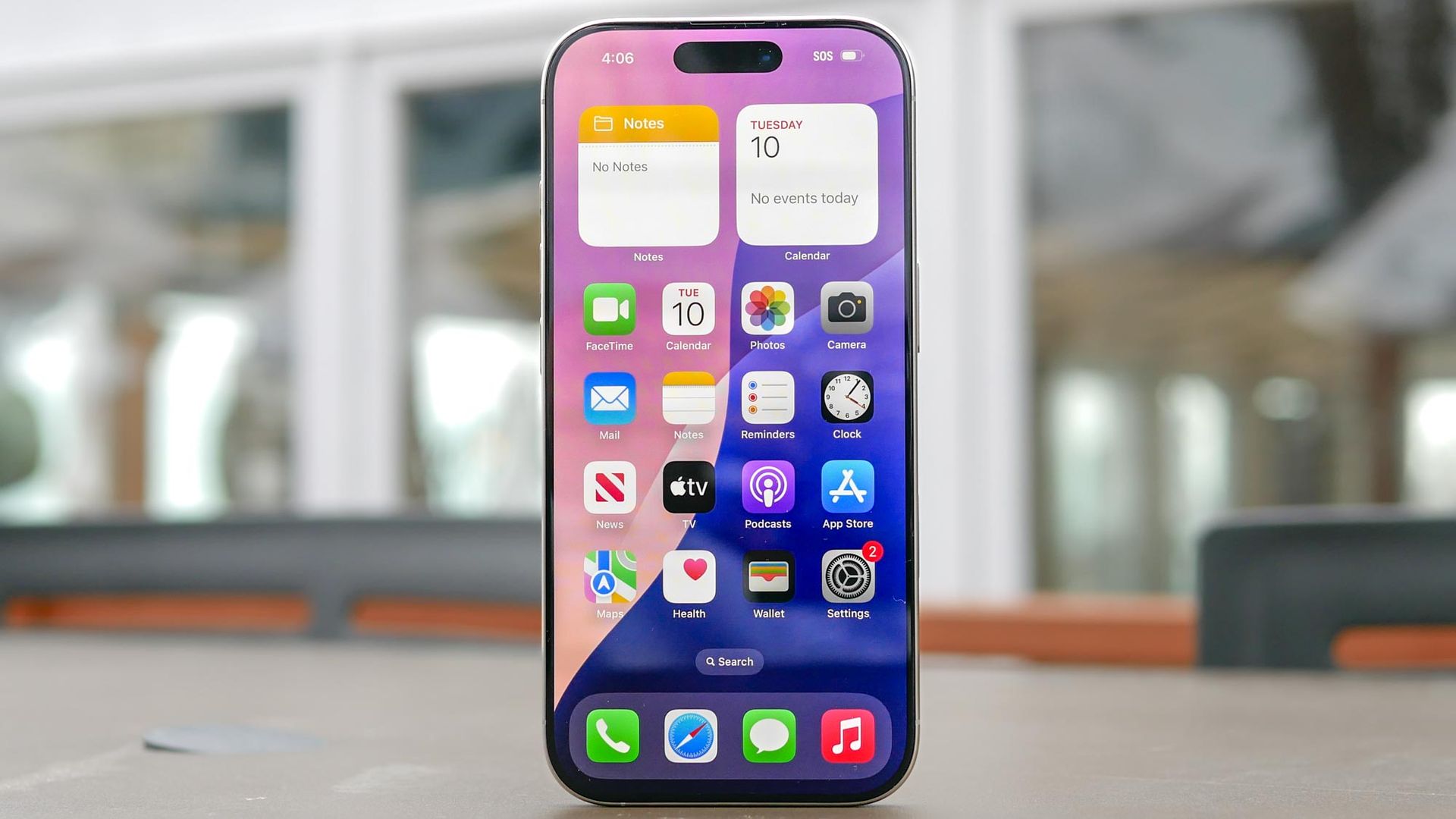
Securing your digital life can feel overwhelming, but the most effective protections are the ones you can activate in just a few minutes. Your iPhone comes equipped with built-in features engineered to safeguard your identity, shield your finances, and keep your personal information private.
You do not need technical expertise to take advantage of them either, you just need to know where to look. Here are five essential settings that will help protect you and your iPhone from day-to-day threats.
If a thief memorizes your passcode before snatching your phone, that six-digit number used to be enough to reset your master Apple account password and lock you out permanently. Stolen Device Protection eliminates this flaw.
When enabled, your iPhone demands Face ID or Touch ID authenticationfor sensitive actions whenever you are away from familiar locations like home or work. Crucially, it imposes a mandatory one-hour delay before anyone can alter account credentials outside those trusted zones, giving you time to mark the hardware lost via iCloud.
To enable it, go to Settings, tap Face ID & Passcode, and turn on Stolen Device Protection.
Scammers frequently rely on high-pressure calls and spoofed texts to trick you into wiring funds or surrendering credentials. Introduced in iOS 27, Impersonation Risk Detection serves as Apple’s built-in defense against this social engineering.
The system monitors on-device interaction patterns and behavioral cues during high-stakes actions without reading your personal messages, emails, or photos. If you attempt a large transfer or sensitive account change under signs of coercion, your iPhone flags the event and directs supported banking apps to require secondary verification before funds can leave your account.
Source link