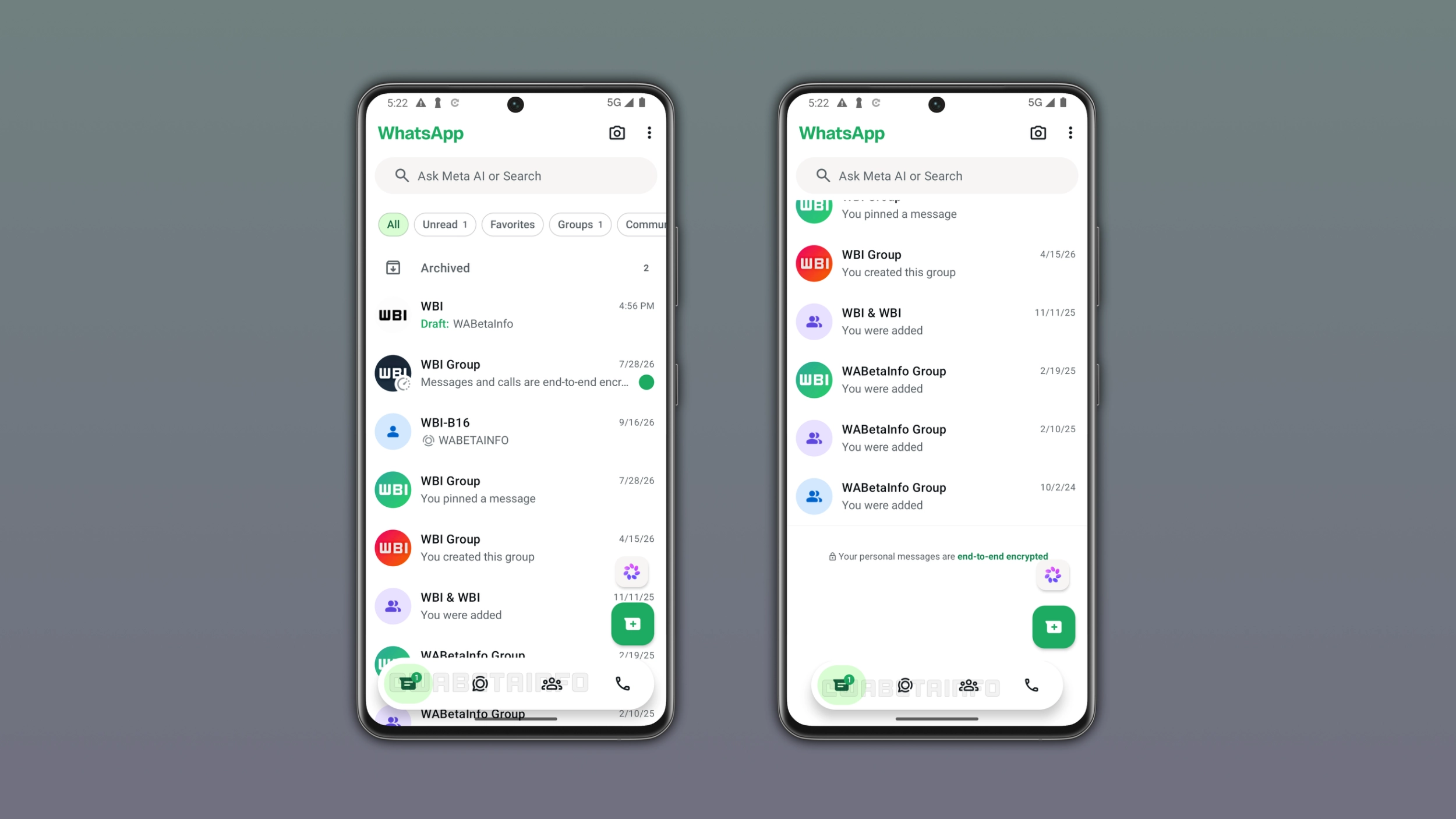
WhatsApp will make the bottom navigation bar smarter by changing its size based on the scroll direction. This design keeps the content clean while users scroll through their chats. This is another update that makes the bottom navigation bar more modern.
Enter your email address to subscribe to this blog and receive notifications of new posts by email.
In the post about the WhatsApp beta for Android 2.26.38.10 update, we announced a refreshed bottom navigation bar. The new bottom navigation bar floats above the screen with rounded corners and no text labels under the icons. With the WhatsApp beta for Android 2.26.41.7 update, WhatsApp is also working on switching the tab selection style from a pill shape to a circular one. We noted in these reports that the design is not final, as WhatsApp would likely keep refining it.
WhatsApp keeps working on improving the bottom navigation bar. Now, WhatsApp is focusing on how the bar responds to scrolling. When users scroll down through their chat list, the bar will shrink into a compact floating pill. When they scroll back up, the bar will return to its full size. We discovered this with the WhatsApp beta for Android 2.26.41.6 update, which is available on the Google Play Store. Specifically, WhatsApp is testing a dynamic bottom navigation bar that changes its size depending on the direction of the scroll.
In its full form, WhatsApp expands the bottom navigation bar to the full width of the screen. This is the version users see when they open any tab for the first time they launched the app.
Source link