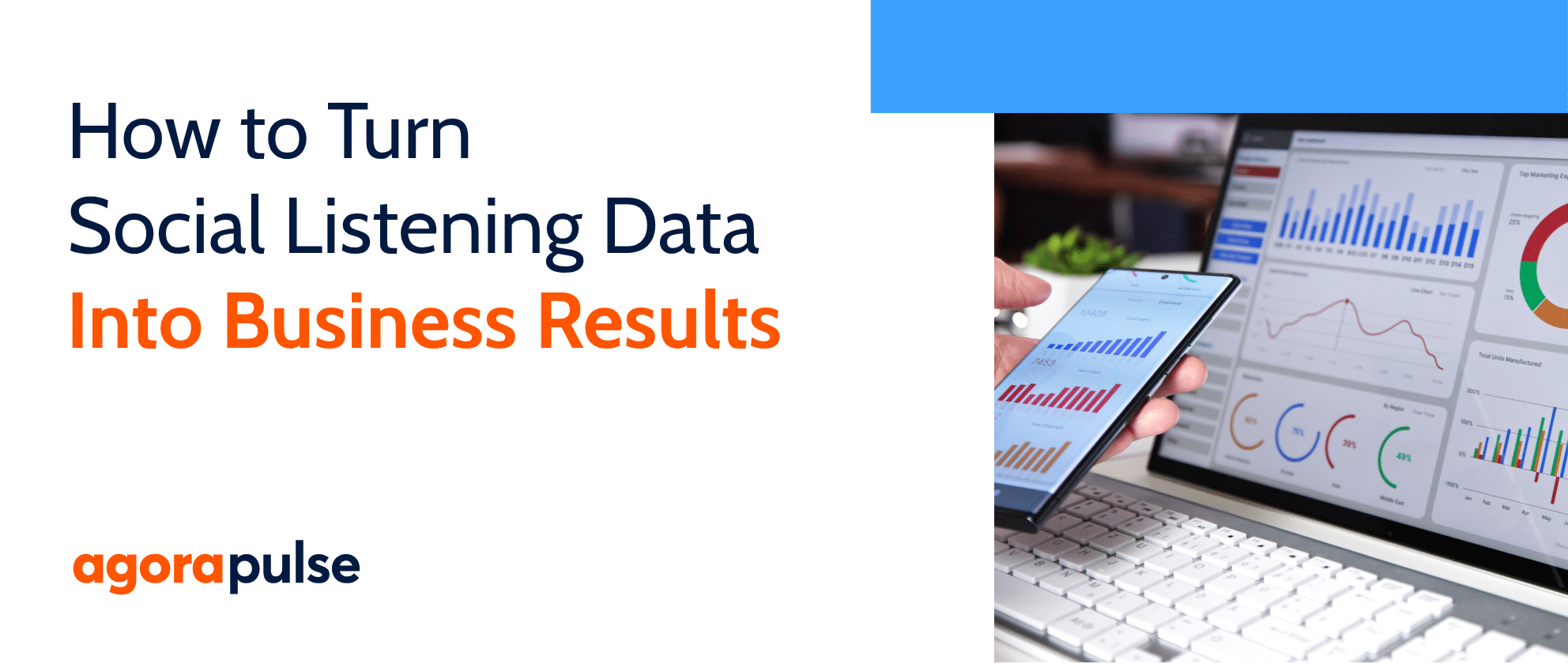
A social media dashboard is a single interface that pulls metrics from all your social accounts into one place for tracking, analyzing, and reporting on performance.
Enterprise marketing teams, agencies managing multiple clients, and growing social teams rely on them most, because the reporting burden scales with every new account and campaign.
Instead of logging into Instagram, LinkedIn, Facebook, TikTok, and X separately to check results, a dashboard brings everything together. You get a single view of what’s working, what’s not, and how your social efforts connect to business goals.
Most dashboards include real-time or near-real-time data, customizable visualizations (charts, graphs, tables), and the ability to filter by platform, date range, campaign, or metric. They range from free tools like Google Looker Studio to connected systems like Hootsuite Social OS that combine scheduling, publishing, and cross-platform analytics in one place.
Get a free social media report template to easily and effectively present your social media performance to key stakeholders.
Dashboards tend to fall into four categories, and knowing which one you’re building keeps you from cramming every metric into a single view. The four types are operational, analytical, strategic, and tactical.
Most of the templates later in this article map to one of these four types, so you can match the template to the job you’re actually trying to do.
Dashboards solve a measurement problem that grows with your budget. With over $121 billion in US social ad spending projected for 2026, the cost of not knowing what’s working keeps rising.
Source link