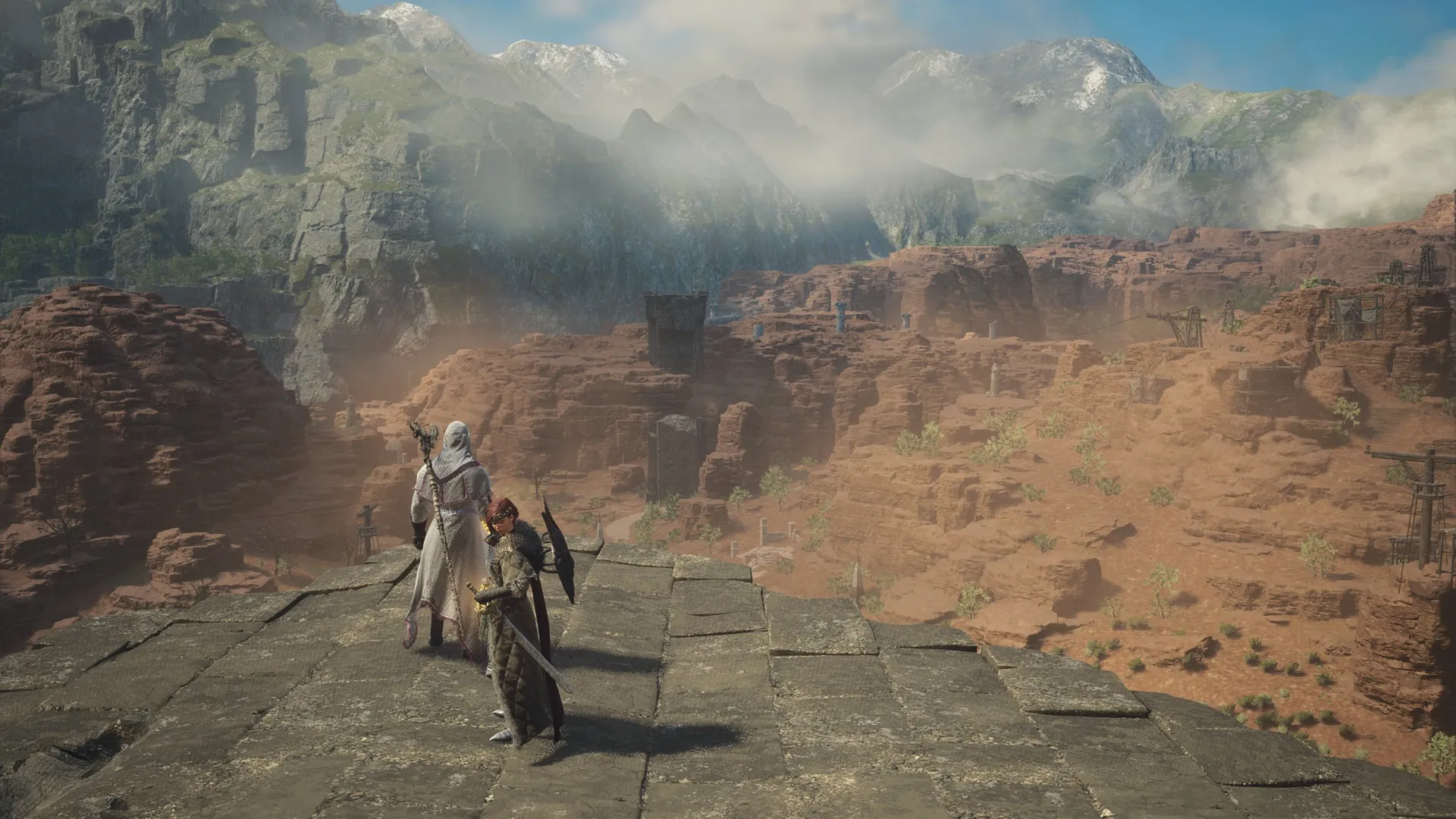
Dragon's Dogma 2 isn't exactly the easiest of games to get into, but at the same time, once you get a feel for how the combat flows, it can become a walk in the park. Thankfully, Dragon's Dogma 2 has three different difficulty options, each catering to players of varying skill levels. Normal mode is how the game is meant to be experienced, while Casual and Hard modes are for players who think the default experience isn't quite for them.
Before you commit to a difficulty setting, you'll want to be absolutely sure that you can stick with your choice until the end, as changing difficulties mid-campaign isn't exactly the most forgiving of choices.
Learn more about the hidden dungeons scattered throughout the world of Dragon's Dogma 2 by completing the Lost Rites quest.
You can only change your game's difficulty if you started your save file in Normal mode. To change your difficulty setting, go to the Title Screen, then look for the Game Mode option at the very top of the Game Settings tab. You can only change this option if you're in the Title Screen and if you're playing in Normal mode.
If you have a character who has already started the game in either Casual or Hard difficulty, you need to finish the game first. After you roll credits, you should be able to see the Restart Game with Current Level and Equipment option from the Title Screen. Pick that, and you'll be able to select your game difficulty anew.
Source link