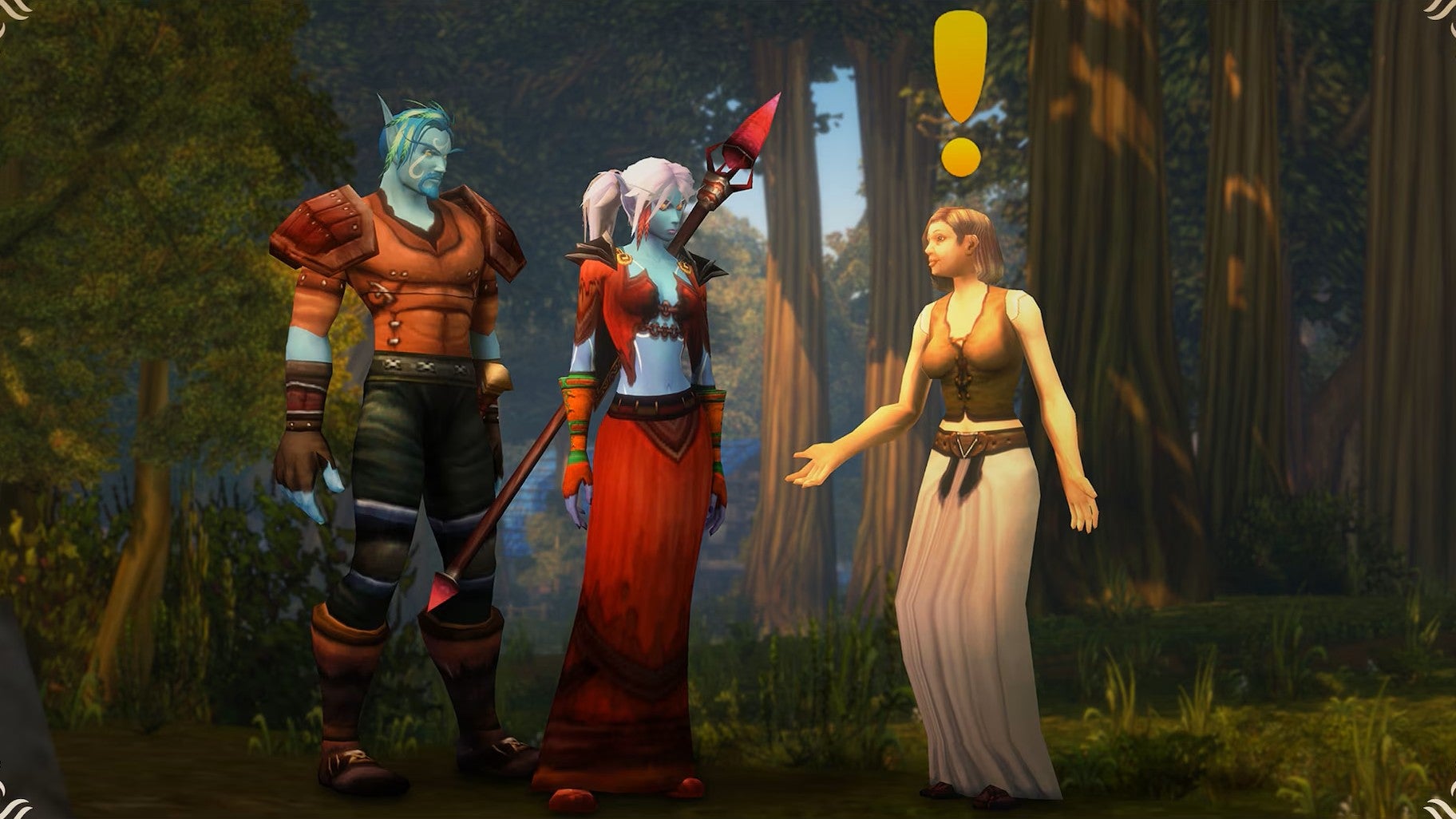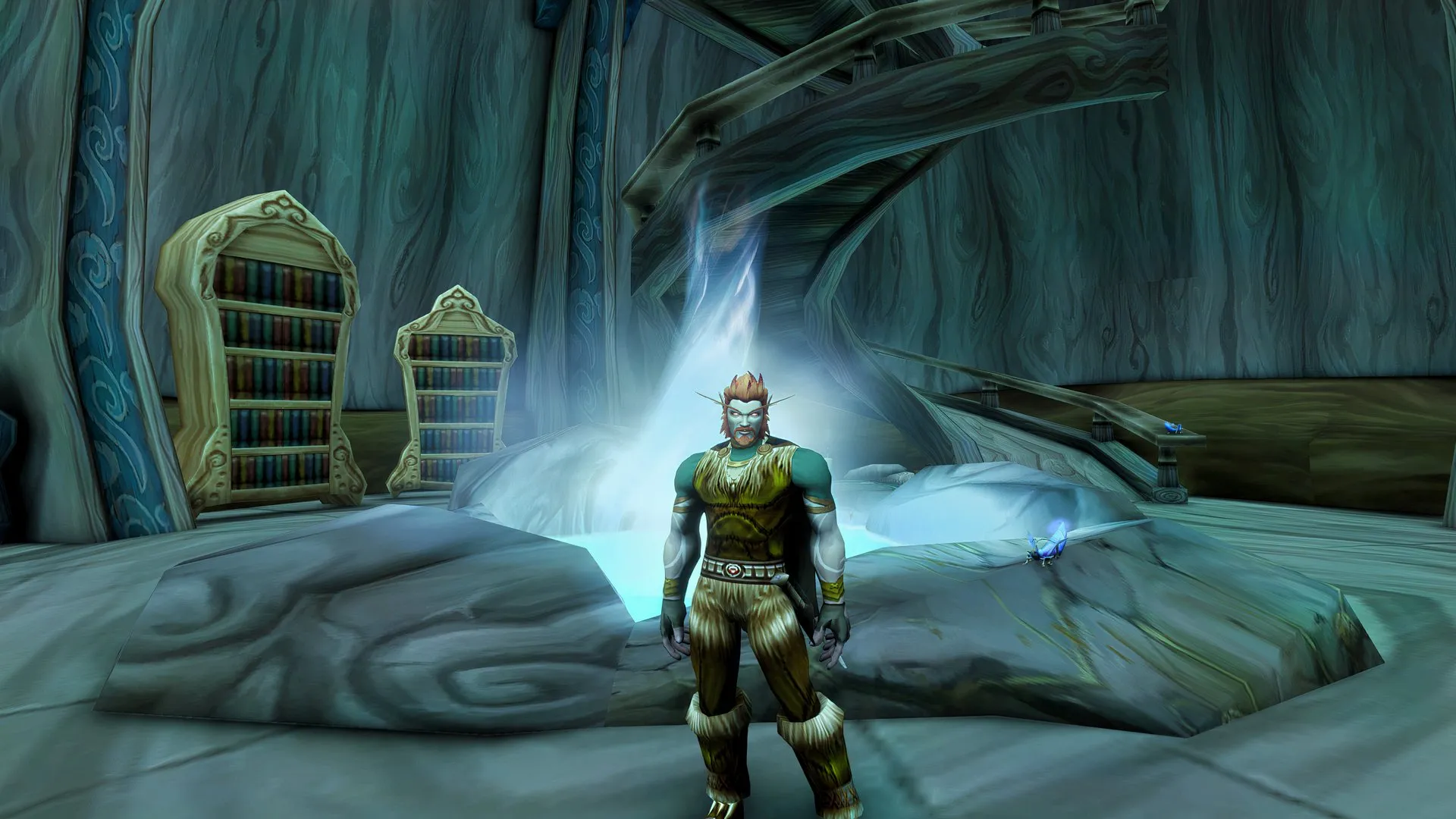
World of Warcraft: Forever introduces a two-part naming system, giving each character a main name and a secondary name. Rather than being unique to an individual realm, your full name must now be unique across your region.
This means you can still use a main name another player has already chosen, as long as the full two-part combination is available. But maybe you picked a random secondary name because you couldn't wait to see how your favorite starting area has changed since 2004. Luckily, you can control how that secondary name appears in-game.
Your secondary name appears above your character's head, in your character's portrait frame, and above your pet or minion. You can hide it from these UI elements if you'd prefer to see only your main name.
After unchecking the box, your secondary name will disappear from the affected displays immediately, without needing to restart the game. If you change your mind, return to the same menu and check the box again to restore it.
Your full character name will still appear in chat, even with the setting disabled. The setting also carries over between characters and rulesets. If you want to hide your secondary name on one character but show it on another, you'll need to change the setting each time you swap between your characters.
Pirate Software’s OnlyFangs raid controversy just got put on blast in a new WoW: Forever trailer.
In realm-based versions of World of Warcraft , players could use the same character name on different realms because names only needed to be unique within each realm.
Source link