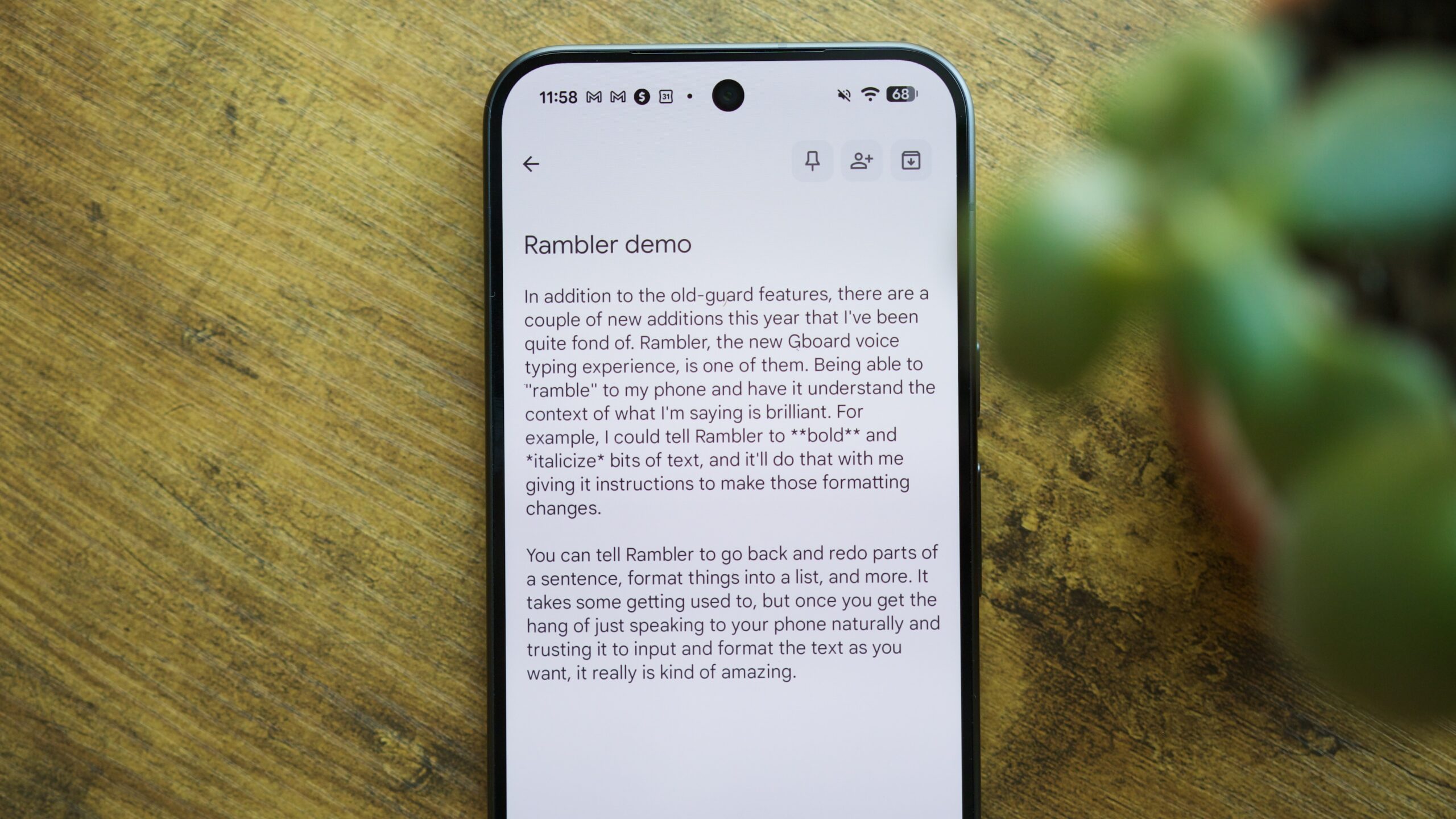
TL;DR Google expanded Gboard’s Rambler voice typing feature from the Pixel 11 series to the Pixel 10 lineup as part of the November 2026 Pixel Drop.
Pixel 10 owners who don’t see the feature after installing the monthly update can enable it immediately by manually updating Android AI Core through Settings > [Google profile] > All services > System services .
Once updated, Rambler can be turned on under Gboard’s Settings > Voice typing to polish natural speech, strip filler words, and make conversational voice edits.
Google officially expanded Gboard’s Rambler voice typing to the Pixel 10 series as part of its November 2026 Pixel Drop , ending its exclusivity on the Pixel 11 lineup. If you’ve updated your Pixel 10 to this new monthly update but still don’t have Rambler, you might have to check for another update.
Reddit user Jalvas7 pointed out that they could get Rambler to show up in Gboard on their Pixel 10 after forcing an update for the Android AI Core app via Google Play Services.
Source link