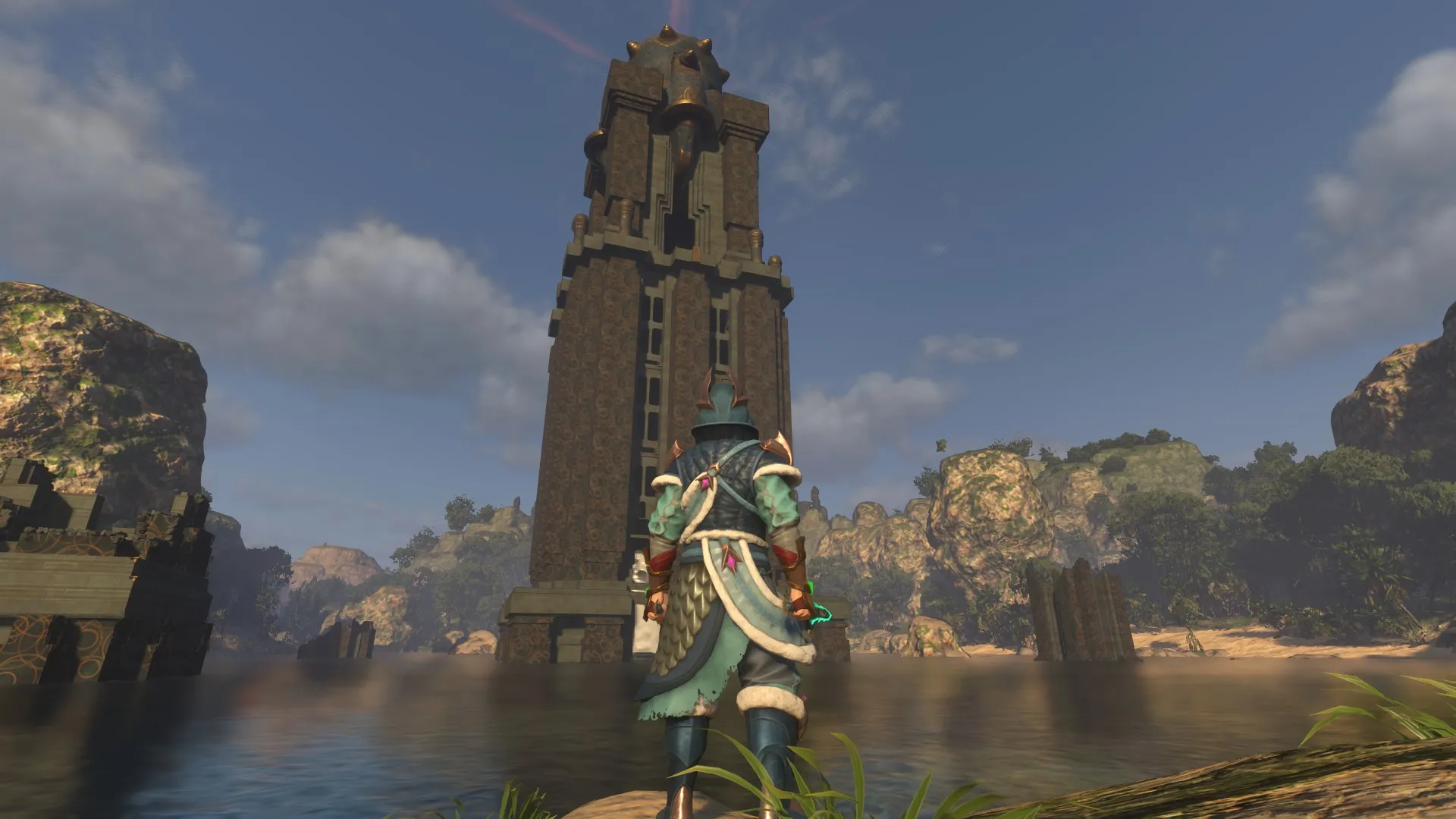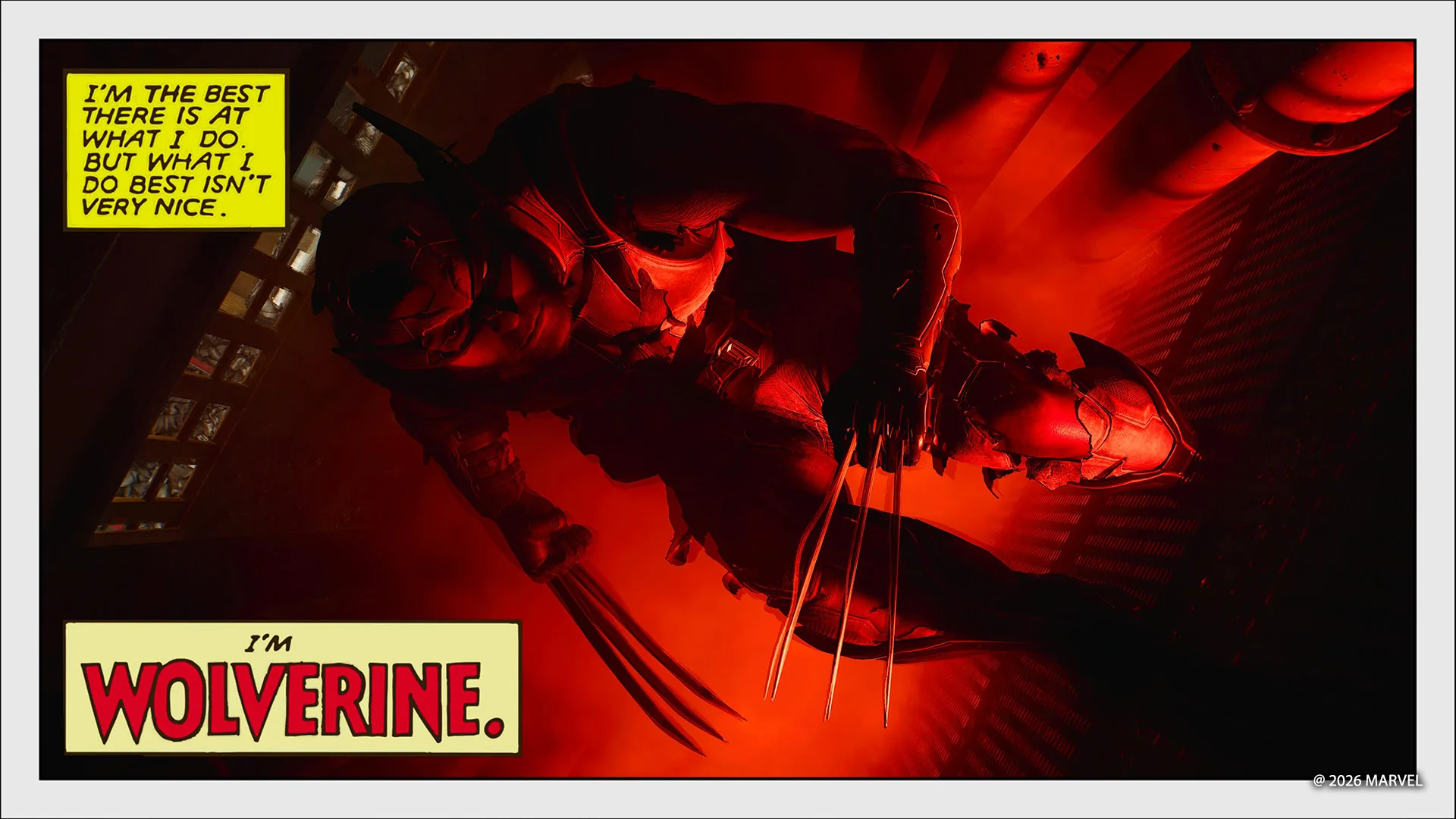
Photo Modes are a rewarding way to get to grips with some essential elements of photography, while letting you more closely examine and appreciate a game’s art design and increasingly photorealistic visuals. Feature-rich Photo Modes put an entire suite of virtual lighting rigs at your fingertips, subtracting concerns about space requirements, or the patience of your models as you get your composition just right.
Insomniac in particular continues to bring a superheroic heft to its photographic options, first established through its Marvel’s Spider-Man games, with Marvel’s Wolverine. The game’s out for just over a month, and we continue to be dazzled by the Photo Mode skills players have displayed since launch. We’ve equally had questions from budding shutterbugs asking for guidance on how to better their shots. Here, we unpack some of the options the studio offers up in Photo Mode and some examples to get you thinking.
Warning: some of the photos here are spoilers for the game’s outfits and mid-game content
Chapter select: Once you’ve rolled credits, loading your save file will pop you back in Logan’s cabin. Head to the bed to access a chapter select menu, letting you leap into any location or moment from the story. From Canada’s snowy wilderness, neon-soaked Shinjuku arcades, to the compact districts of Madripoor and more, you got plenty of backdrops, blockbuster moments and quieter character moments to work with.
Photo Mode UI repositioning: Insomniac has packed in a multitude of options in its Photo Mode to cater to every need you’d have.
Source link