
Starting today, we’re introducing new ways for XBOX Insiders to make Home, My games & apps, and the Guide work better for them.
Keep your console Home fresh with rotating backgrounds, find games in your library more easily, or move the Guide to the other side of the screen. Give these updates a try and tell us what you think and what we could make better.
Alpha Skip-Ahead members can try them first. We’ll bring them to more XBOX Insiders and players over time.
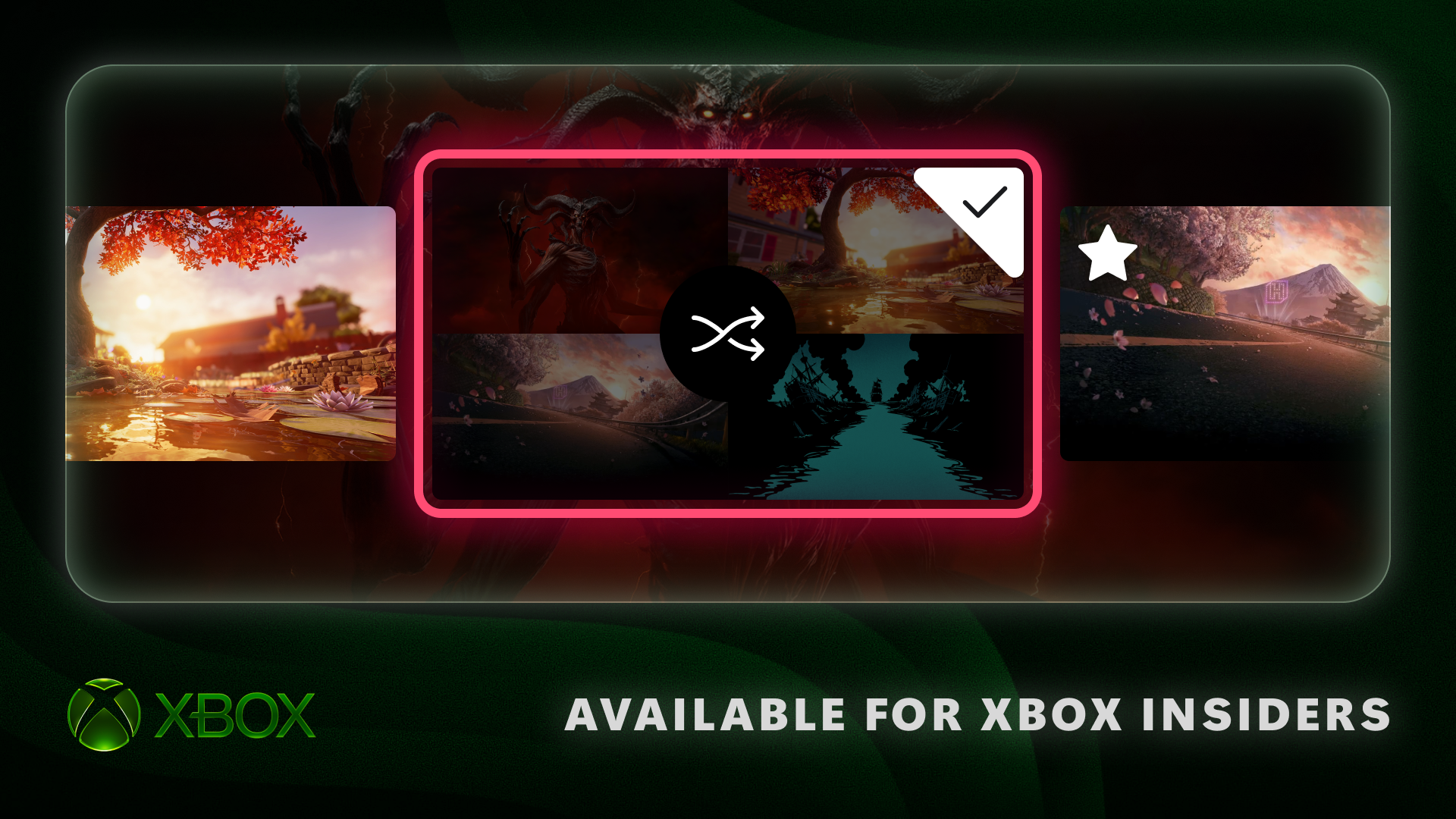
Want a new look for Home without picking a new background every time? XBOX Insiders can now save favorite dynamic backgrounds and shuffle through them automatically.
To save a favorite, go to Settings > General > Personalization > My background > Dynamic backgrounds > Dynamic backgrounds, choose a background, and press X. You’ll find it in the new Favorites category. Pro tip: If you have a controller with an exclusive background, like the XBOX Wireless Controller X25 Special Edition, saving that background as a favorite lets you use it even when the controller isn’t connected!
You can also choose Shuffle at the start of any background category. Have your background change each time you sign in, or set it to change hourly, daily, or weekly. Shuffle your favorites or explore a whole category, it’s an easy way to keep Home feeling fresh.
Since August, XBOX players have been able to claim digital licenses for their disc-based games. You’ve told us you want more control over how those games appear in your library, so we’re adding a couple of options.
Source link