CONNECT WITH US
Gaming

Gaming

As an Android user, these are the first 5 settings I changed on the iPhone 18 Pro

Android Authority — Games logo

Published on

Add as a preferred source on Google
As an Android user, these are the first 5 settings I changed on the iPhone 18 Pro

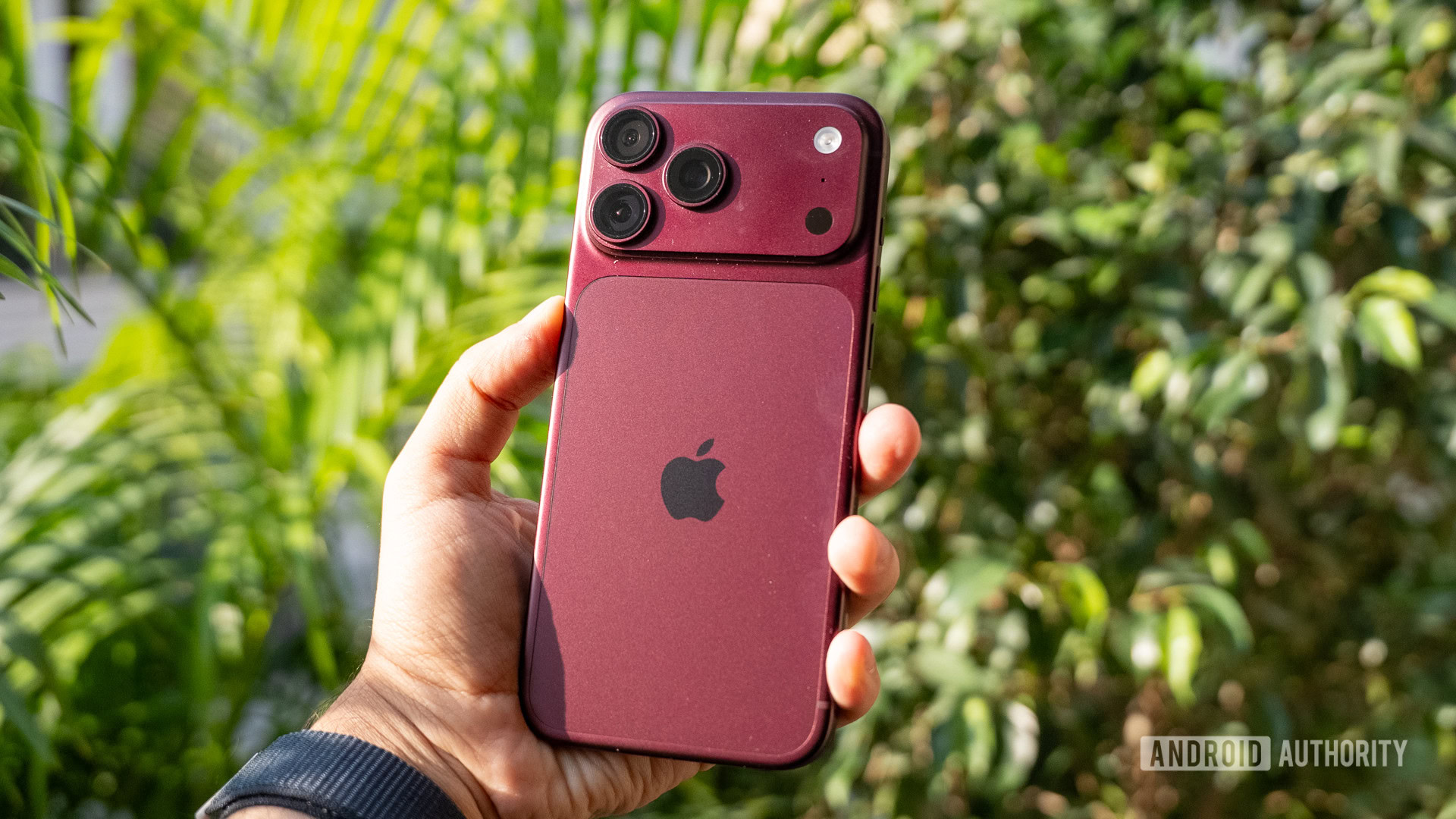
Android and iOS couldn’t be more different, and I was reminded of that the moment I switched from my Pixel 11 Pro XL to the iPhone 18 Pro. I’d spent so much time on Android that I had almost forgotten how different things work on an iPhone. And believe me, the first day was quite an adjustment. I kept trying to swipe back from the right edge of the screen, only to remember that iOS doesn’t support Android’s universal back gesture.

Of course, I knew switching to an iPhone would mean giving up some of the things I’d grown accustomed to on Android. But that didn’t mean I had to leave every familiar habit behind. So, before I could properly settle into using the iPhone 18 Pro, I started exploring its settings to see how much of my Android experience I could bring over. A few changes later, my iPhone started feeling much more familiar, and these settings made the biggest difference.


Source link

Disclaimer

We strive to uphold the highest ethical standards in all of our reporting and coverage. We TheMorningPulse.fyi want to be transparent with our readers about any potential conflicts of interest that may arise in our work. It's possible that some of the investors we feature may have connections to other businesses, including competitors or companies we write about. However, we want to assure our readers that this will not have any impact on the integrity or impartiality of our reporting. We are committed to delivering accurate, unbiased news and information to our audience, and we will continue to uphold our ethics and principles in all of our work. Thank you for your trust and support.