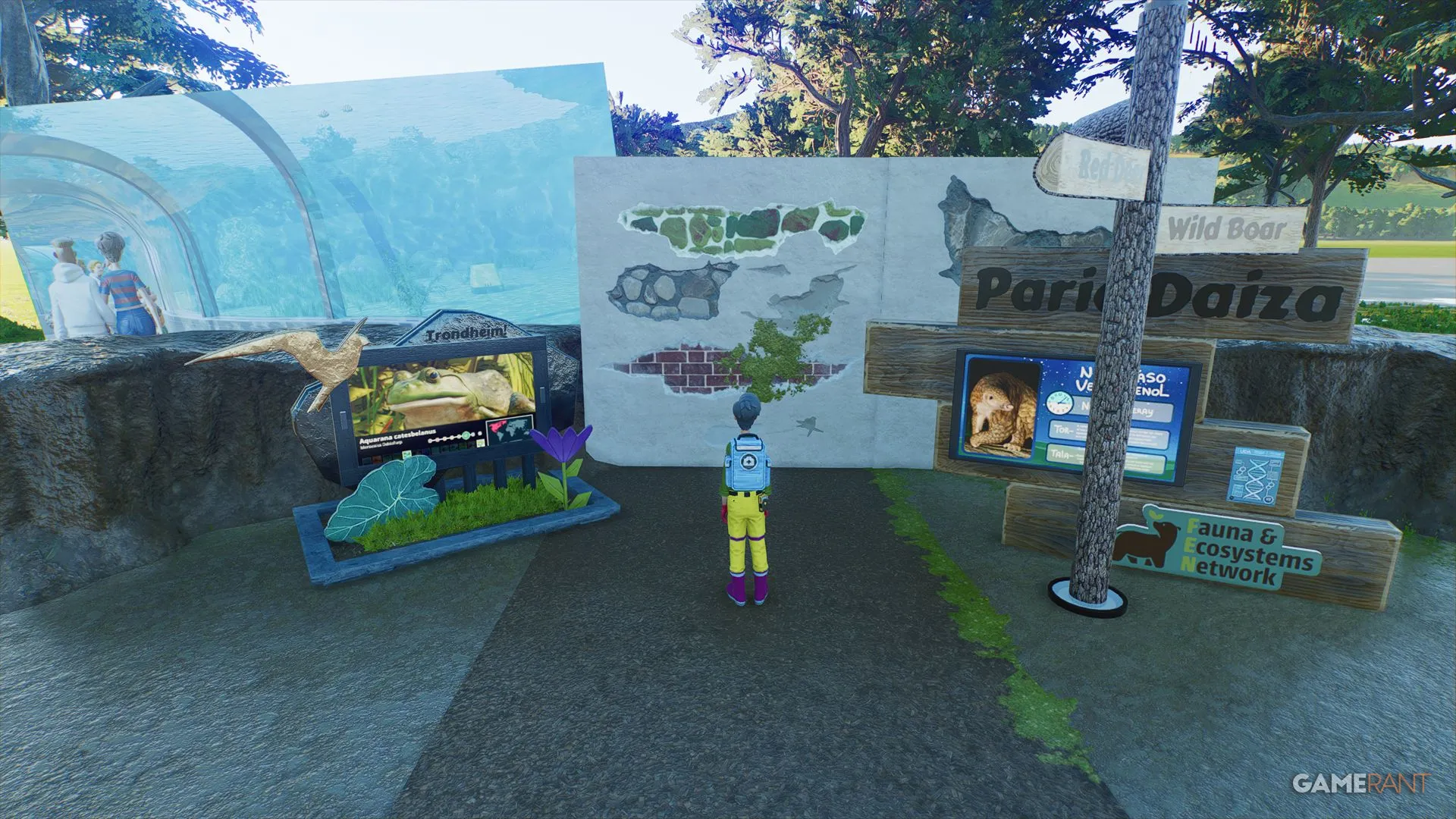
While Planet Zoo 2 is first and foremost about animals, now including aviary and aquarium species, players love to build highly detailed, realistic environments and buildings. The following are some advanced customization tips, tricks, and features you might not know about in Planet Zoo 2, which can elevate your zoo builds to be worthy of screenshots or even attention on the Frontier Workshop.
Learn how to set up guided tours in Planet Zoo 2 to improve your Guest Education rating & make more money.
Added late in the original's development cycle and still available in the sequel, players can customize the colors of staff uniforms. Alter their shirts, hats, and boots to align with your zoo's branding or change the colors of individual staff roles to stand out more easily. Don't like the vets dressed in bright blue? Change them to green or pink.
Make sure to enable the Apply Color Changes To All Staff if you want all your vets to be the same, for example.
Did you know that you can import your own images, videos, and sounds into Planet Zoo 2 and use them in your zoos? For images and videos, these can be used on screens, including Education Boards and similar items. Simply click the button with two arrows under the Assigned Media title, and it will explain all. Custom media should be put in Documents/Frontier Developments/Planet Zoo 2/UserMedia.
For sound, use speakers, including those for educational purposes. You can add themed ambience , play your favorite songs for your guests, or even provide narration for your guests.
Source link