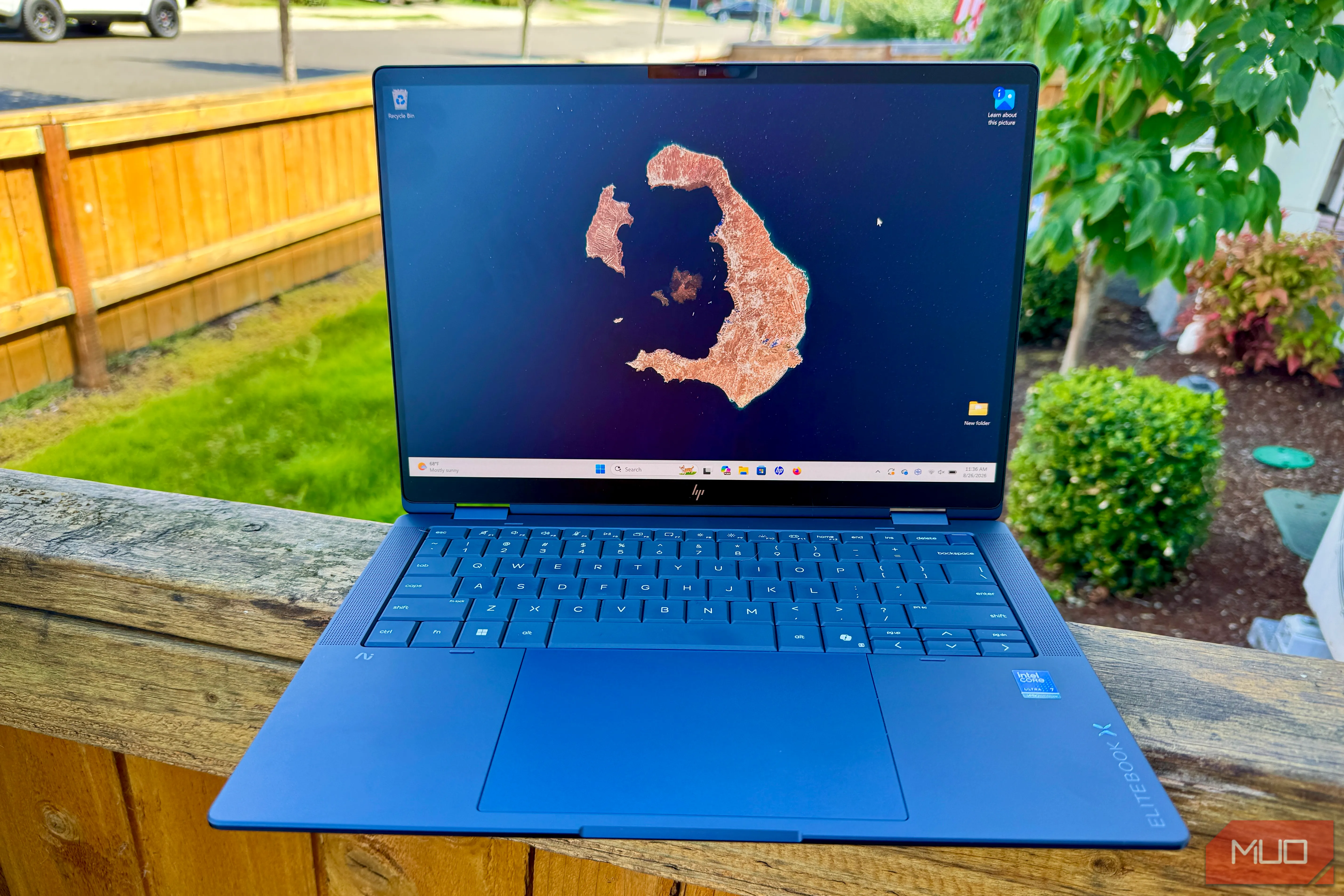
A 120Hz display is one of those laptop upgrades that spoils you fast. Scrolling feels snappier, animations look cleaner, and after a while even dragging windows around can make 60Hz feel sluggish. There are good reasons refresh rate can matter more than resolution when motion and responsiveness matter most. The downside becomes obvious once you unplug, because keeping the panel refreshing at 120Hz can draw more power and eat into battery life.
I don’t want to keep bouncing between refresh rates every time I leave my desk. Windows 11 has a better compromise called Dynamic Refresh Rate, which lets a compatible laptop drop below 120Hz when that extra smoothness isn’t doing much for you.
The appeal of a high-refresh display goes well beyond gaming. I notice it most during ordinary desktop use. Scrolling through a long webpage, moving around a spreadsheet, switching between windows, or moving the pointer with a trackpad all feels noticeably smoother at 120Hz.
That extra fluidity does cost you some battery, though. Microsoft recommends lowering the refresh rate as one way to extend battery life because driving the panel at a higher rate generally uses more power. That’s why lowering a laptop’s refresh rate can be an easy battery win when you’re away from a charger.
If you leave Windows on a fixed refresh rate, you’re basically choosing between these options:
You can switch between 60Hz and 120Hz manually through Settings > System > Display > Advanced display , where Windows lists the refresh rates your panel supports.
Source link