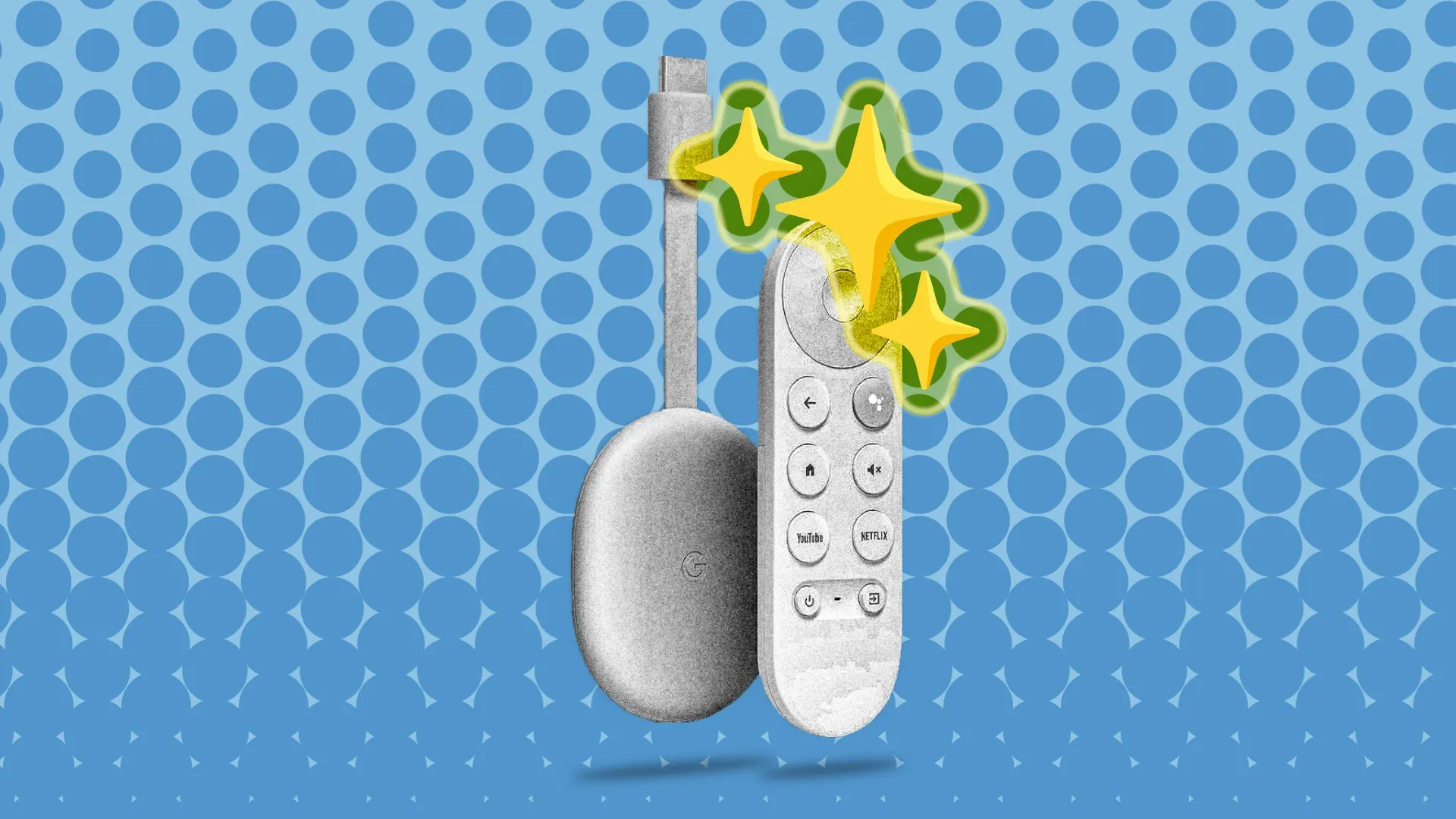
Streaming devices tend to have a longer shelf life than phones, but like everything, they get slow over time. You don’t have to banish your old Android TV, Chromecast with Google TV, or an Onn device to the tech graveyard just yet, though.
Now, there are varying degrees of “old” when it comes to a streaming device. Most of the time, they still technically work, but doing anything on them feels like swimming against the current. The best thing you can do is uninstall as much as you can and limit the device to one specific app or function.
The thing to remember about Google TV devices is that they’re still Android at heart. That means it’s more than powerful enough to handle the emulation required for retro video games. To get started, you'll need a Bluetooth controller—ones that work with a PC or gaming console often pair just fine—and an app like RetroArch or one of the many standalone emulators. Connect your newly minted console to a small dedicated monitor or even an old CRT if you want maximum authenticity. Just like that, you have a dirt-cheap nostalgia rig that doesn't require you to tie up your main gaming setup.
If your Google TV box isn’t getting any sort of software patches anymore, disconnecting it from the internet is a good idea. That doesn’t make it useless, though. Install a local media app like VLC or Kodi before pulling the plug. Then, with a USB stick or an external hard drive full of your favorite movies, TV shows, and music, you’ve got a media center that plays anything you own without the hassle of changing discs.
Source link