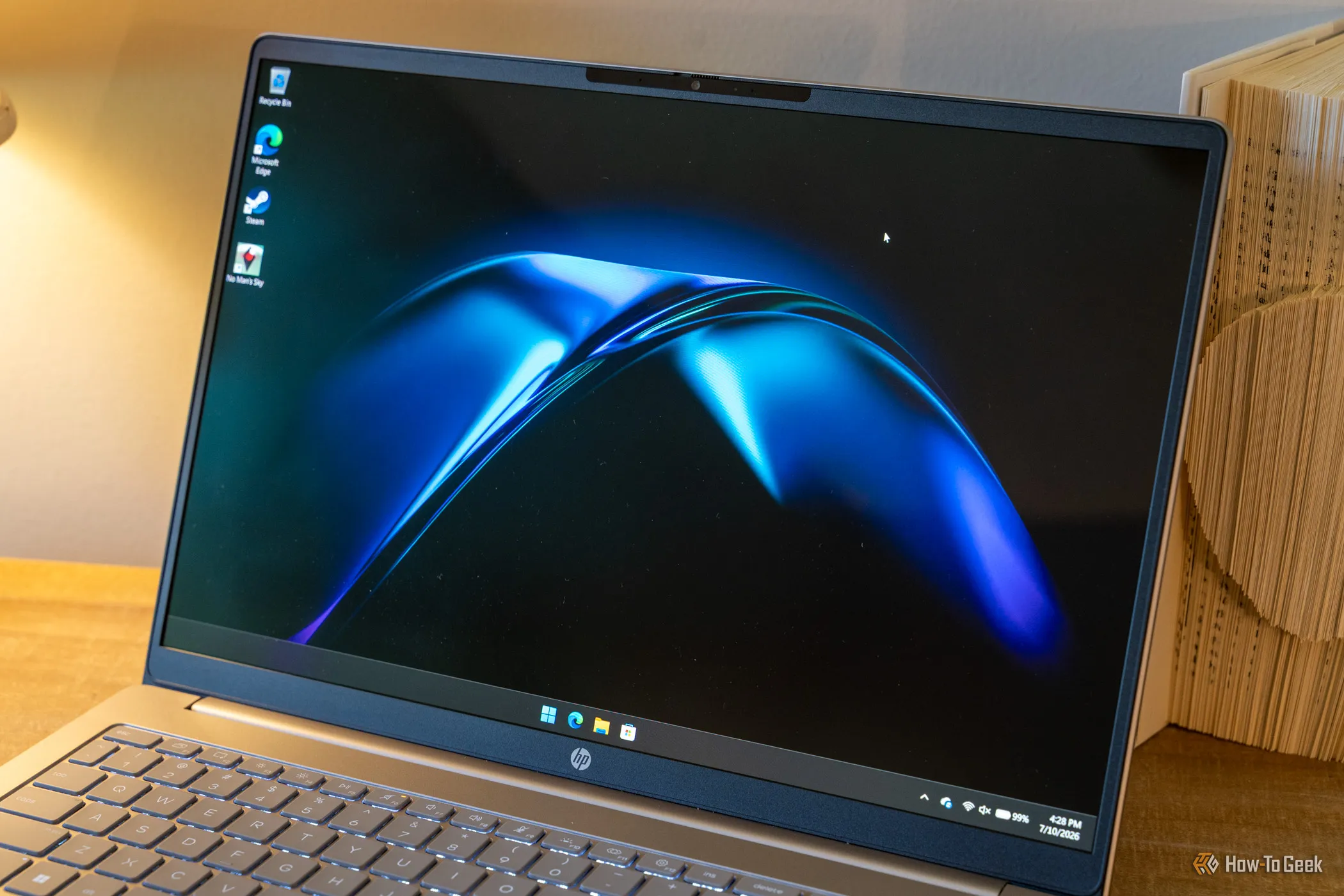
If your desktop or laptop keeps lighting up in the middle of the night without you touching it, the cause is almost always traceable. It's a common complaint, and one that tends to get written off as a glitch or a haunted machine, when in reality Windows almost never wakes itself up without a specific trigger behind it.
Somewhere in the system, a scheduled task, a network signal, or a connected device has been given explicit permission to interrupt sleep mode, and that permission was granted either by an app during installation or by a default setting nobody thought to review. The good news, though, is that Windows keeps a record of these events, so tracking down the source doesn't require guesswork. Here are three common culprits and how to track down which one applies to you.
One of the most common reasons a Windows PC wakes up overnight has nothing to do with a stray mouse click or a curious pet. It comes down to scheduled tasks and wake timers that are explicitly allowed to bring the system out of sleep. Windows Update is a frequent offender, since it often needs the machine awake to check for and install patches during designated maintenance windows. Beyond that, Task Scheduler lets you configure any task with a setting called "wake the computer to run this task," and third-party software installers often enable it without asking. Backup utilities, antivirus definition updates, and even some manufacturer bloatware can all schedule themselves this way.
Source link