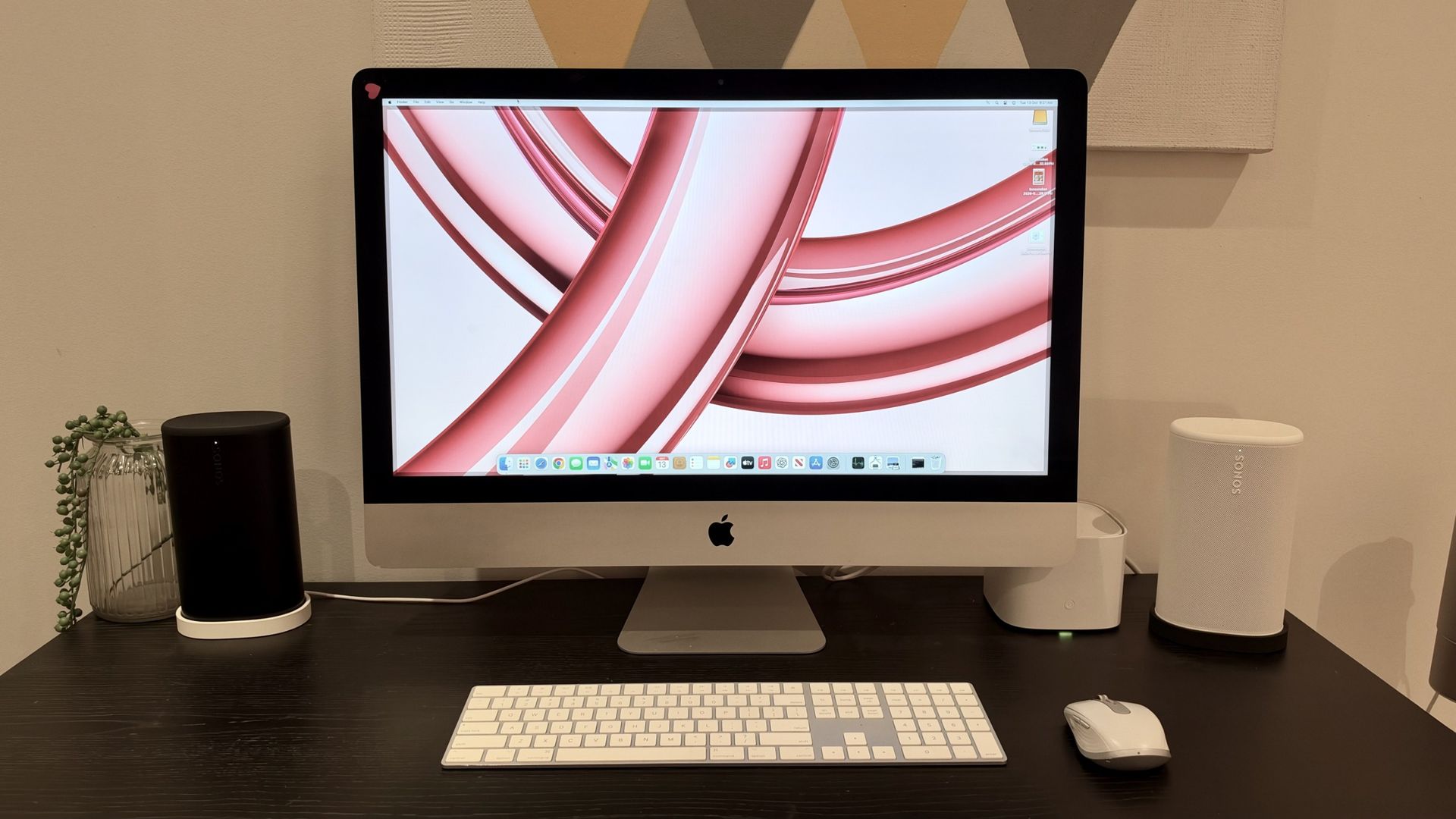
Nostalgia in tech is all the rage right now. Whether it's film cameras making a comeback, CDs seeing a resurgence or flip phones dominating headlines — old tech has somehow become cool again.
I'm not immune to the nostalgia bug either but, rather than buy something new, I decided to set myself the task of giving a 2013 Apple iMac a new lease on life.
This particular 27-inch model had been gathering dust, but with its generous display and otherwise functional hardware, throwing it away seemed like a terrible waste. Especially when a new 24-inch M4-powered iMac would set me back upwards of AU$2,000. With a little research and DIY knowledge, I could get the vintage 27-inch model humming again for under AU$500 instead.
My ambitions were relatively modest — I wanted something capable of web browsing, a little light creative work and other basic daily tasks. I wasn't expecting it to compete with my M2 MacBook Air.
After a little research, I settled on two relatively straightforward upgrades: more RAM and a new 1TB solid-state drive (SSD). And for a total outlay of approximately AU$310, I was hopeful I could give this old Mac a fighting chance.
The first thing I needed to address was the storage. My iMac originally came with a mechanical hard drive, which is hardly a recipe for speedy performance in 2026.
Swapping an old hard drive for an SSD is often one of the most effective ways to breathe new life into an aging computer.
Source link