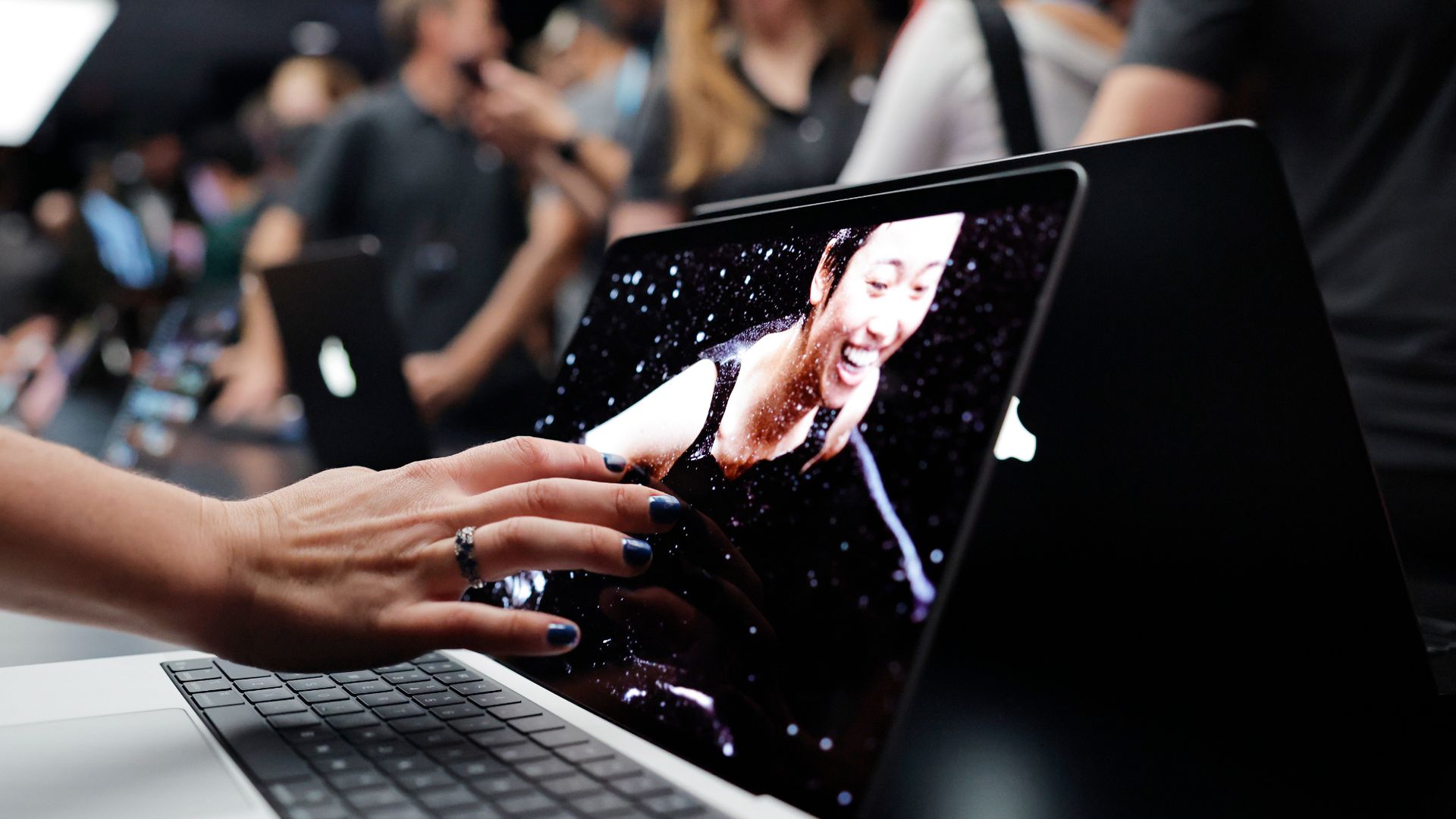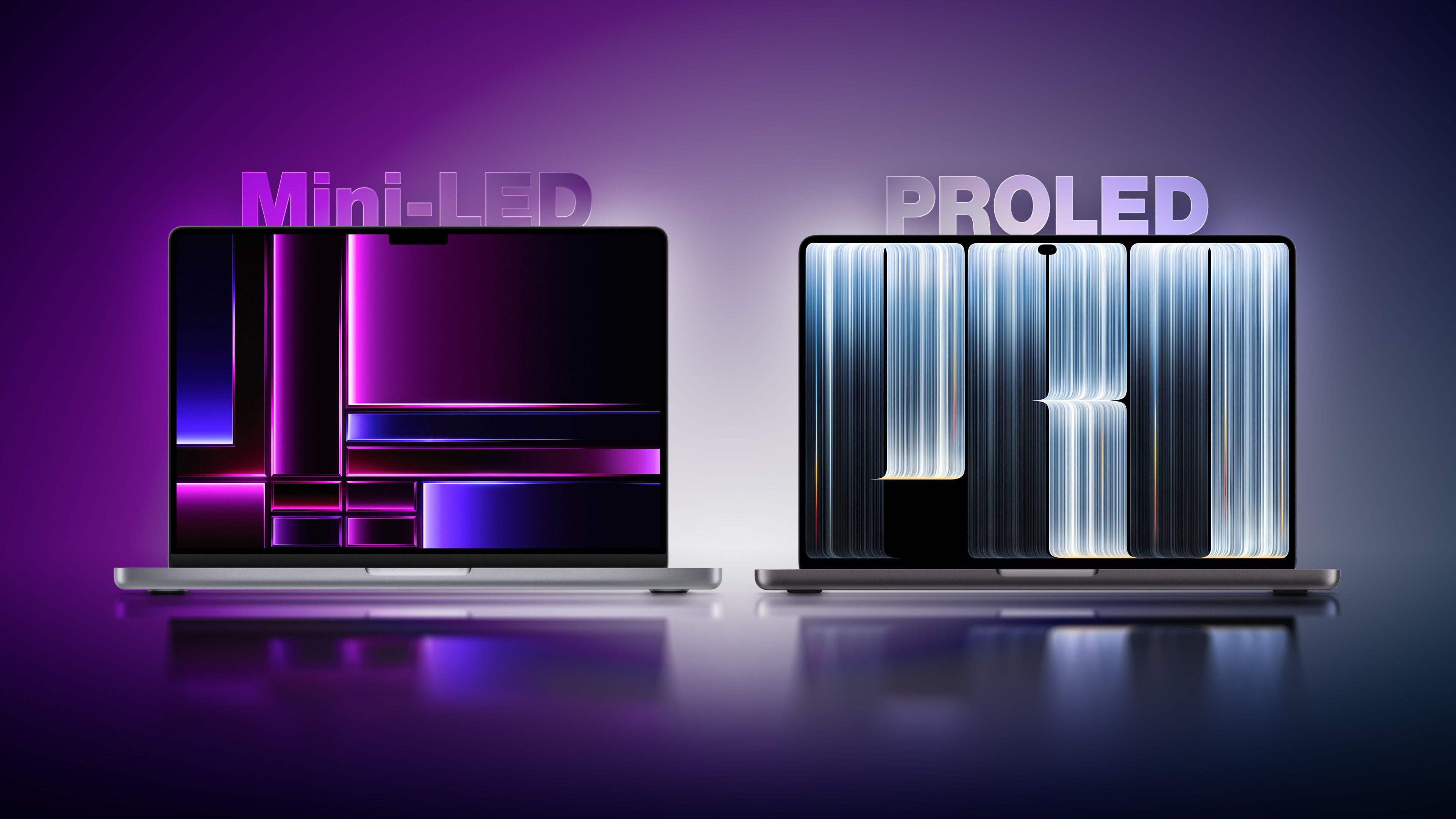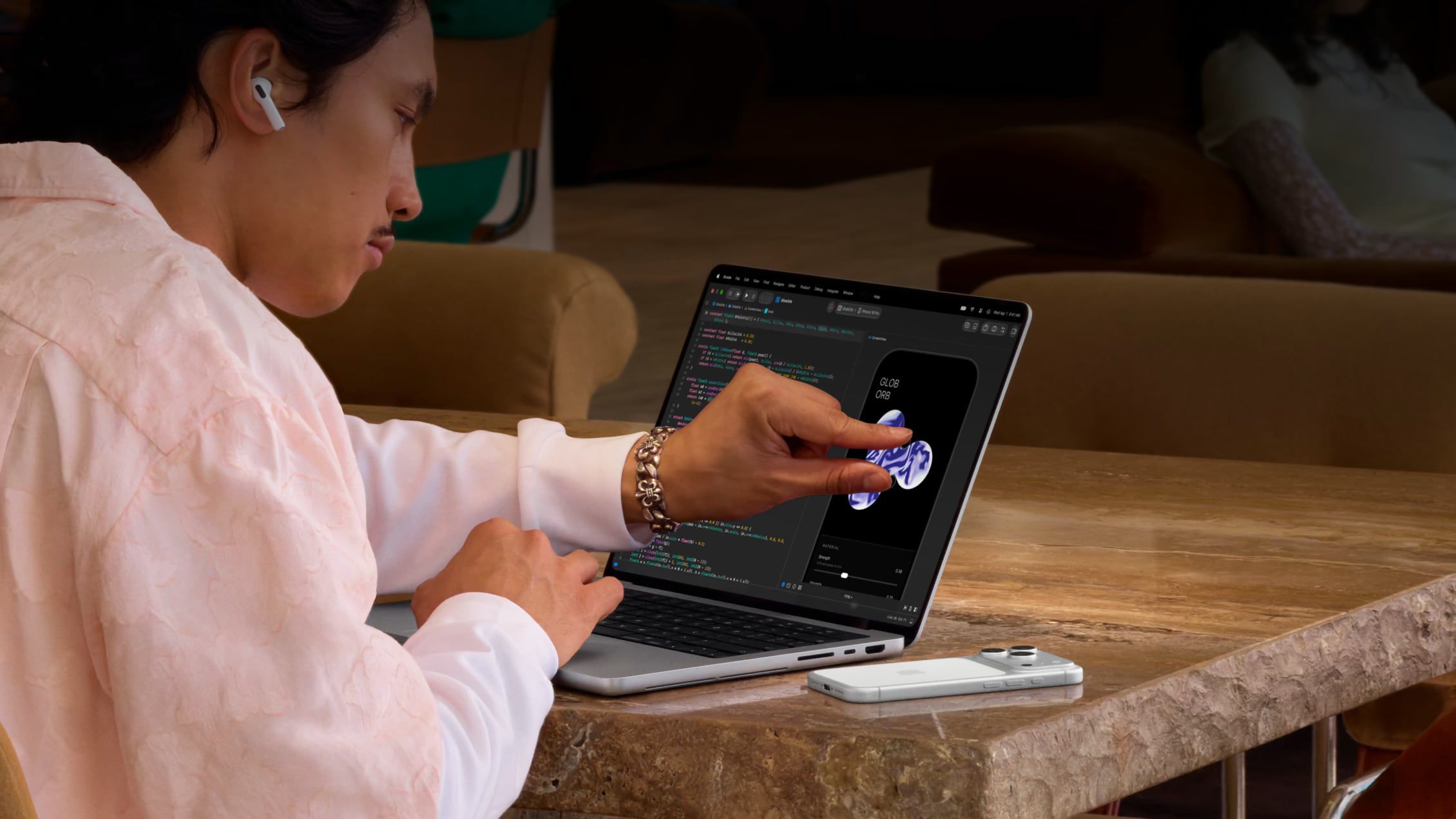
Apple announced a new MacBook Pro with PROLED XDR Display on Wednesday. It's Apple's first Mac with a screen that supports touch, and demonstrations Apple gave to the media show how macOS reshapes its controls for finger input. Menu bar items expand under a fingertip, window controls get bigger, and the Dynamic Island pulls down into a floating widget, amongst other changes. Back in 2016, then-senior VP of marketing Phil Schiller (now Apple Fellow) argued that putting touch on a Mac display would mean " totally redesigning the menu bar for fingers " – something he said would clash with pointer devices. Apple's modern solution, however, is more subtle. The menu bar looks the same, but when you move a finger over a menu item, it expands to let you make a selection with more precision. The same idea applies elsewhere in the macOS interface. For example, the traffic-light buttons that control window size and position also get bigger when you touch them, after which you make your selection with a tap. You can also swipe up from the bottom of the screen to reveal a hidden Dock. A Pull-Down Dynamic Island
Elsewhere, the new MacBook Pro replaces the notch with a Dynamic Island where Spotlight, Live Activities, and Siri AI live. You can pull down on the Dynamic Island to open an expanded version that floats on the screen like a widget, giving you access to Siri responses and Spotlight search. Apple says macOS automatically translates touch into clicks, so many existing apps will work with touch right away – no developer updates required.
Source link