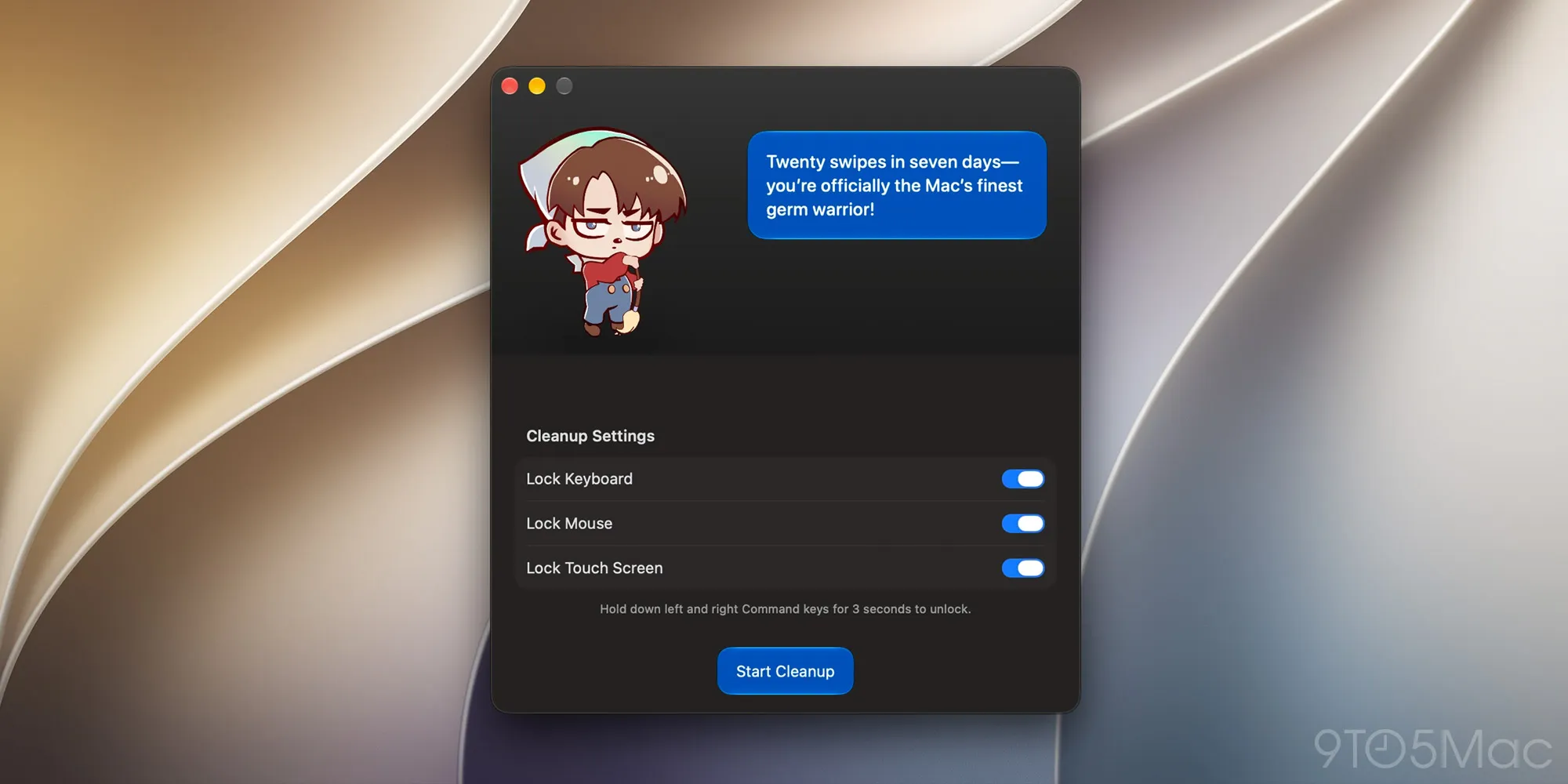
Developer Gui Rambo updated CleanupBuddy today, expanding its ability to prevent accidental inputs while cleaning your Mac from the keyboard to the touchscreen. Here are the details.
If you’re not familiar with CleanupBuddy, this is a nice little app that locks the keyboard to prevent accidental inputs while the user cleans it up.
Once they’re done cleaning, users can press and hold both Cmd keys to unlock the keyboard, then proceed to grease it up again.
The app also features a fun little animated character that reacts to your cleaning sessions with playful (and sometimes snarky) comments.
Today, CleanupBuddy was updated to version 2.0, with options to dim the display and ignore touch inputs, making it useful for users of both the new touchscreen MacBook Pro and Macs with traditional displays.
You can use the new “Lock Touch Screen” option to block touch input while cleaning a supported touch screen. On Macs without a touch screen, the “Dim Display” option can still be used to darken the display for easier cleaning.
Today’s update also tweaks the in-app character, which now uses on-device Apple Intelligence to generate personalized comments before and after cleaning sessions, based on stats such as time spent cleaning, key presses, and mouse clicks.
Rambo explains that these stats are collected only during cleaning sessions and stored locally on the Mac, and that users can independently turn off both cleanup stats and Apple Intelligence integration in the app’s settings.
Other tweaks in today’s update include temporarily disabling Sticky Keys and its Shift-key shortcut during cleaning sessions, as well as improving the readability of the “Start Cleanup” button when using Liquid Glass.
Source link