In light of growing pushback from users who want more control over how AI is integrated into their apps (if at all), Canva is introducing new settings that let them hide generative AI features and see less AI-generated content. Here are the details.
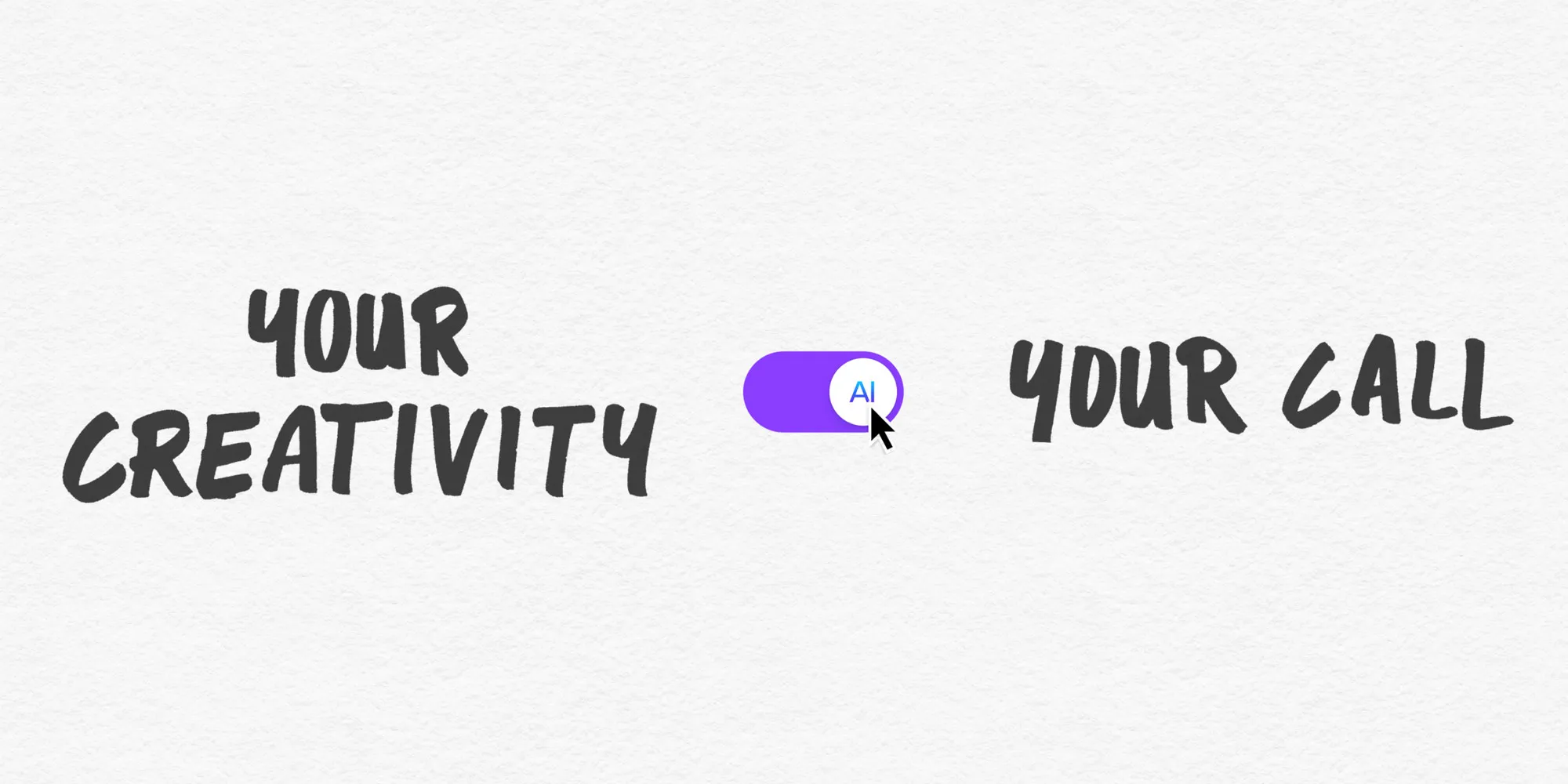
Canva today announced new controls that will let Free and Pro users choose whether to see generative AI features across the app, as well as how much AI-generated content appears in search results and in recommendations for templates and design elements.
The company notes that both controls are available at no additional cost and can be turned on or off at any time.
According to Canva, “the future of creativity isn’t a choice between AI and no AI.” For this reason, it is introducing the following controls:
The company says that, while it knows that there is an ongoing debate between users with opposing views on whether AI has a place in creative work, it thinks “both views are valid”:
“It’s not our place to tell anyone how to create, so today we’re launching two new controls that put that decision firmly with our community […].”
Importantly, the company noted that select features that use AI without generating new content will remain available even when generative AI features are turned off:
“Some of Canva’s everyday editing tools use AI to make simple tasks faster, without generating anything new. Background Remover, one of Canva’s most popular tools, lifts a subject cleanly out of a photo in a single click, and Magic Grab lets creators select an object in an image and move it somewhere else in the design.
Source link