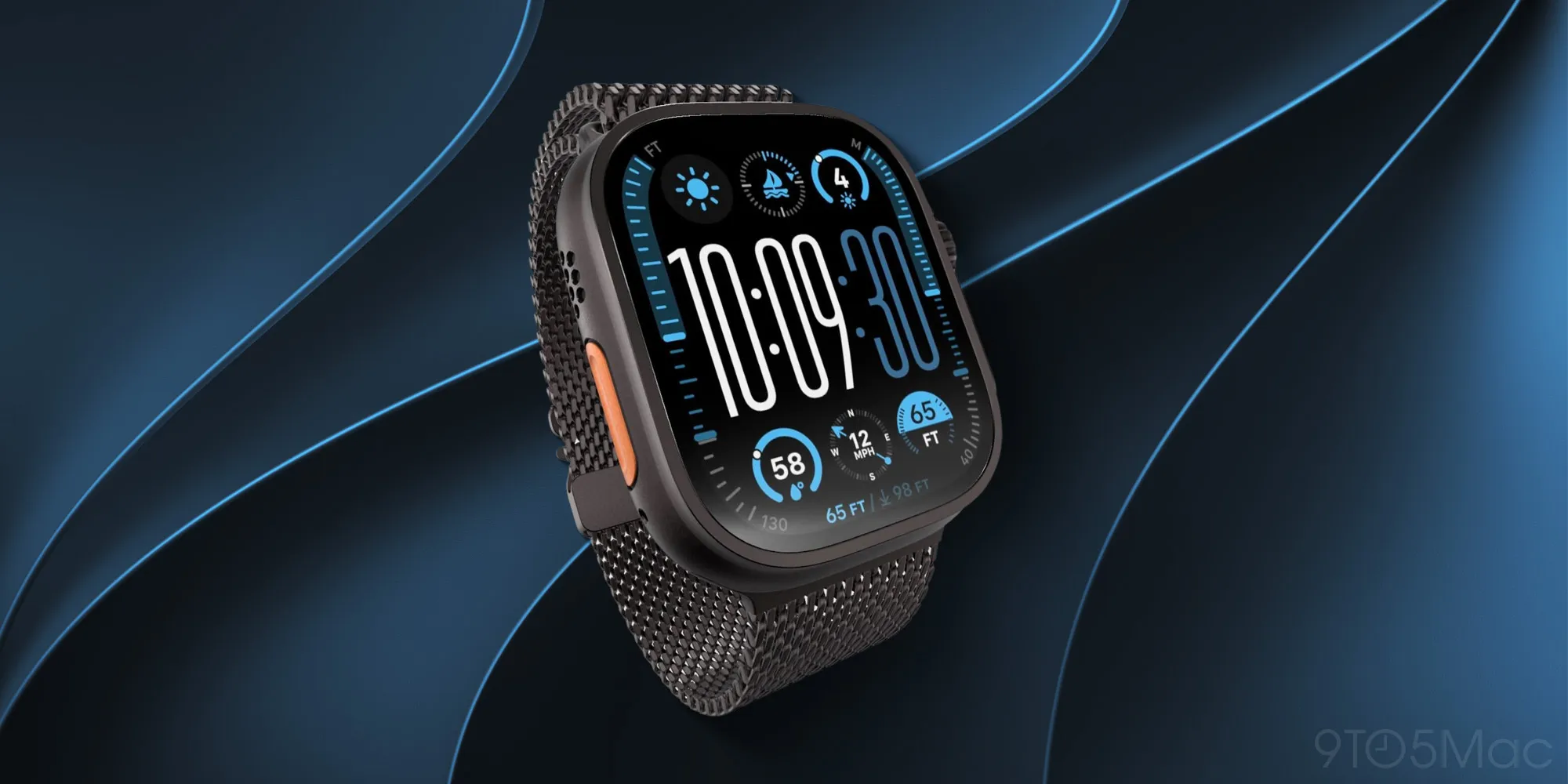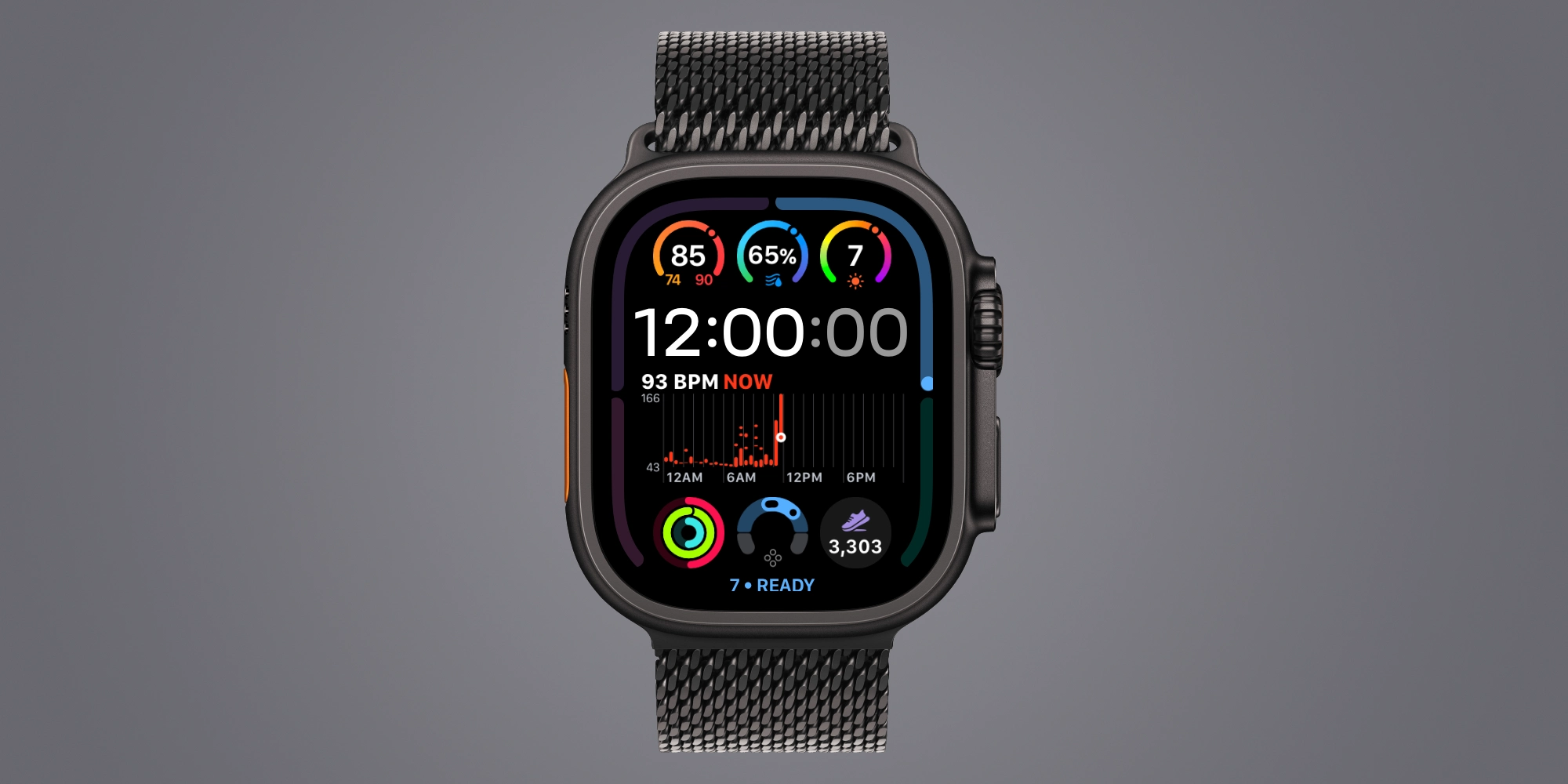
Apple Watch Ultra includes a few more ways to customize your watch face than Series models. These include Ultra-only faces, colors and fonts, and a bezel-type complication. Apple Watch Ultra 4 goes even further, adding a new option in the bezel configuration category.
Both Apple Watch Series 12 and Apple Watch Ultra 4 introduce the new Readiness app. This uses data like fitness activity, vitals, and sleep score to present you with a Readiness score.
Overnight vitals include heart rate, respiratory rate, wrist temperature, and recovery HRV. Daytime vitals include heart rate and recovery HRV.
Apple Watch Ultra 4 faces that support displaying bezel information add Readiness as a new watch face configuration. Bezel options now include:
The Readiness bezel option puts your numerical score and description at the bottom of the watch face.
Four bars wrap the edge of the watch face, showing the different readiness score categories, while a dot indicates where your score fits within that category. Only the category with your active score is illuminated.
Watch faces like Modular Ultra and the new Siri Modular face support displaying the bezel configuration.
If you’re looking for a way to focus on your readiness score, the new bezel configuration is a great way to keep track of the number.
Since readiness can change throughout the day, it may be worth having front-and-center for a lot of users.
Apple AirTag 2 | Add Find My tracking to keys, bags, bikes, more
Source link