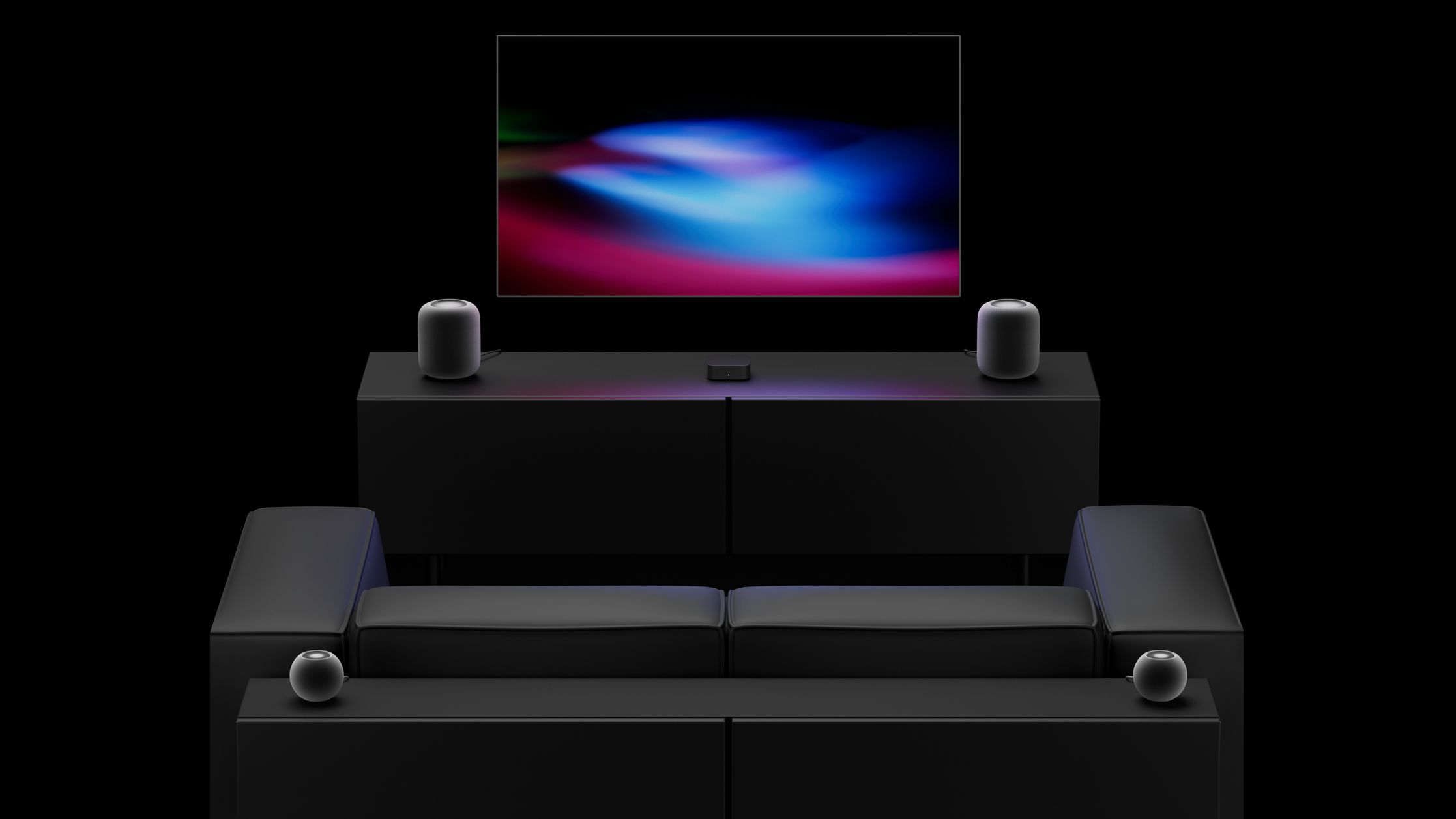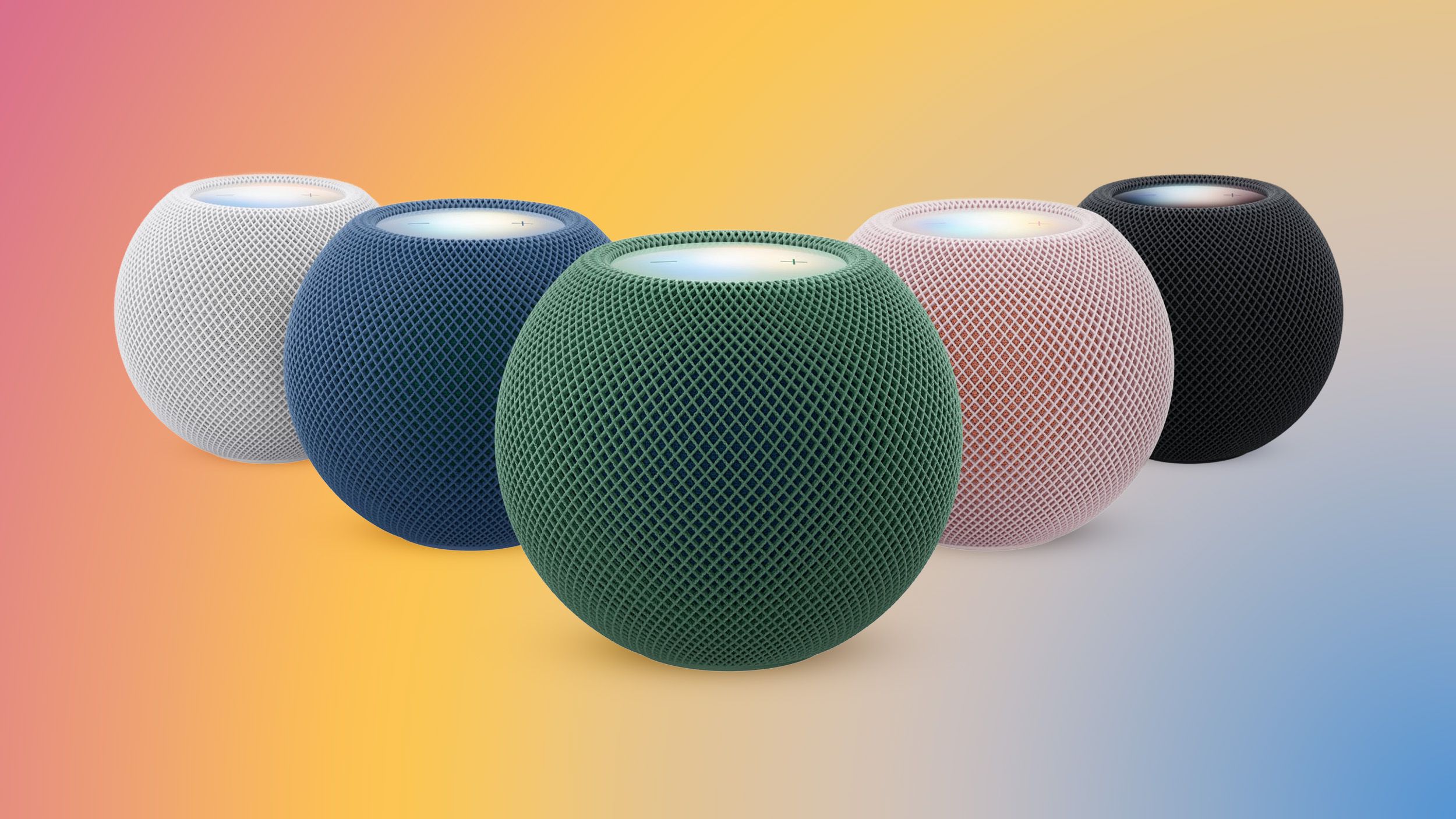
2 software for the HomePod and HomePod mini. 2 brings a new Sound Glow option to the HomePod, HomePod mini, and upcoming HomePod mini 2 . Sound Glow causes the top of a HomePod or HomePod mini to light up with color that pulses in sync with the music that's playing. The feature draws colors from album artwork, and it works with songs, podcasts, and Apple's ambient music feature. The update also adds support for using HomePods as the default speaker for a Mac, plus it allows four HomePods or HomePod mini 2 speakers to be used as surround sound for the new Apple TV . A new Lock Controls option disables tough interactions with the top of the HomePod. Apple's release notes are below. 2 brings the new Sound Glow visual experience, home theater surround sound with Apple TV 4K (4th generation), and support for using HomePod speakers with your Mac, along with bug fixes and security updates for your HomePod. - Sound Glow on HomePod mini, HomePod mini 2, and HomePod (2nd generation) turns the top of HomePod into a visual display that pulses and glows in sync with your media and shows matching light animations for soundscapes - Home theater surround sound supports connecting four HomePod speakers to Apple TV 4K (4th generation) for an immersive listening experience. Requires matching front and rear pairs of HomePod mini 2 or HomePod (2nd generation) - HomePod speakers with your Mac lets you set HomePod as the audio output for everything you do on your Mac, with a responsive and persistent AirPlay connection - Lock controls let you disable the touch controls on top of HomePod to prevent accidental taps from pausing music, skipping songs, or changing the volume This update brings enhancements to the Apple Music, Podcasts, and AirPlay experiences on tvOS.
Source link