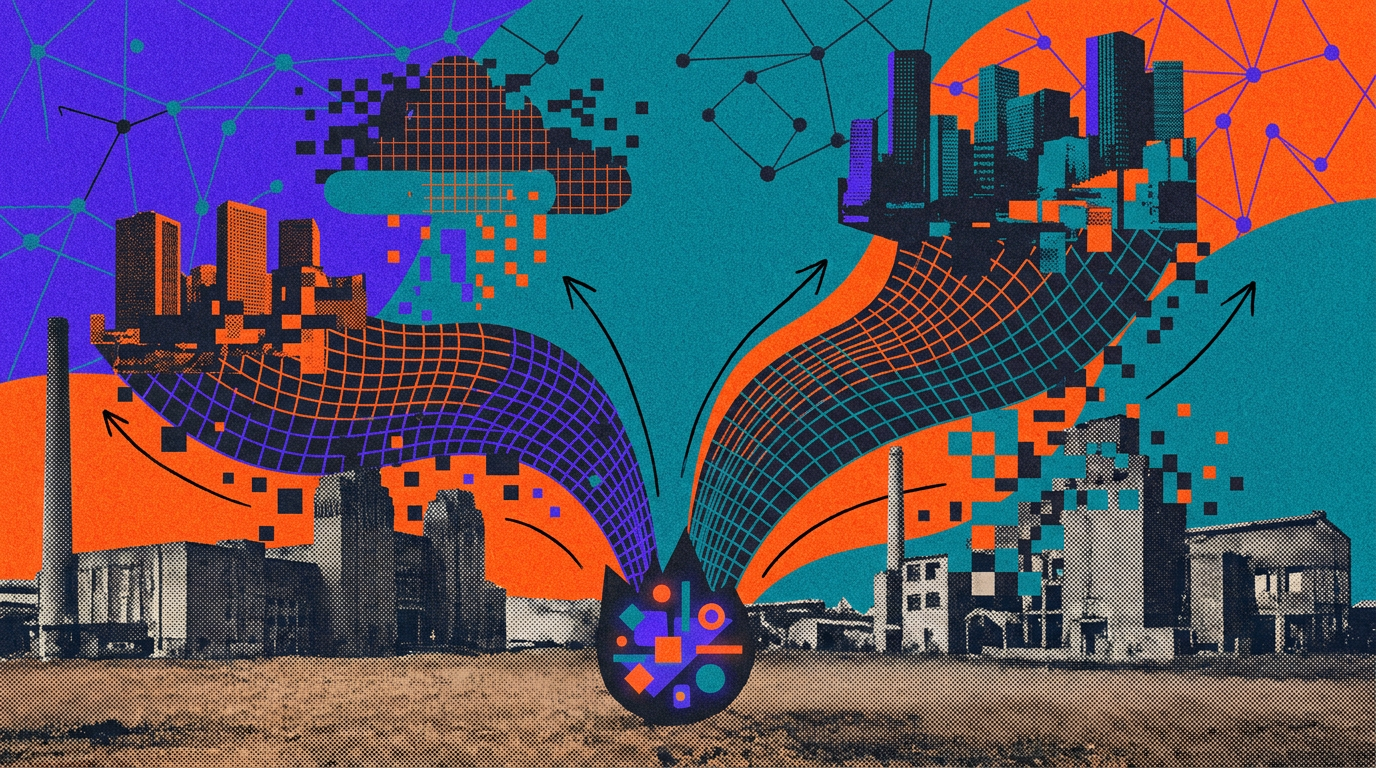
ChatGPT can generate original images from plain-language prompts. You can iterate quickly—request variations, adjust composition or size, or explore new visual directions—and produce production-ready assets in minutes.
This makes it easier to explore concepts, communicate ideas visually, and adapt existing assets for different audiences, formats, or channels.
A good image prompt does not need to be long. In most cases, 1–3 clear sentences are enough. The goal is to help ChatGPT understand what the image is, how it should feel, and what it needs to accomplish.
In practice, this means grounding the prompt in a few key details: the purpose of the image, the main subject, what is happening, where it takes place, and the desired visual style. If framing, lighting, or specific constraints matter, include those too.
Clarity is more effective than clever phrasing—especially for details like layout, texture, materials, or light. For example, “soft natural light from a window on the left” will usually be more reliable than something vague like “beautiful lighting.”
Constraints are especially useful when something needs to stay fixed. If you do not want extra text, logos, or visual changes, state that directly. When editing an existing image, be explicit about what should change and what should stay the same. A prompt like “Change only X. Keep everything else exactly the same” is often the clearest way to guide a precise edit.
Create a simple but polished editorial illustration of a person learning a new AI skill at their desk. Include a laptop, notebook, books, sticky notes, and a few subtle markers of progress like completed checkboxes, highlighted sections, or an organized plan pinned nearby.
Source link