Below, we look at what a tool is, how profiles control what the robot can use, and the current limits of the remote path.
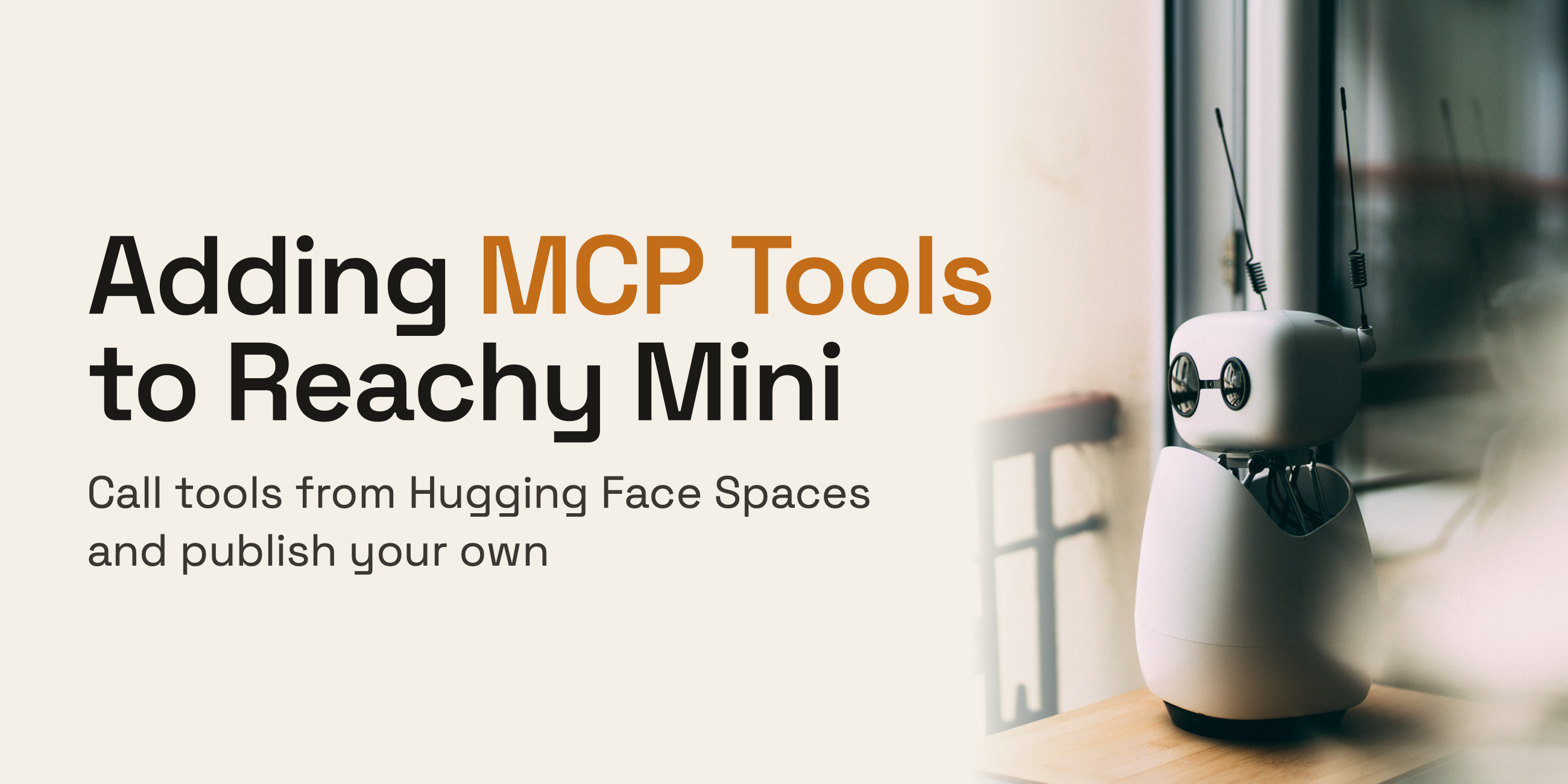
When you talk to the robot, what you get back isn't only a voice, it's a system that reacts to the conversation: the robot can move and respond non-verbally, when it's applicable. The part we want to focus on here is the tools that make that possible. A tool is something the model can do during a conversation: play an emotion, move the head, look through the camera. Each tool has a name and a short description. The model reads those, decides when one is useful, calls it, and uses what comes back.
Today every tool is local and ships inside the app, and most of them are about the robot's body:
A tool in the code isn't usable until it's enabled in a profile, a folder with two files that matter here: instructions.txt (the prompt) and tools.txt (the tools that are turned on).
If a name isn't in tools.txt, the model can't call it.
You can also write your own tool: add a Python file to the profile (or external_tools/), give it a name and description, and list that name in tools.txt.
Today there are built-in tools and custom local tools, and tools.txt decides which are active. This works well for the robot's body and keeps the trusted core small.
The constraint here is that every tool has to be local Python.
Source link