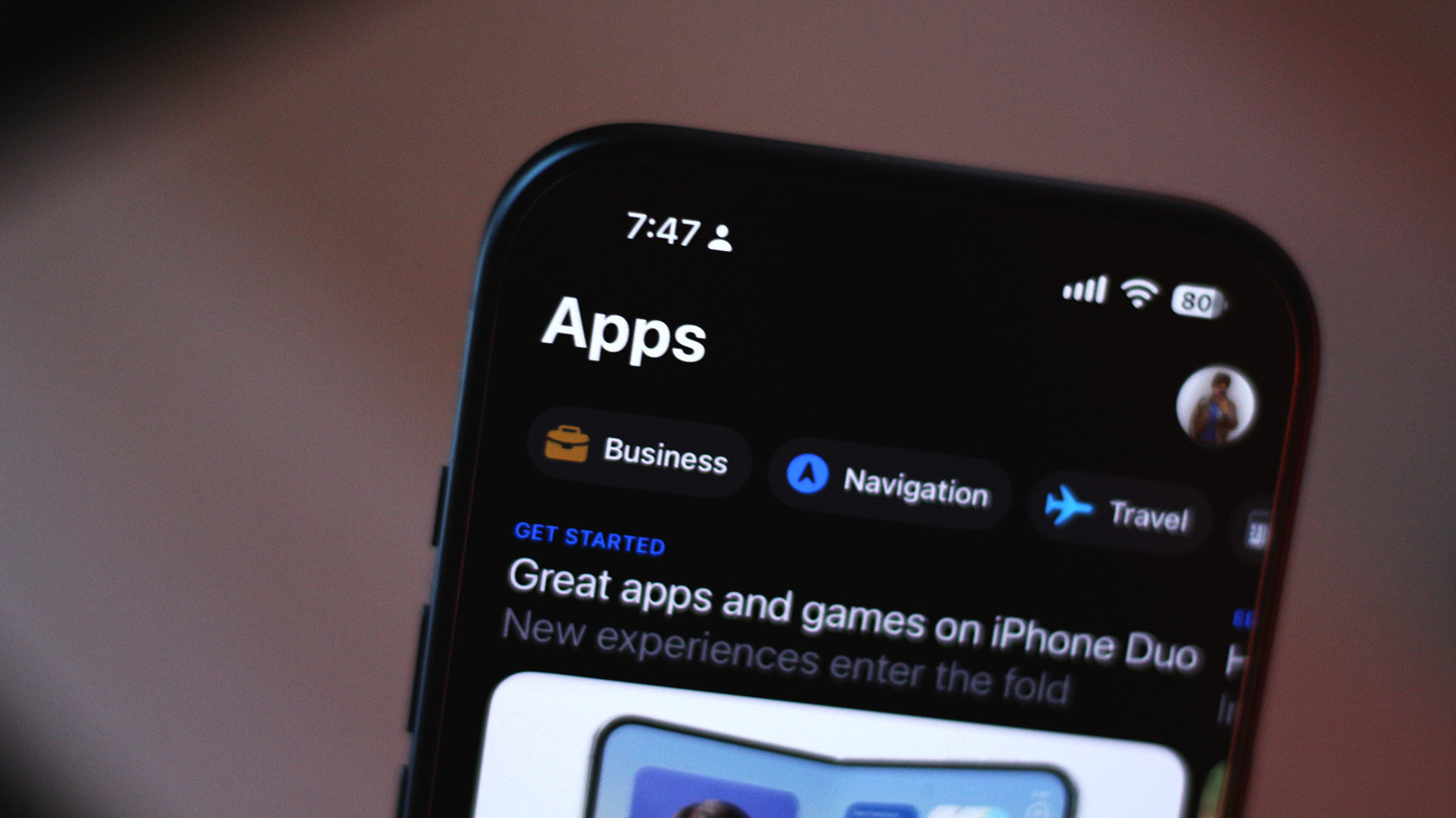
Staying on top of what information your apps can access is always a good idea.
It's great that we have access to hundreds of thousands of apps on our smartphones, but it's always worth being mindful of which apps you install. Though Android and iOS have surprisingly effective built-in security measures to detect and block malicious apps, some apps may still pose a risk if they have access to sensitive information or device features. An app requesting permission to access your camera, location, text messages or files doesn't necessarily mean it's unsafe, but it's worth asking why it needs them in the first place — especially if they have little to do with what the app is actually supposed to do.
Reviewing app permissions on your phone every once in a while is therefore a good way to keep your personal data secure, and thankfully, both Android and iOS let you do so fairly easily through their settings menus. If you don't want an app to access your location in the background, for instance, you can revoke that permission or change it so the app can only access your location when you're actively using it.
Your device's camera and location details are especially sensitive, which is why Android and iOS show on-screen indicators when an app is actively using your camera, microphone or accessing location. The iPhone displays a green dot when your camera is in use, an orange dot when an app is listening via the microphone and a blue location icon when an app pings your whereabouts.
Source link