Even with a fast internet connection, the wrong Wi-Fi band can be killer.
The average internet speed in the United States has been steadily rising for decades, but that doesn't mean every device in your life enjoys speedy performance. You could be paying for a connection delivering hundreds of megabits or even a gigabit per second, yet your router setup could still result in slow downloads and buffering video on certain devices. Worse still, you may see a strong Wi-Fi signal that doesn't help you diagnose the problem.
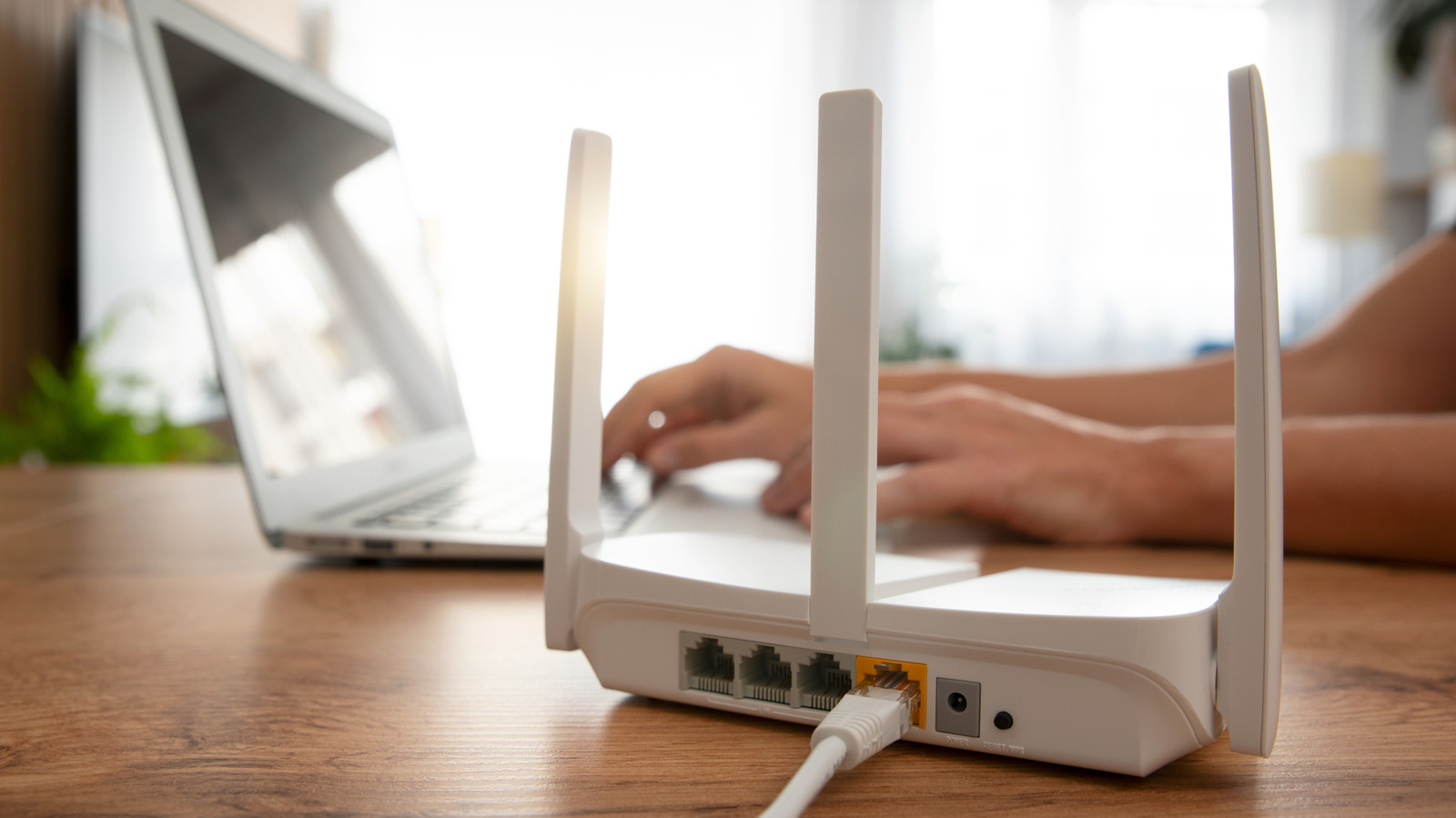
If this sounds familiar, it's smart to check which Wi-Fi band the device is using to communicate with your router. Most routers support 2.4GHz and 5GHz Wi-Fi frequency bands, while newer models also broadcast a third 6GHz band. But depending on how your network was configured, your devices may automatically switch between these frequencies. This can result in slower real-world speeds or poor connection reliability.
Luckily, you only need to change a particular setting on your router to ensure this problem doesn't affect your devices.
Each Wi-Fi frequency band has its own strengths and drawbacks, so picking the wrong one can hurt the connection quality.
4GHz band dates back to the original Wi-Fi standard released in 1997. 4GHz frequency. In addition to legacy compatibility, this band also excels at penetrating walls and other obstacles. So it's the best choice when you're looking to maximize a connection's range. However, this comes at the cost of speed and interference from other devices.
Source link