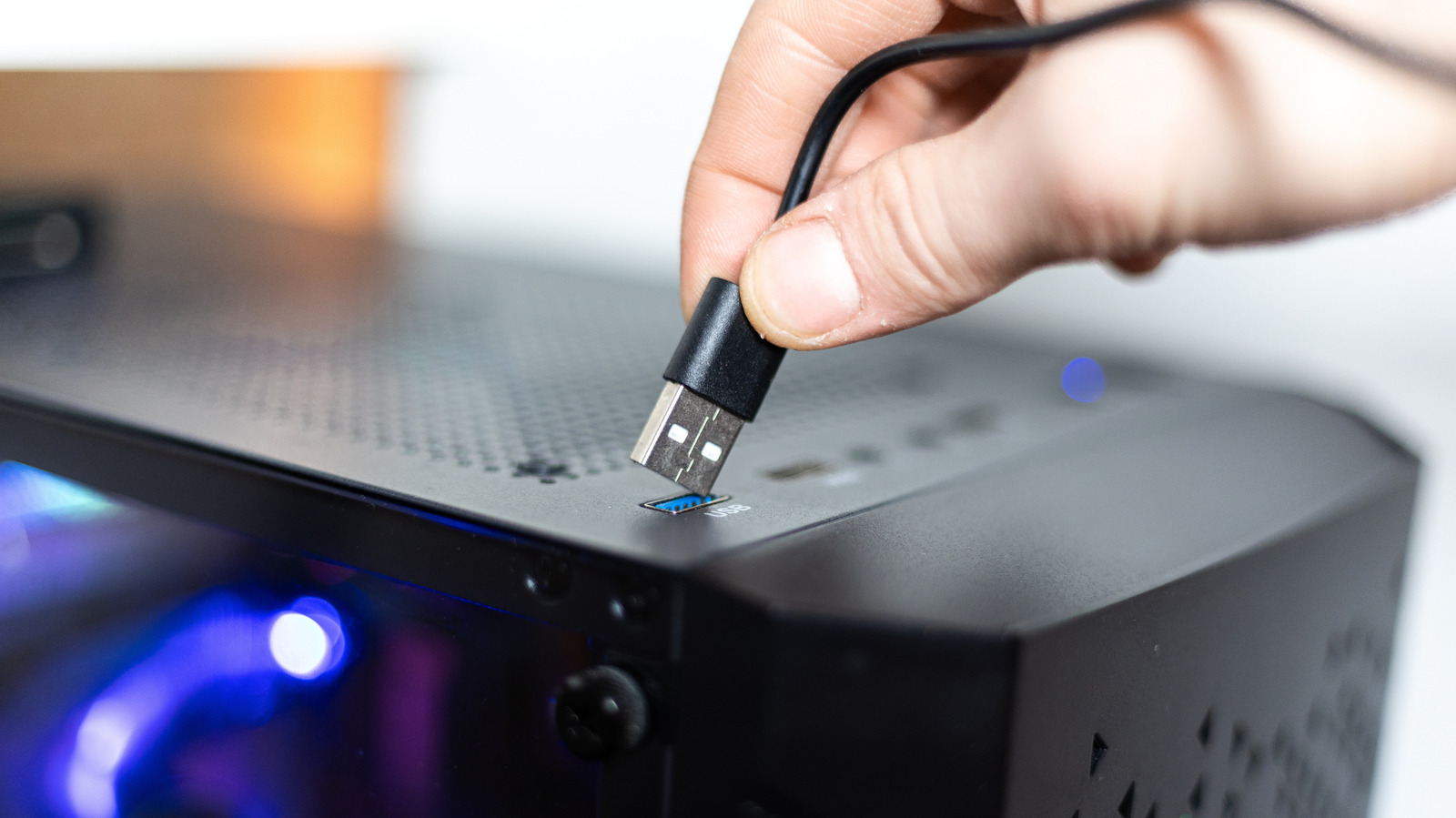
Having USB ports on the front of your desktop is convenient, but they might cost you power and speed.
Most desktop computers have USB ports on the front, which is convenient. Instead of reaching around to the back of the case and fumbling for the right port every time you need to connect a device, you can plug in and unplug your accessories in no time.
This convenience comes with a catch, though. Depending on what you connect to these ports, you may notice that the external device runs slower than it should: your files will take longer to copy and your phone won't juice up as quickly. This isn't a problem with your computer, but rather stems from how front-facing USB ports are engineered in your machine. It's also not a universal rule, as there are modern PCs with high-end ports on the front.
In a lot of cases, you probably won't realize the difference. But if you do notice it, there's a reason why the front ports of your computer are a little bit slower.
To understand this issue, we need to take a closer look at USB specifications and how motherboards are built. The USB ports on the back of your computer are usually soldered directly to the motherboard, so power and data travel a shorter path over them. Front ports, on the other hand, are connected via extension cables to reach the I/O controllers. Each additional layer in this connection results in signal loss, even if minimal.
Source link