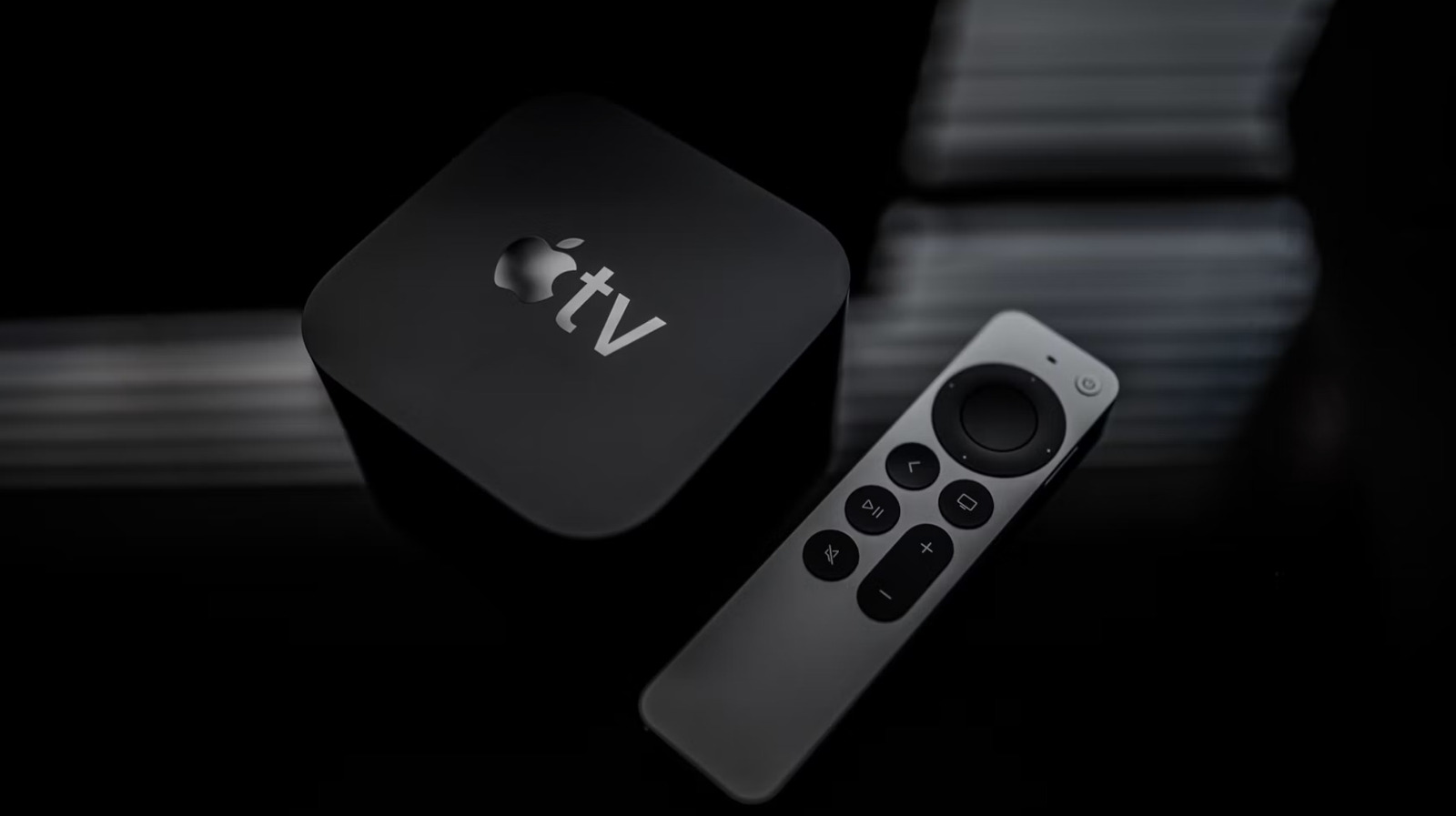
Getting to know your remote a little better makes it a lot easier to navigate the Apple TV menus.
The Apple TV remote has become ubiquitous in households that favor the company's ecosystem of products. However, people can do more with this little oblong doodad than just browse streaming apps for something to watch. There's a whole hidden world in there, for those willing to experiment. Here's some of the handy shortcuts and useful little things that people can do with the remote that accompanies an Apple TV streaming box.
This is a shortcut that most people know, but is always worth repeating. It's extremely easy to force-quit apps on an Apple TV box. All you have to do is double-press the Home/Control Center button on the remote. That's the button with the TV on it, which is typically located on the right just above the volume controls.
This pulls up windows of all of the open apps, just like on an iPhone or iPad. Use the clickpad buttons to navigate between these windows. Select an app you want to close and swipe upward on the center of the clickpad. This is helpful when an app glitches or freezes and it also frees up some computational power.
Modern households typically have speakers all over the place, though it can be frustrating to switch things up on the fly when watching stuff. However, the Apple TV remote makes this easy. Just press and hold down the Home/Control Center button, which is one with the TV icon.
Source link